Slide 2 of 11 from Product Training PowerPoint Template
Training Objectives Slide with Numbers
Training Objectives Slide for Product Training
- Diagram
- Comparison Split
- Context Slide
- 16:9
- 100% Editable
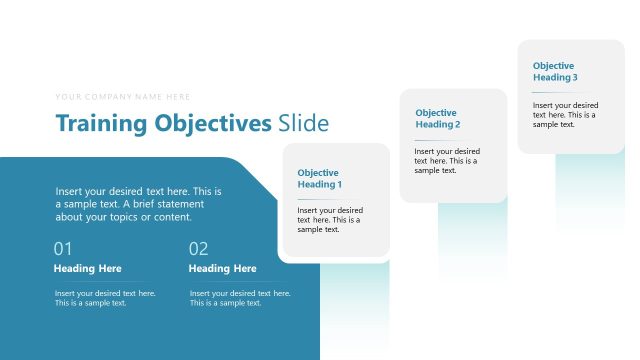
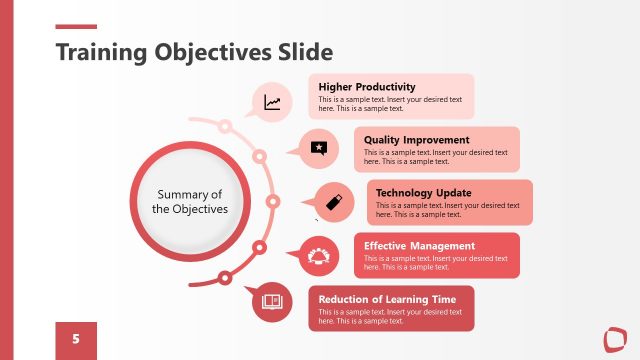
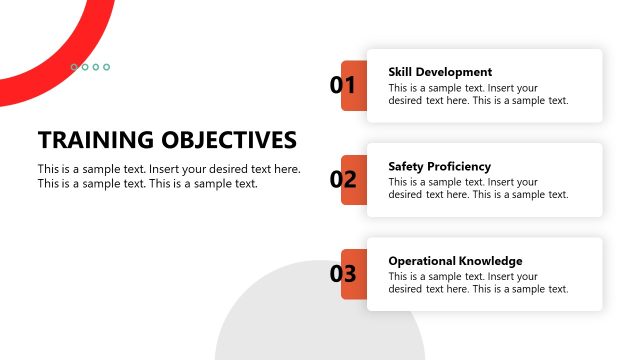
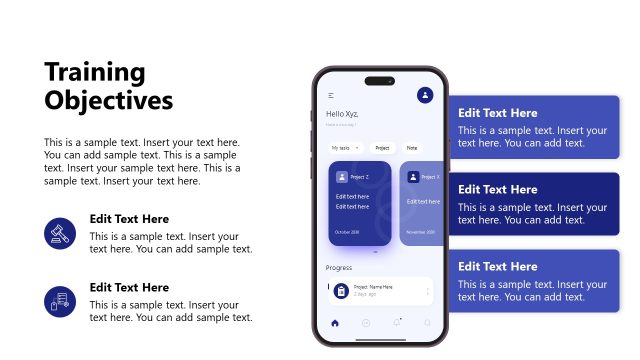
The Training Objectives slide from the Product Training PowerPoint Template offers a clear comparison layout ideal for business presentations focused on training evaluations and progress reports. This slide template uses editable shapes and vector icons to visually emphasize changes before and after training, making it suitable for product onboarding and performance assessments within a corporate presentation or pitch deck template.
What’s on This Slide
The layout features a top section with a title and subtitle. Below, there are two rectangular blocks labeled 'BEFORE' and 'AFTER', each containing a percentage figure and sample text placeholders. The left block is slightly smaller than the right block. To the right of these blocks, there is a circular icon with a stack of books, accompanied by additional sample text. The background has a gradient color scheme transitioning from dark green to light green, creating a visually appealing contrast. The overall composition emphasizes the training objectives with a clear visual hierarchy.
How to Use It
This layout serves to present training objectives in a comparative format, highlighting metrics before and after training. It fits well in a presentation sequence following an introduction or overview slide. This structure is useful in business contexts such as product onboarding sessions, training evaluations, or performance assessments, allowing for a clear visual representation of progress and objectives.
Text Placeholders & Capacity
Keep your copy within these limits so it fits without resizing. Body slots can hold roughly 10-15 words each.
| Placeholder | Count | Max characters (approx.) |
|---|---|---|
| Slide title | 1 | 30 |
| Body paragraph | 4 | 50 |
| Item heading | 2 | 10 |
| Item body | 2 | 100 |
Slide Keywords
Download unlimited PowerPoint templates, charts and graphics for your presentations with our annual plan.
DOWNLOADReturn to Product Training PowerPoint Template.