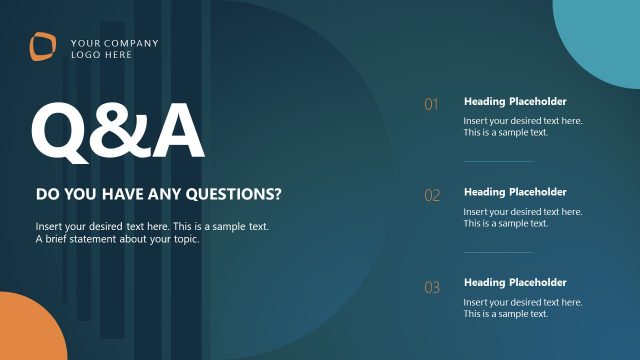
Slide 11 of 11 from Product Training PowerPoint Template
Any Questions Slide – Product Training Presentation Template
Questions and Answers Slide for Training
- Text Layout
- Other
- Questions Slide
- 16:9
- 100% Editable
The Q&A Session Overview slide from the Product Training PowerPoint Template is designed to conclude training sessions and workshops effectively. This slide layout encourages audience interaction by summarizing key topics and inviting questions, making it ideal for business presentations and product demonstrations. Its clean design with editable shapes supports clear communication in corporate presentations and pitch deck templates.
What’s on This Slide
The slide features a large title at the top left that reads 'Any Questions?' in bold white font against a dark green background. Below this, there are three numbered sections aligned vertically, each with a title in bold black font. The first section is labeled 'Understand the Platform,' the second 'Leverage Core Features,' and the third 'Follow Best Practices.' Each section contains a placeholder for additional text, aligned left. The background is a light gradient transitioning from green to white, creating a soft visual effect.
How to Use It
This layout serves as a concluding slide for a training session, inviting questions and summarizing key topics. It fits at the end of a presentation, encouraging audience engagement. This format is suitable for training sessions, workshops, or product demonstrations where feedback and clarification are needed. It can also be used in meetings to recap discussion points and solicit further inquiries from participants.
Text Placeholders & Capacity
Keep your copy within these limits so it fits without resizing. Node body slots can hold about 15-20 words each.
| Placeholder | Count | Max characters (approx.) |
|---|---|---|
| Slide title | 1 | 30 |
| Item heading | 3 | 40 |
| Item body | 3 | 100 |
Slide Keywords
Download unlimited PowerPoint templates, charts and graphics for your presentations with our annual plan.
DOWNLOADReturn to Product Training PowerPoint Template.