Slide 1 of 2 from Prism Visualization Infographic PowerPoint Template
Prism Visualization Diagram PPT Template
Prism Input-Output Diagram for Presentations
- Diagram
- Other
- Concept Explanation Slide
- 16:9
- 100% Editable
What’s on This Slide
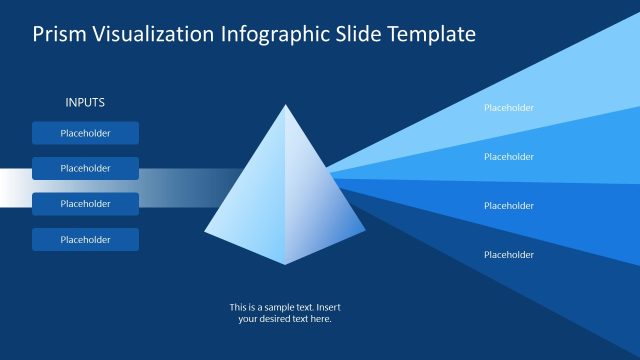
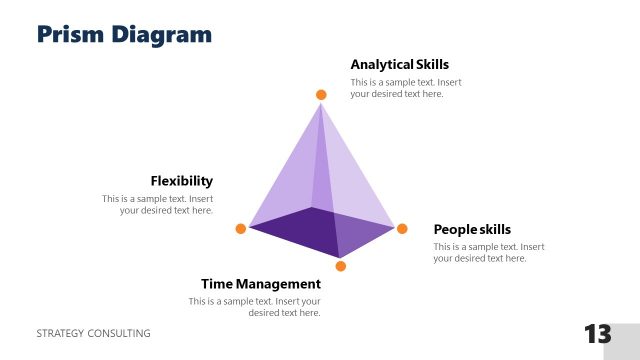
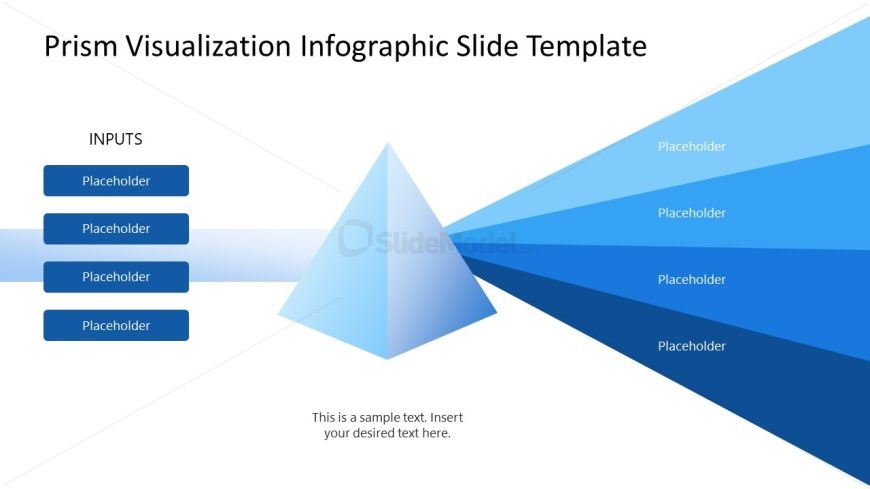
The slide features a central 3D prism positioned in the middle, with inputs listed on the left side. There are four rectangular placeholders aligned vertically, each labeled 'Placeholder.' To the right, multiple light blue rays extend outward from the prism, representing outputs. Each output ray has a corresponding placeholder for text, arranged in a gradient from light to dark blue. The background is light, enhancing the visibility of the prism and text. A sample text placeholder is centered at the bottom for additional notes.
How to Use It
This layout serves as a visual representation of how various inputs converge into outcomes through a prism. It is suitable for presentations that explain processes, such as project management, marketing strategies, or educational topics. This slide fits well at the beginning of a presentation, introducing key concepts before delving into detailed discussions. It can be used in business meetings, academic lectures, or workshops to illustrate complex relationships clearly.
Text Placeholders & Capacity
Keep your copy within these limits so it fits without resizing. Node body slots can hold about 20 characters each.
| Placeholder | Count | Max characters (approx.) |
|---|---|---|
| Item heading | 4 | 10 |
| Item body | 5 | 20 |
| Body paragraph | 1 | 50 |
Slide Keywords
Download unlimited PowerPoint templates, charts and graphics for your presentations with our annual plan.
DOWNLOADReturn to Prism Visualization Infographic PowerPoint Template.