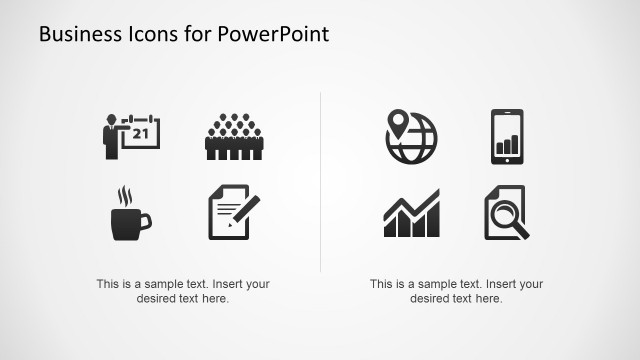
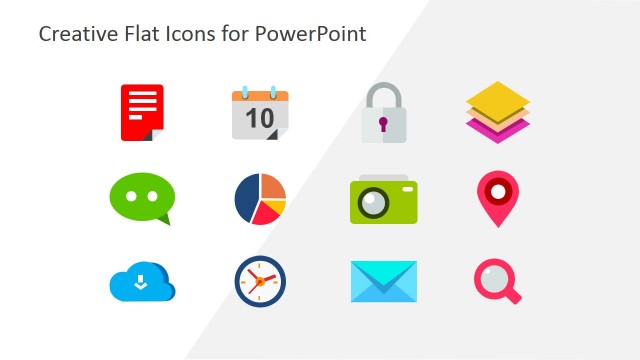
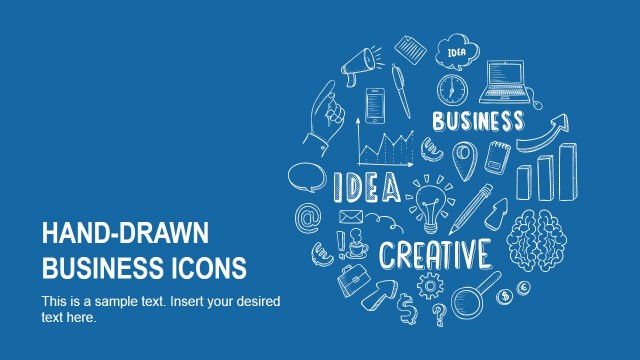
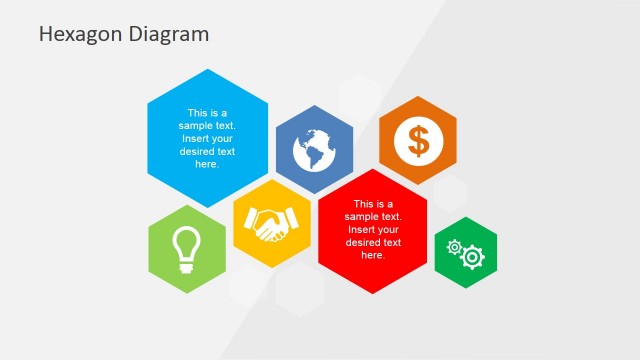
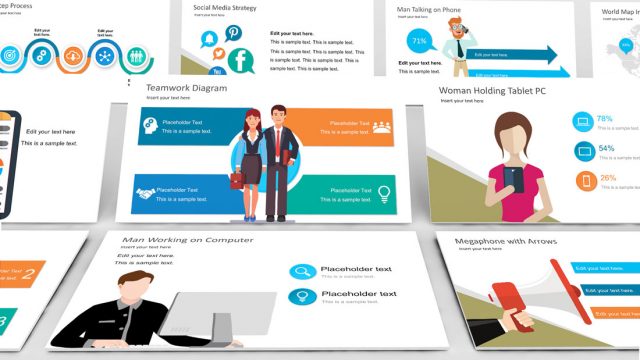
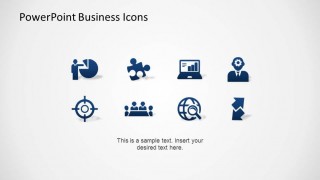
PowerPoint Business Theme Icons is an inventory of 8 different business icons, with different themes, designs and backgrounds. The icons topics are business representations. The designs styles include flat black, flat gradient, flat dark, 3D artificial glow gradient, 3D artificial glow grey scale. Each icon is created as a PowerPoint shape allowing the user to fully customize the Look and Fells of the icons and its prperties. Also, due to its vectorial nature, resizing and shapes transformations does not affect the visual quality.
Impress your audience decorating your presentations with our PowerPoint Business Theme Icons.
What’s inside this template
Example presentation scenarios
- A consultant can use the flat icon grids to label service pillars, strategy workstreams, or capability areas without adding dense explanatory text.
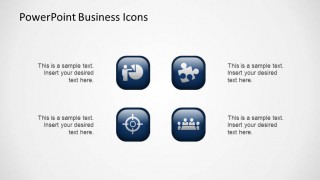
- A marketing presenter can use the glossy rounded button icons to introduce campaign themes such as targeting, teamwork, web reach, and performance tracking.
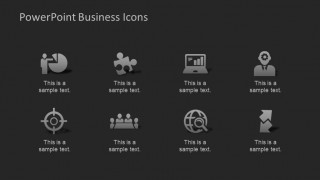
- A trainer can use the dark-background icon label slide to define business concepts one by one while keeping each concept visually separated.
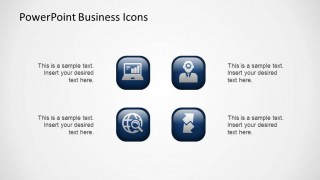
- A sales manager can use the blue-gray comparison icon layouts to distinguish current capabilities from planned improvements or standard offerings from premium services.
Features
- 100% editable presentation template
- Compatible with Microsoft PowerPoint and Google Slides
- 16:9 aspect ratio slides
- Scalable vector shapes, icons and illustrations
- AI-Ready for Microsoft Copilot and Claude
- Instant access and download
Frequently asked questions
Q: How should a presenter use these icons without making the slide feel decorative only?
A: Assign each icon a specific meaning before placing it in the deck. For example, use the target icon only for goals or segmentation, the team icon for collaboration, and the monitor icon for reporting. Repeating the same icon for the same idea helps the audience recognize categories quickly instead of treating the visuals as decoration.
Q: What type of presentation is the best fit for this icon set?
A: This template is best for business decks that need visual labels rather than a full storyline. Consultants, marketers, trainers, and managers can use the icon grids, labeled dark slide, and button-style layouts to organize services, initiatives, roles, or capabilities when the message is concept-heavy but not data-heavy.
Q: Why are there flat, dark, and glossy button versions of the same business themes?
A: The repeated icon themes give the presenter style choices for different slide contexts. Flat icons work well inside clean white layouts, the dark-background labels create strong contrast for topic introductions, and the glossy buttons can mark selectable categories or service modules. Keeping the symbol consistent while changing the container preserves recognition.


PowerPoint Business Theme Icons
7-slide icon presentation template for business concepts, team symbols, and dashboard cues
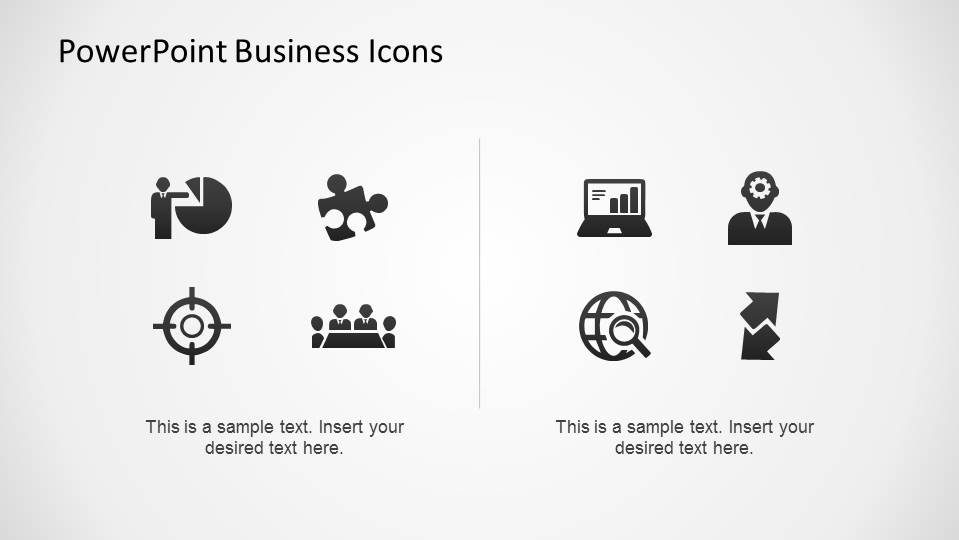
PowerPoint Business Theme Icons is a 7-slide icon presentation template for Microsoft PowerPoint and Google Slides. It includes flat icon grids, dark-background icon labels, rounded button icon layouts, and two-row blue-gray comparison sets for business concepts such as analytics, teamwork, targeting, web search, leadership, and direction.
- Category
- Shapes
- Rating


 Loading...
- Aspect ratio
- 16:9, 4:3
- Item ID
- 6524-02
- Colors
 Microsoft PowerPoint
  Microsoft Copilot
  Claude for PowerPoint
 Other formats supported
Subscribe today and get immediate
access to download our PowerPoint templates.