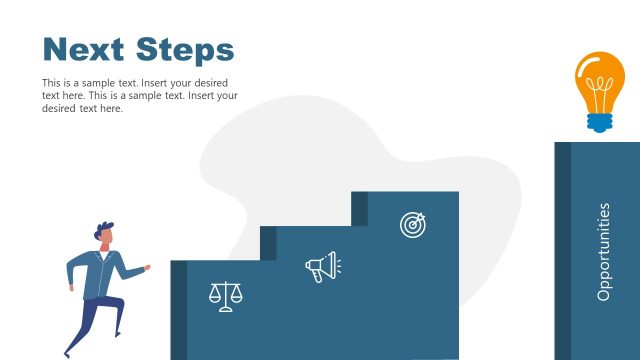
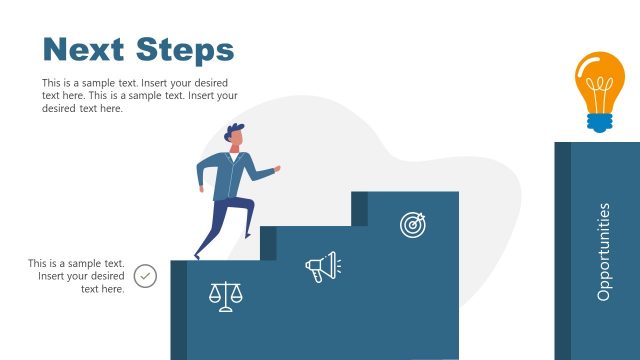
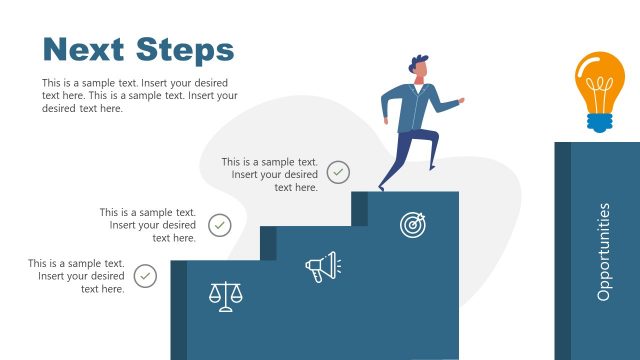
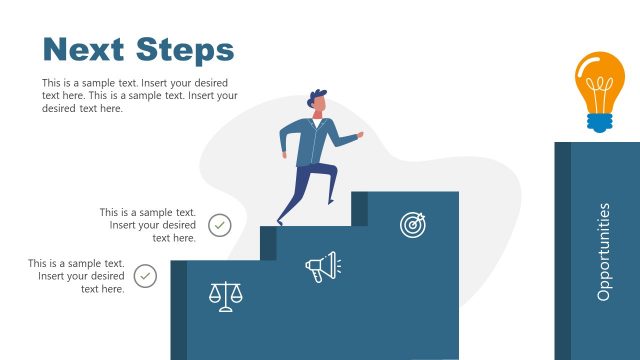
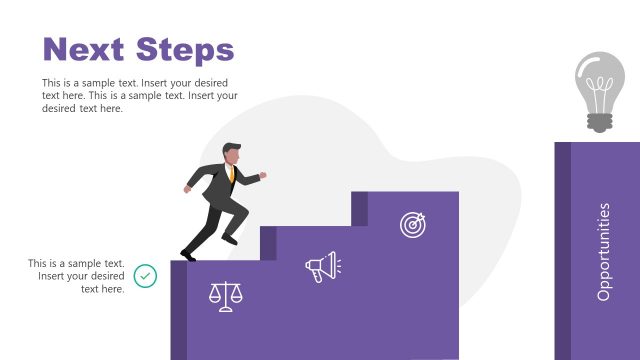
Slide 12 of 12 from Path to Success PowerPoint Template
Editable Next Peak Discussion Slide – Path to Success Template Design
Next Peak & Continuous Growth Slide
- Diagram
- Roadmap
- Goal Setting Slide
- 16:9
- 100% Editable
The Next Peak & Continuous Growth slide from the Path to Success PowerPoint Template offers a strategic roadmap layout ideal for business presentations focused on future goals. Featuring editable shapes and vector icons, this slide template supports clear communication of ongoing growth and new opportunities, making it a valuable addition to any corporate presentation or pitch deck template.
What’s on This Slide
The layout features a hiker positioned on a mountain peak, looking towards a distant summit. To the right, a flag marks the next peak, with accompanying text describing new goals and possibilities. Below, four circular icons represent key themes: New Opportunities, New Goals, Continuous Growth, and Greater Impact, each with corresponding labels. The background consists of layered blue mountains, enhancing depth. A directional sign labeled 'The Journey Continues' is centrally placed, connecting the hiker to the visual narrative. Text placeholders are present for the title and descriptions, aligned for clarity.
How to Use It
This layout serves as a concluding slide, emphasizing future growth and goals after presenting challenges and milestones. It fits well at the end of a presentation, summarizing the journey and next steps. Ideal for business contexts such as strategic planning, project reviews, or motivational talks, it visually reinforces the concept of continuous improvement. The arrangement encourages reflection on past achievements while motivating the audience to focus on future objectives, making it suitable for team meetings or stakeholder presentations.
Text Placeholders & Capacity
Keep your copy within these limits so it fits without resizing. Node labels can hold about 3-5 words each.
| Placeholder | Count | Max characters (approx.) |
|---|---|---|
| Slide title | 1 | 30 |
| Item heading | 4 | 20 |
| Item body | 4 | 50 |
Slide Keywords
Download unlimited PowerPoint templates, charts and graphics for your presentations with our annual plan.
DOWNLOADReturn to Path to Success PowerPoint Template.