Slide 2 of 4 from Free Next Steps PowerPoint Template
Free Step 1 of Climbing Opportunity Stairs
Next Steps Diagram for Presentations
- Diagram
- Process Flow
- Process Slide
- 16:9
- 100% Editable
The Next Steps Diagram slide from the Free Next Steps PowerPoint Template offers a clear visual process flow ideal for project planning and strategic initiatives. Featuring editable shapes and vector icons, this slide template helps illustrate progression and highlight opportunities effectively within business presentations or pitch decks.
What’s on This Slide
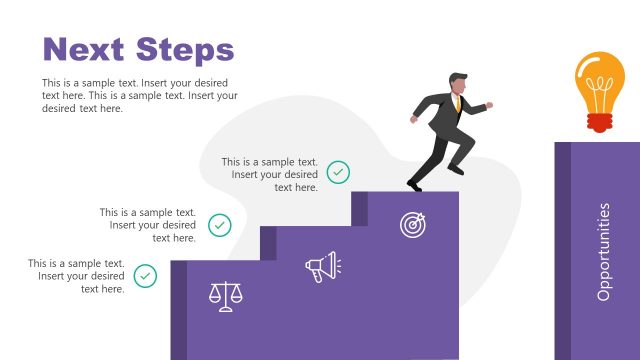
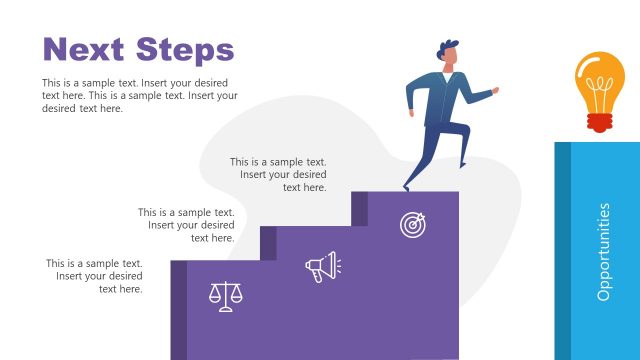
The layout features a staircase on the left side, with a figure ascending the steps. The steps are purple, creating a visual hierarchy. To the right, there is a vertical column labeled 'Opportunities.' Below the steps, three icons are arranged: a scale, a megaphone, and a target, all in white. Text placeholders are positioned to the left and below the staircase, with the title at the top left. The background is light with a subtle gradient, enhancing the overall composition.
How to Use It
This layout functions as a process flow, illustrating progression through steps. It fits well in a presentation sequence after outlining a problem, guiding the audience toward actionable next steps. It is suitable for business contexts such as project planning, strategic initiatives, or team goal setting, where clarity in progression is essential. The layout can also serve to highlight opportunities or key actions following a discussion.
Text Placeholders & Capacity
Keep your copy within these limits so it fits without resizing. Body slots can accommodate roughly 15-20 words each.
| Placeholder | Count | Max characters (approx.) |
|---|---|---|
| Slide title | 1 | 20 |
| Body paragraph | 2 | 80 |
| Item heading | 3 | 15 |
Slide Keywords
Download unlimited PowerPoint templates, charts and graphics for your presentations with our annual plan.
DOWNLOADReturn to Free Next Steps PowerPoint Template.