Slide 9 of 12 from Path to Success PowerPoint Template
Decision Points Diagram Slide – Path to Success Layout
Decision Points Slide for Presentations
- Diagram
- Arrow Sequence
- Strategic Analysis Slide
- 16:9
- 100% Editable
The Decision Points Slide from the Path to Success PowerPoint Template offers a clear visual framework for strategic analysis, featuring a central signpost with directional arrows to highlight key choices. This slide layout supports business presentations and workshops by organizing decision titles and explanatory text in a balanced design, making it a useful addition to slide decks focused on project planning and team discussions. Its editable shapes and vector icons enhance customization within professional presentation templates.
What’s on This Slide
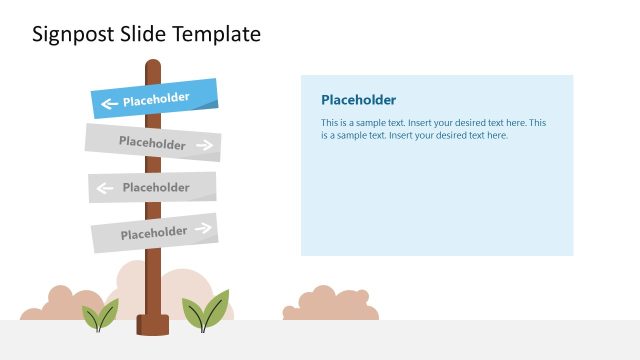
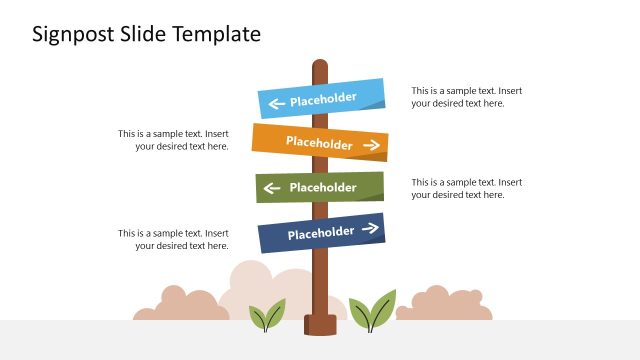
The layout features a central signpost with four directional arrows pointing to decision points. Each arrow is labeled with a decision title, positioned horizontally, and accompanied by a corresponding placeholder for additional text. The signpost is anchored at the bottom center of the slide, while the background includes a subtle mountain range. Text placeholders are aligned to the left and right of the signpost, with a visual hierarchy emphasizing the decision titles. The overall composition is balanced, with a clean and organized structure.
How to Use It
This layout serves as a decision-making framework, ideal for presenting options or choices in a business context. It fits well after problem framing slides, guiding audiences through critical decision points. Use it to illustrate strategic choices in project management, product development, or team discussions. The clear visual representation aids in understanding the implications of each decision, making it suitable for workshops or strategic planning sessions.
Text Placeholders & Capacity
Keep your copy within these limits so it fits without resizing. Node labels can hold up to 30 characters each, while body text allows for 100 characters.
| Placeholder | Count | Max characters (approx.) |
|---|---|---|
| Item heading | 4 | 30 |
| Item body | 4 | 100 |
| Slide title | 1 | 50 |
Slide Keywords
Download unlimited PowerPoint templates, charts and graphics for your presentations with our annual plan.
DOWNLOADReturn to Path to Success PowerPoint Template.