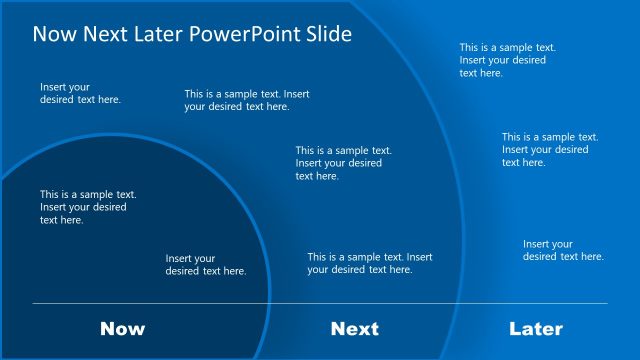
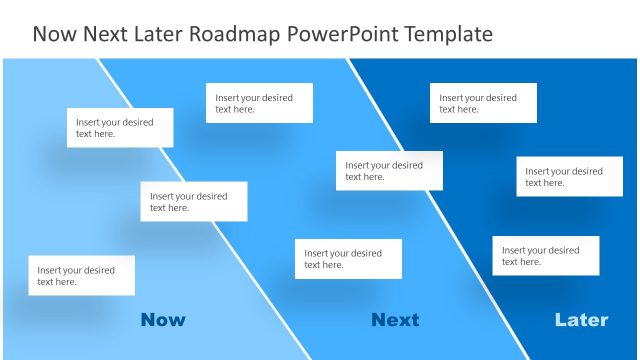
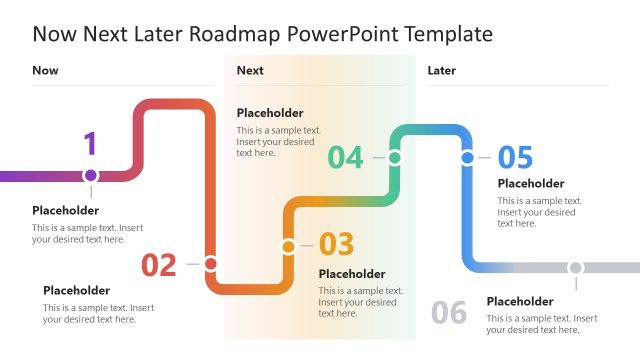
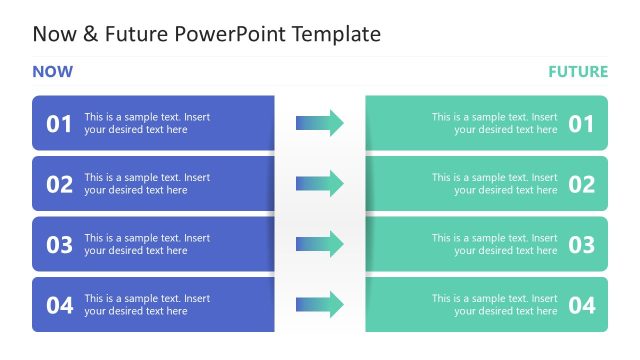
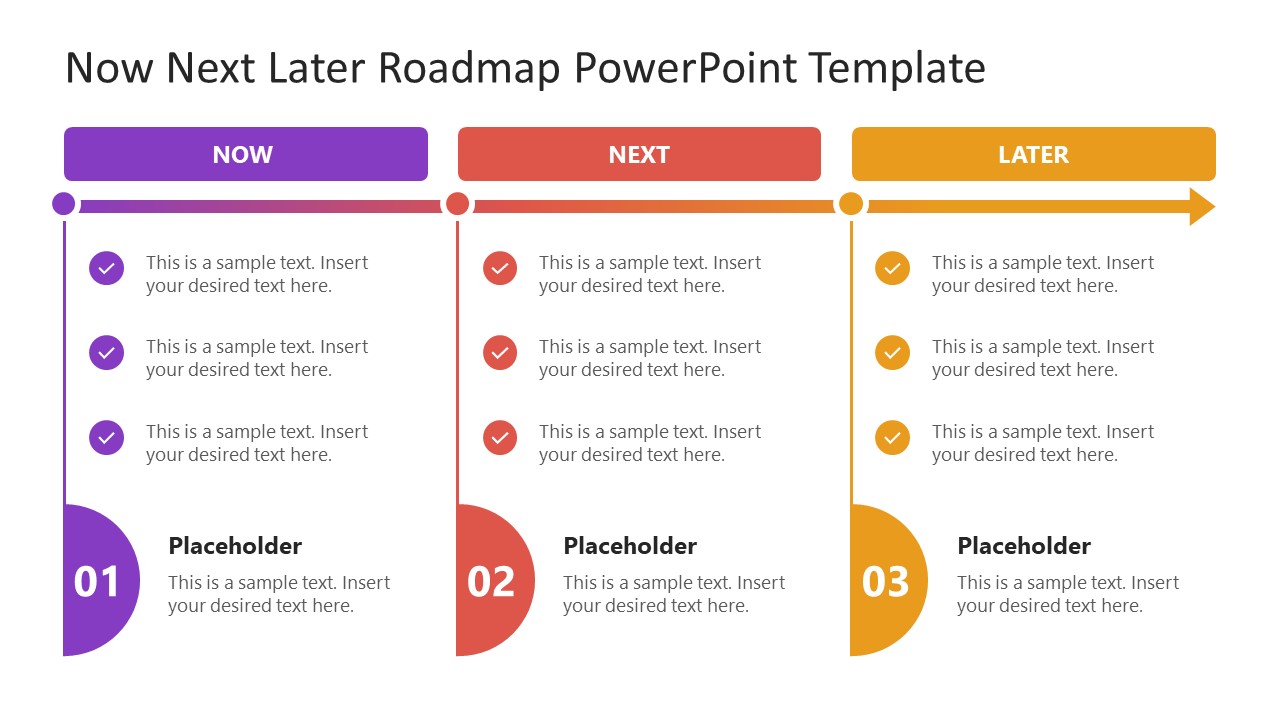
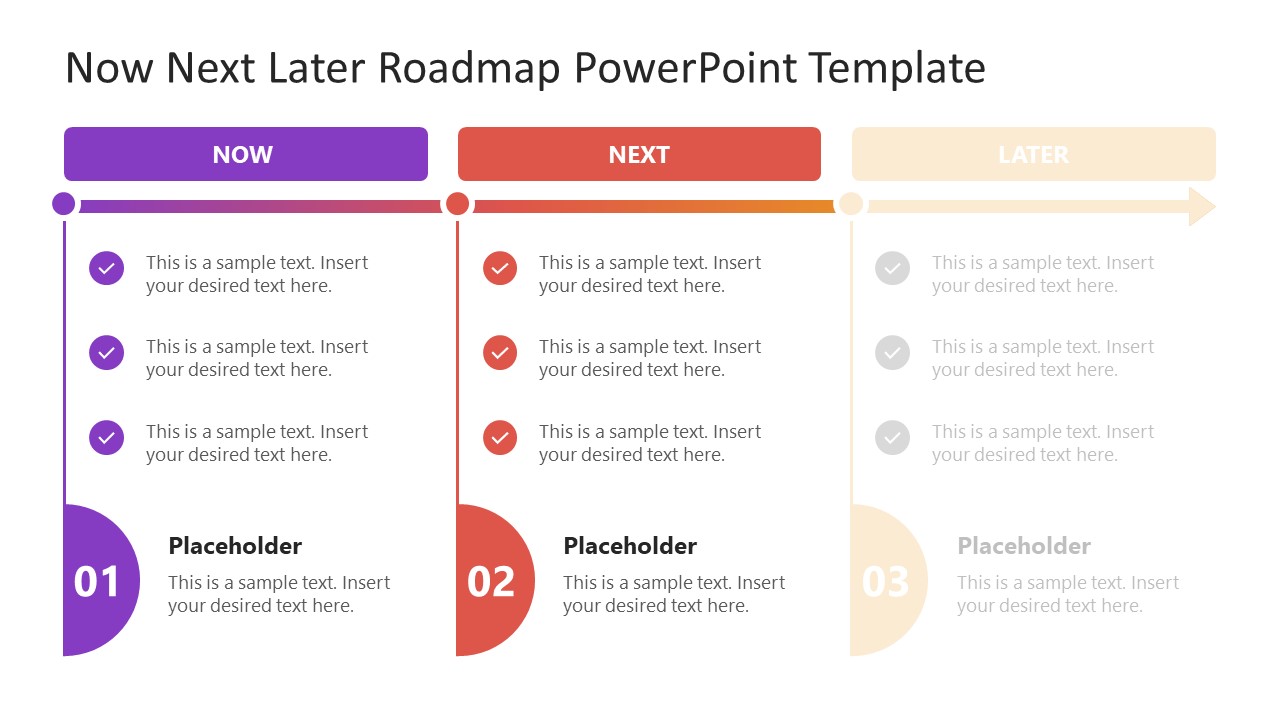
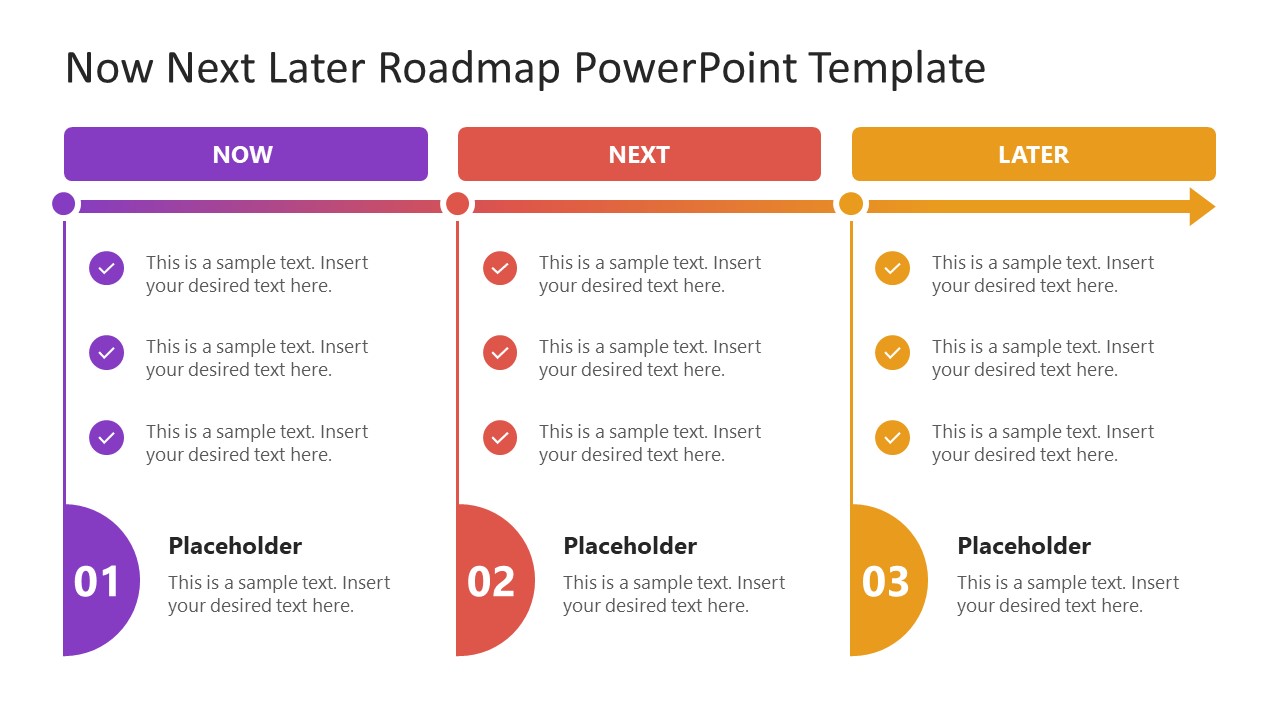
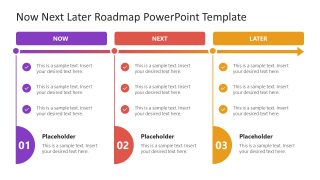
Edit our professionally designed Now Next Later PowerPoint Template for presenting your current aims, goals, and future steps; all on a single page. Now, Next, Later is a commonly used business framework that aligns tasks within three categories according to their importance: urgent, follow-up tasks, and long-term actions. These three categories are named Now, Next, and Later. Not only can business teams use this model, but strategists, educational experts, and technologists can use it for their planning activities. To address this, we have developed a 100% editable PPT template that can help users plan according to this framework. In this template, we have provided three columns with editable text boxes in rows for each category.
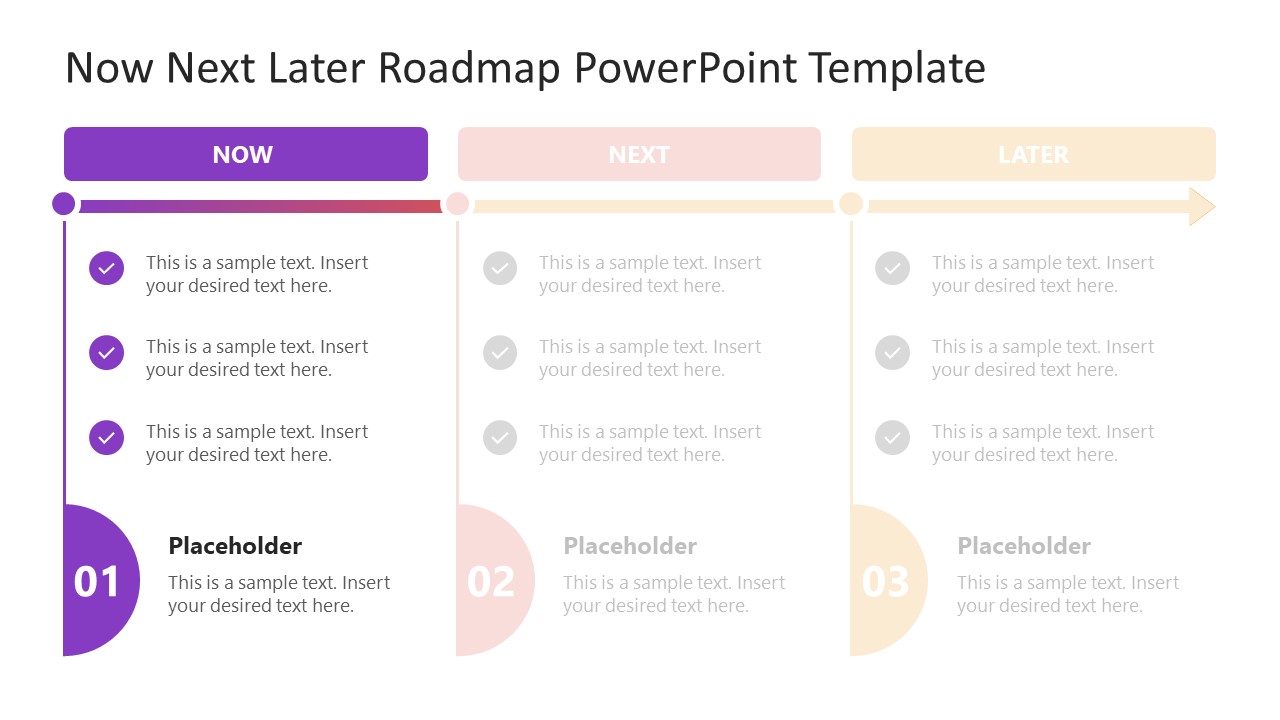
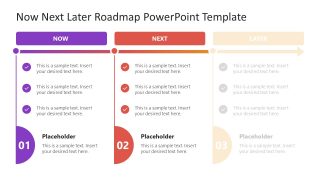
The Now Next Later PowerPoint Template begins with a diagram slide that shows three columns, each with a specific color and a corresponding number label (1, 2, and 3). The following slides are to highlight one segment to create a progressive effect. For instance, the first one has the ‘Now’ section colored, and the others are blurred. The next one has the ‘Next’ and ‘Now’ sections colored. This spotlight is ideal for presenters who want to discuss their strategies divided into three major categories. Additionally, it can facilitate brainstorming sessions where multiple professionals can suggest and propose different actions based on their individual viewpoints.
Presenters can conveniently change the color scheme and text font according to their theme and brand settings. Also, they can add a watermark for personalization. Download and try this PPT template for your meetings & planning presentations. Alternatively, you can also customize our other Now Next Later slides with multiple diagram & design options.
What’s inside this template
Example presentation scenarios
- A product manager can use the three-column Now Next Later roadmap to align stakeholders on current development tasks, near-term backlog items, and longer-term product ideas.
- A project manager can present the spotlight slides during a planning workshop to discuss the Now priorities first, then move into Next actions before confirming Later items.
- A strategy lead can use the full roadmap view to compare urgent initiatives, follow-up work, and future opportunities in a single executive meeting.
- An educator or trainer can use the checklist items and numbered stage markers to teach prioritization frameworks during a class or team training session.
Features
- 100% editable presentation template
- Compatible with Microsoft PowerPoint and Google Slides
- 16:9 aspect ratio slides
- Scalable vector shapes, icons and illustrations
- AI-Ready for Microsoft Copilot and Claude
- Instant access and download
Frequently asked questions
Q: How should a presenter explain the Now Next Later framework with this template?
A: Start with the full roadmap so the audience sees all three time horizons at once. Then use the spotlight slides to slow the discussion: confirm Now actions, introduce Next work, and close by connecting Later items to the broader plan. Keep each checklist item short so the columns remain comparable.
Q: Who is this template best suited for?
A: This template fits product managers, project leads, strategy teams, and facilitators who need a simple prioritization view rather than a detailed schedule. It works best when the goal is to align people around what happens now, what comes next, and what should stay on the longer-term list.
Q: Why does the roadmap use columns, numbers, and a horizontal arrow together?
A: The columns separate priority horizons, the 01, 02, and 03 markers give each stage a clear identity, and the arrow implies movement from current work to future action. That combination helps the audience read the framework as both a priority list and a light roadmap.
Now Next Later PowerPoint Template
4-slide presentation template for Now Next Later planning, roadmap timelines, and priority stages
The Now Next Later PowerPoint Template is a 4-slide planning deck for organizing current actions, follow-up work, and longer-term priorities. It includes a three-column Now Next Later roadmap, horizontal timeline arrow, numbered stage markers, checklist items, and spotlight variants for sequential discussion in Microsoft PowerPoint and Google Slides.
- Category
- Timelines & Planning
- Rating

 Loading...
- Aspect ratio
- 16:9
- Item ID
- 23229-02
 Microsoft PowerPoint
  Microsoft Copilot
  Claude for PowerPoint
 Other formats supported
Subscribe today and get immediate
access to download our PowerPoint templates.