Slide 9 of 10 from Notary Company Profile PowerPoint Template
Get In Touch – Notary Company Profile PPT Deck
Contact Information Slide for Notary Company Profile
- Text Layout
- Definition Block
- Contact Slide
- 16:9
- 100% Editable
The Contact Information Layout from the Notary Company Profile PowerPoint Template offers a clean, structured design ideal for concluding business presentations. This slide template features editable shapes and vector icons to clearly present client contact details, supporting effective networking follow-up and enhancing corporate presentation clarity.
What’s on This Slide
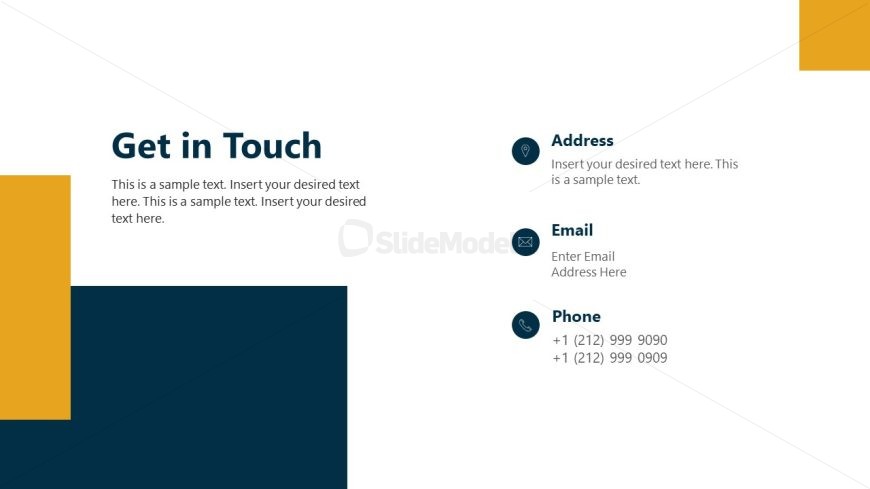
The layout features a left-aligned dark blue vertical section and a right-aligned white section. A yellow rectangle occupies the top right corner. The title 'Get in Touch' is prominently placed at the top left. Below it, a text placeholder spans the left section, followed by three contact details: Address, Email, and Phone, each accompanied by corresponding icons. The icons are circular and simple, enhancing clarity. The right section contains text placeholders for each contact detail, aligned vertically. The overall composition is clean and structured.
How to Use It
This layout serves as a contact information slide, ideal for concluding presentations. It effectively summarizes essential contact details for follow-up. In a business context, it is suitable for client-facing presentations, networking events, or company profiles. It can be used individually to provide quick access to contact information, ensuring that potential clients or partners can easily reach out. This slide fits well after a case study or overview slide, reinforcing connection opportunities.
Text Placeholders & Capacity
Keep your copy within these limits so it fits without resizing. Body slots can accommodate about 25-30 words each.
| Placeholder | Count | Max characters (approx.) |
|---|---|---|
| Slide title | 1 | 30 |
| Body paragraph | 1 | 150 |
| Item heading | 3 | 20 |
| Item body | 3 | 50 |
Slide Keywords
Download unlimited PowerPoint templates, charts and graphics for your presentations with our annual plan.
DOWNLOADReturn to Notary Company Profile PowerPoint Template.