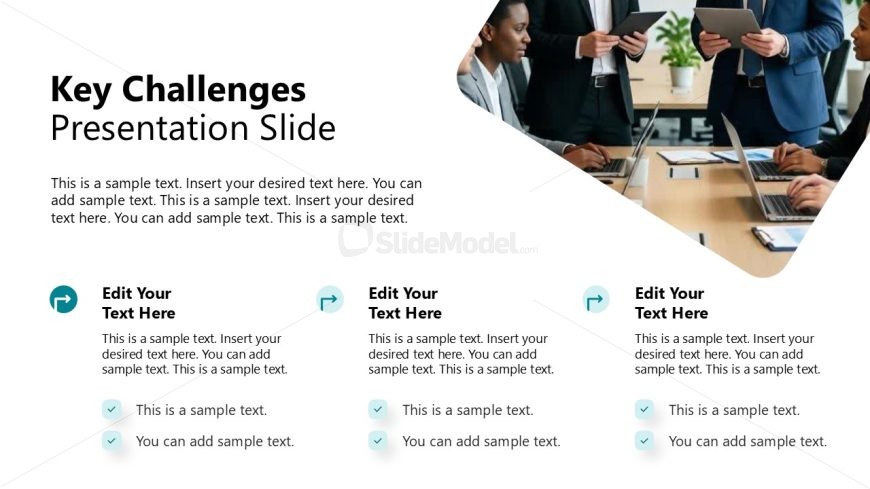
Slide 5 of 12 from Modern Executive PowerPoint Template
Key Challenges Presentation Slide
Key Challenges Presentation Slide - Modern Executive
- Text Layout
- List Blocks
- Problem Framing Slide
- 16:9
- 100% Editable
The Key Challenges Presentation Slide from the Modern Executive PowerPoint Template offers a structured layout ideal for highlighting business obstacles during strategic planning. This slide design integrates editable shapes and vector icons to clearly separate multiple challenges, enhancing clarity in corporate presentations and pitch deck templates. Its clean, professional format supports effective communication in stakeholder updates and business presentations.
What’s on This Slide
The layout features a large title at the top left, stating 'Key Challenges Presentation Slide.' Below, there are three sections aligned horizontally, each containing a circular icon on the left, a placeholder for text, and a list of bullet points. The text placeholders are centered within each section. The background is a light color with a subtle gradient, and the sections are separated by a curved shape that adds visual interest. Each section is visually distinct, allowing for clear separation of content.
How to Use It
This layout serves to present multiple key challenges in a business context, making it suitable for discussions on obstacles faced by a company. It fits well after introductory slides that outline objectives or context, providing a clear transition into problem identification. Ideal for strategy meetings, project updates, or stakeholder presentations, it allows for concise communication of challenges while maintaining audience engagement.
Text Placeholders & Capacity
Keep your copy within these limits so it fits without resizing. Node body slots can accommodate roughly 25-30 words each.
| Placeholder | Count | Max characters (approx.) |
|---|---|---|
| Slide title | 1 | 30 |
| Item heading | 3 | 25 |
| Item body | 3 | 150 |
| Callout | 6 | 50 |
Slide Keywords
Download unlimited PowerPoint templates, charts and graphics for your presentations with our annual plan.
DOWNLOADReturn to Modern Executive PowerPoint Template.