Slide 13 of 15 from Meetup PowerPoint Template
Q&A Slide – Meetup PPT Presentation Template
Q&A Slide for Effective Meetings
- Text Layout
- Other
- Questions Slide
- 16:9
- 100% Editable
What’s on This Slide
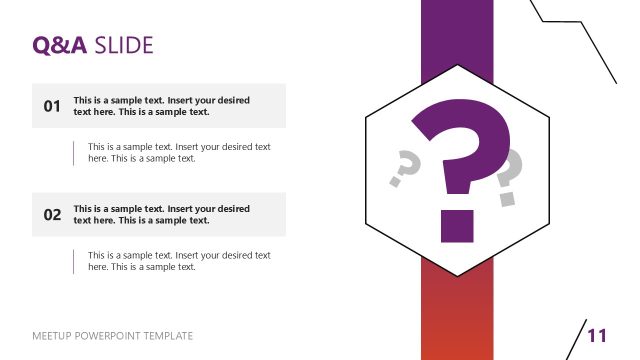
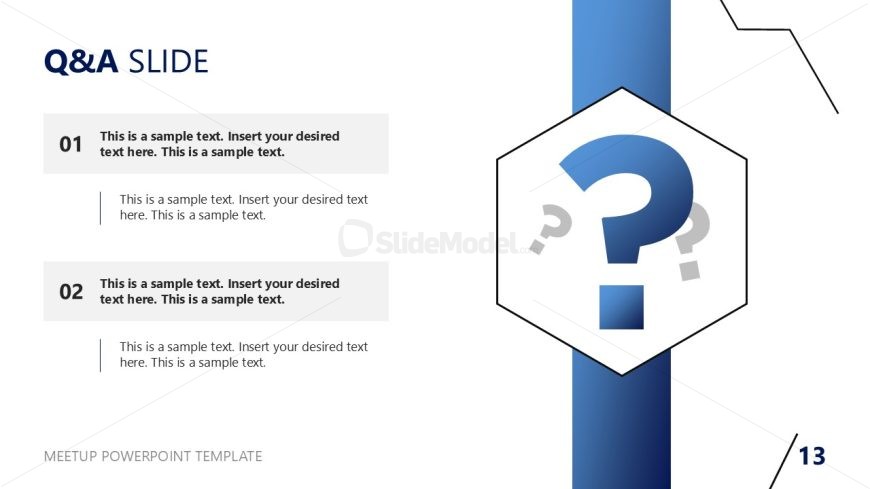
The layout features a left-aligned section with two numbered text placeholders, each containing sample text. The first placeholder is positioned at the top, followed by a second one below it. To the right, a large hexagonal shape contains a question mark icon, visually emphasizing the Q&A theme. The background is predominantly white with a blue vertical stripe on the left side. The overall composition balances text and visual elements, creating a clear visual hierarchy. The placeholders are designed for easy insertion of relevant questions and answers.
How to Use It
This layout serves as a dedicated Q&A section, ideal for engaging audiences during meetings or presentations. It fits well after content-heavy slides, allowing for audience interaction. This slide is useful in scenarios like panel discussions, team meetings, or webinars where questions from participants are expected. It encourages dialogue and clarifies key points, enhancing understanding and retention of information presented earlier.
Text Placeholders & Capacity
Keep your copy within these limits so it fits without resizing. Body slots can hold roughly 25-30 words each.
| Placeholder | Count | Max characters (approx.) |
|---|---|---|
| Item heading | 2 | 50 |
| Item body | 2 | 150 |
| Slide title | 1 | 30 |
Slide Keywords
Download unlimited PowerPoint templates, charts and graphics for your presentations with our annual plan.
DOWNLOADReturn to Meetup PowerPoint Template.