Slide 2 of 4 from Marketing Tactics Plan Chart Design for PowerPoint
Marketing Tactics Plan Template for PowerPoint
Marketing Tactics Plan Chart for PowerPoint
- Chart
- Bar Horizontal
- Evaluation Slide
- 16:9
- 100% Editable
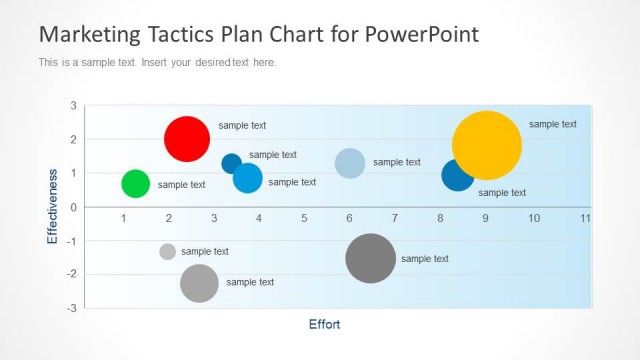
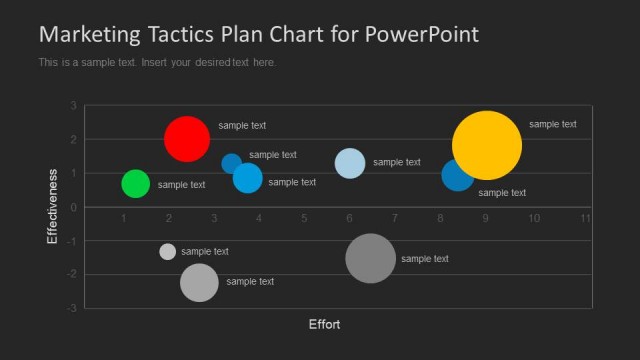
The Marketing Tactics Plan Chart slide from the Marketing Tactics Plan Chart Design for PowerPoint template features a horizontal bar chart ideal for comparing marketing tactics and visualizing performance metrics. This slide layout supports clear data presentation in business presentations and pitch decks, utilizing editable shapes and vector icons to enhance clarity and engagement in corporate presentations.
About This Slide
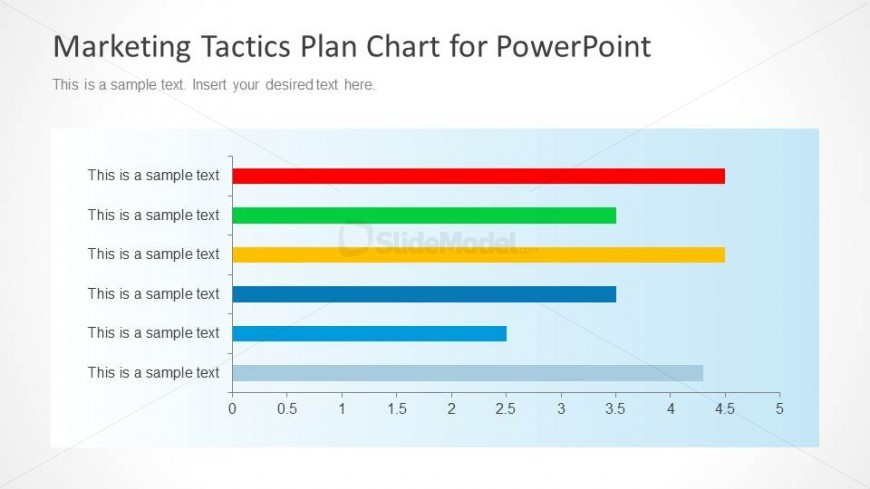
Contains a nice data-driven chart in PowerPoint that you can use to display an horizontal Marketing Tactics plan chart in your presentation.
What’s on This Slide
The layout features a horizontal bar chart positioned centrally, with five colored bars representing different data points. Each bar is aligned to the left, with corresponding text placeholders for labels on the left side. The chart has a light blue background, enhancing visibility. The x-axis is marked with numerical values ranging from 0 to 5, while the y-axis lists the sample text placeholders vertically. The visual hierarchy emphasizes the colored bars, which vary in length, indicating different values. The overall composition is balanced and structured for clarity.
How to Use It
This layout serves as a horizontal bar chart, ideal for comparing multiple data points across categories. It fits well in a presentation sequence after introducing marketing strategies or tactics. This format is useful for showcasing performance metrics, survey results, or prioritizing marketing initiatives. It can be applied in business contexts where visual data representation aids in decision-making or strategic planning, allowing stakeholders to quickly grasp comparative insights.
Text Placeholders & Capacity
Keep your copy within these limits so it fits without resizing. Node labels can hold about 30 characters each.
| Placeholder | Count | Max characters (approx.) |
|---|---|---|
| Item heading | 5 | 30 |
| Chart title | 1 | 50 |
| Body paragraph | 1 | 50 |
Slide Keywords
Download unlimited PowerPoint templates, charts and graphics for your presentations with our annual plan.
DOWNLOADReturn to Marketing Tactics Plan Chart Design for PowerPoint.