Slide 10 of 14 from Market Positioning PowerPoint Template
Value Positioning Map Slide with Four Quadrants
Visual Positioning Map for Market Analysis
- Diagram
- Matrix Quadrant
- Strategic Analysis Slide
- 16:9
- 100% Editable
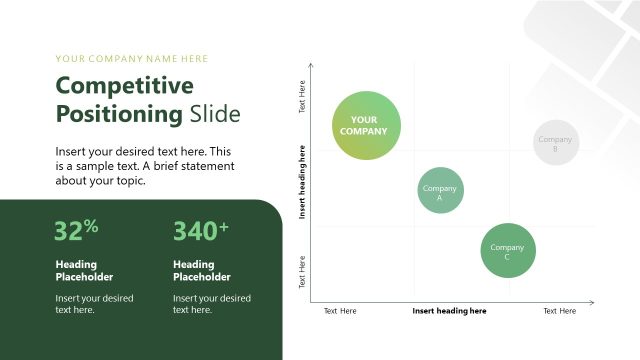
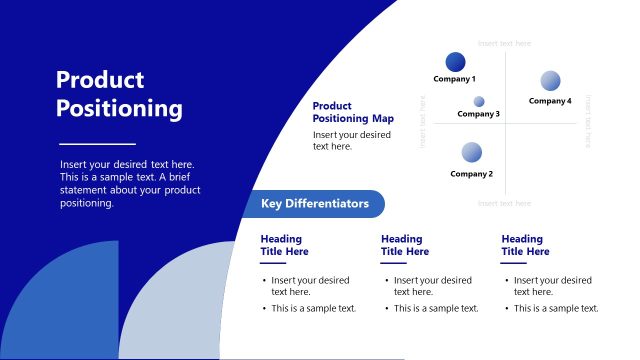
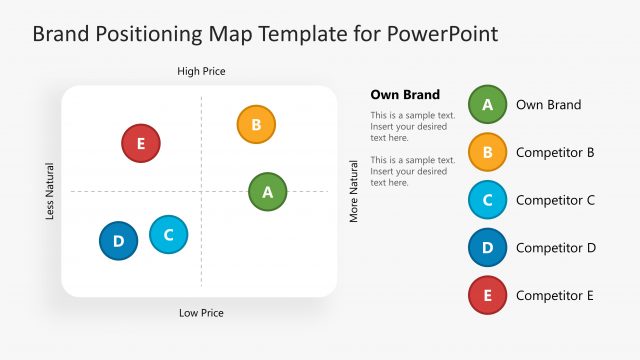
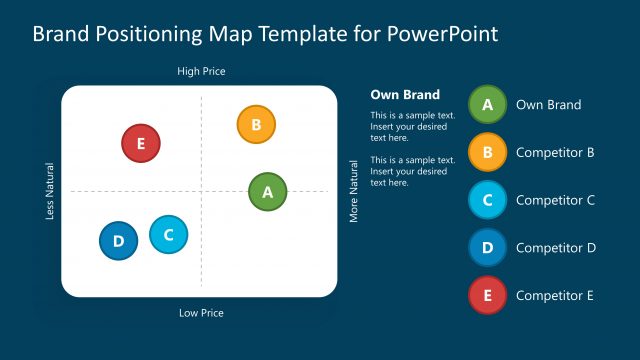
The Visual Positioning Map slide from the Market Positioning PowerPoint Template offers a clear quadrant diagram ideal for illustrating competitive landscapes and market segmentation. This slide layout supports strategic analysis in business presentations, featuring editable shapes and placeholders that enhance clarity when presenting product strategy or market positioning insights within a corporate presentation or pitch deck template.
What’s on This Slide
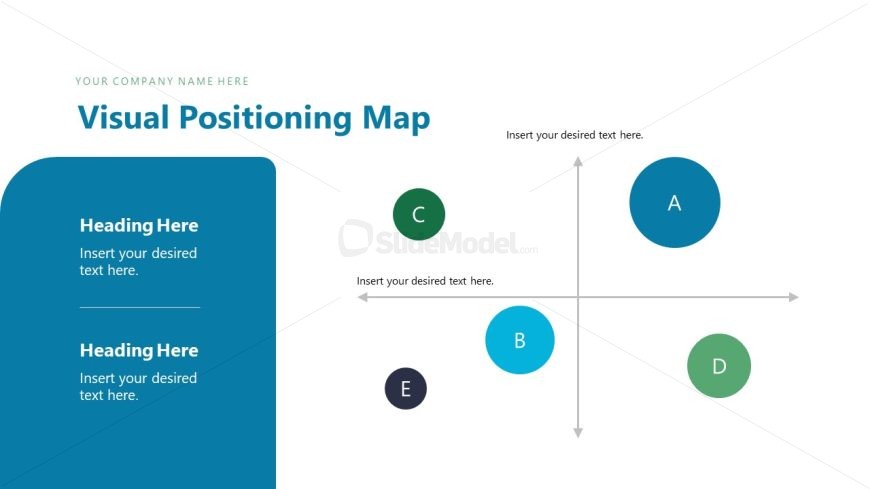
The layout features a large quadrant diagram centered on the slide. Four circular nodes labeled A, B, C, and D are positioned in the quadrants, with node B being the largest. The left side contains a vertical blue container with two text placeholders for headings and body text, aligned to the top and bottom. The main title is positioned at the top right, with a placeholder for the company name above it. The background is light with a subtle gradient, enhancing the visual hierarchy.
How to Use It
This layout serves as a visual positioning map to compare different market segments or products. It fits well in a presentation sequence following market analysis slides, helping to illustrate strategic positioning. This structure is useful for businesses looking to showcase competitive landscapes, product placements, or market segmentation strategies. It can be applied in various scenarios, such as product launches or strategic planning sessions.
Text Placeholders & Capacity
Keep your copy within these limits so it fits without resizing. Node labels can accommodate short text, roughly 1-2 words each.
| Placeholder | Count | Max characters (approx.) |
|---|---|---|
| Slide title | 1 | 30 |
| Item heading | 4 | 10 |
| Body paragraph | 4 | 50 |
Slide Keywords
Download unlimited PowerPoint templates, charts and graphics for your presentations with our annual plan.
DOWNLOADReturn to Market Positioning PowerPoint Template.