Slide 3 of 5 from Level Meter Shape for PowerPoint
Editable Level Meter PowerPoint Diagram
Performance Meter Gauge Slide
- Chart
- Gauge Meter
- Evaluation Slide
- 16:9
- 100% Editable
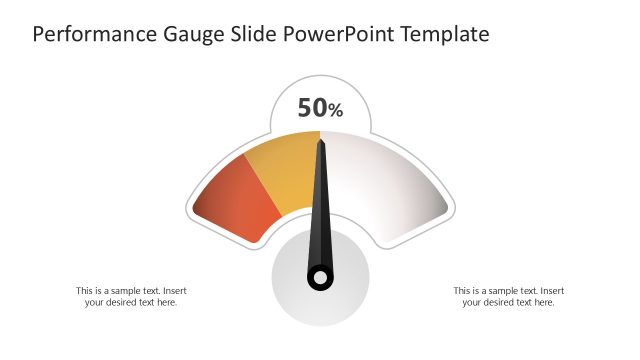
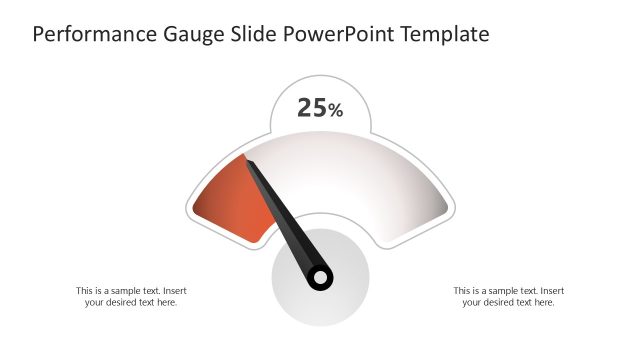
The Performance Meter with Gauge slide from the Level Meter Shape for PowerPoint template offers a clear visual tool for evaluating KPIs and performance metrics. This slide layout integrates editable shapes and vector icons to create a balanced dashboard display, making it suitable for business presentations and corporate slide decks that require precise data visualization.
About This Slide
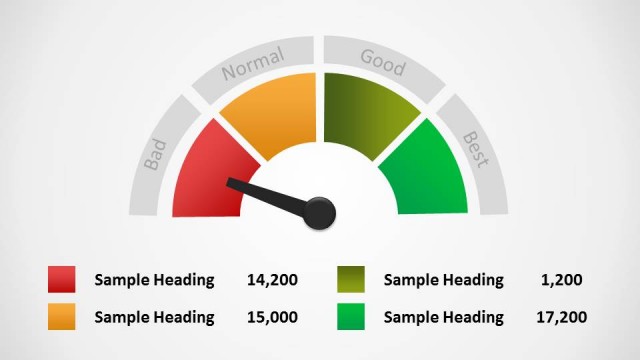
This slide features the same half-circle meter with four sections and an arrow indicating the far left section as before. There is also a key below of what each section of the meter represents, with the color, a text field, and number field.
What’s on This Slide
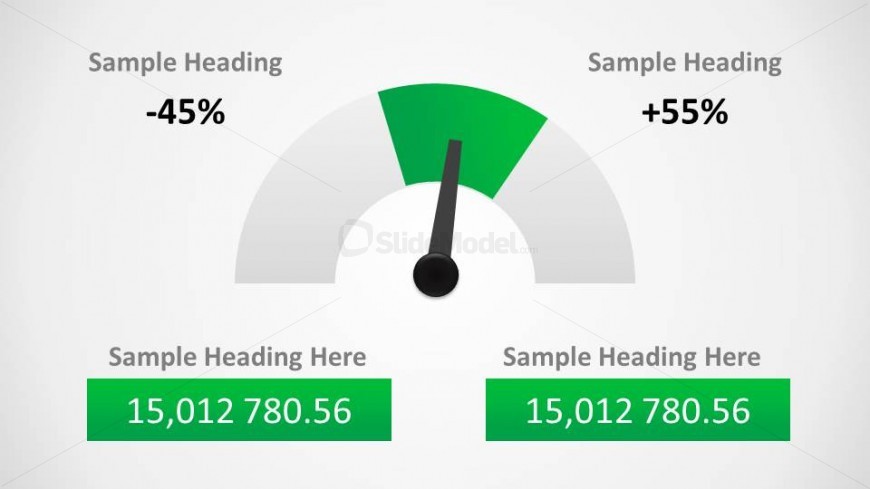
The slide features a central gauge with a needle indicating values between -45% and +55%. The gauge is semi-circular, with a green section representing positive values and a gray section for negative values. Above the gauge, there are three text placeholders aligned to the left and right, labeled 'Sample Heading.' Below the gauge, two additional text placeholders are centered in green boxes, displaying numerical values. The overall layout is balanced, with a light background enhancing visibility and clarity of the elements.
How to Use It
This layout serves as a performance meter, ideal for displaying metrics or KPIs in a presentation. It fits well after problem identification slides, providing a visual representation of performance levels. Use it in business contexts to illustrate progress, compare targets, or highlight achievements. This slide is effective for dashboard presentations, performance reviews, or project updates, allowing for quick visual assessments of data.
Text Placeholders & Capacity
Keep your copy within these limits so it fits without resizing. Text slots can hold roughly 2-3 words each without overflowing.
| Placeholder | Count | Max characters (approx.) |
|---|---|---|
| Chart title | 3 | 20 |
| Data label | 2 | 12 |
Slide Keywords
Download unlimited PowerPoint templates, charts and graphics for your presentations with our annual plan.
DOWNLOADReturn to Level Meter Shape for PowerPoint.