Slide 2 of 16 from Lean Construction PowerPoint Template
Table of Contents Slide – Lean Construction PPT Template
Table of Contents Slide for Lean Construction
- Text Layout
- Other
- Agenda Slide
- 16:9
- 100% Editable
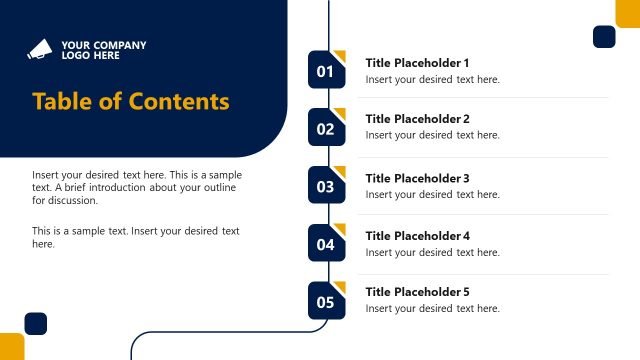
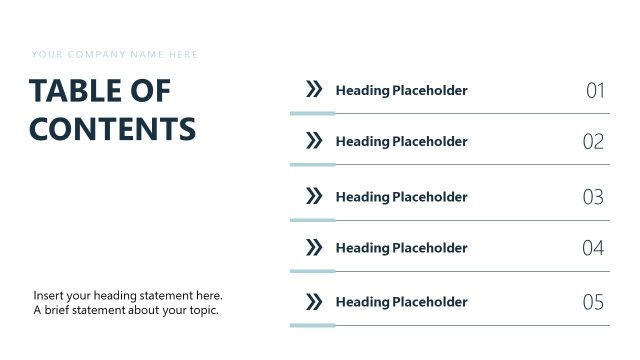
The Table of Contents slide layout from the Lean Construction PowerPoint Template provides a clear and organized overview of presentation topics, making it suitable for business presentations, project updates, and training sessions. This slide uses editable shapes and bold typography to highlight key agenda items, ensuring smooth navigation within a corporate presentation or pitch deck template.
What’s on This Slide
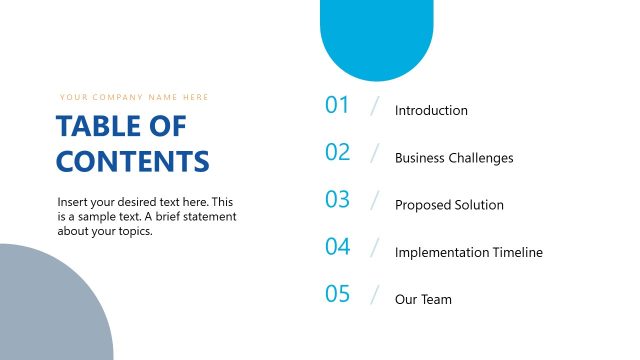
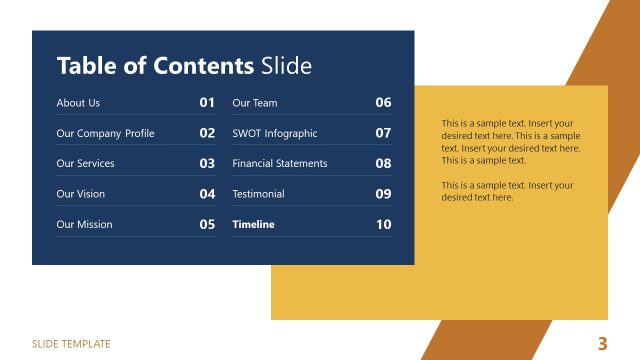
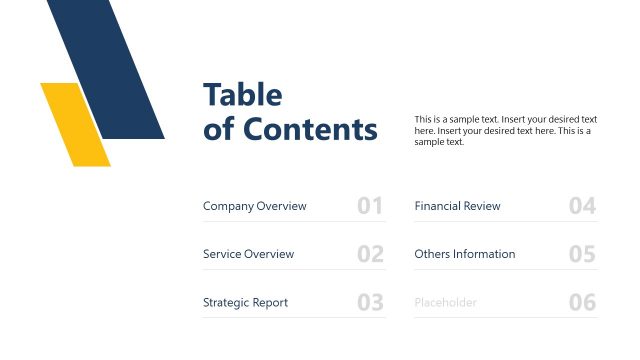
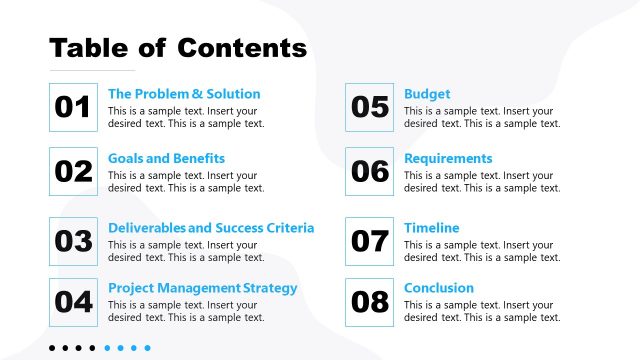
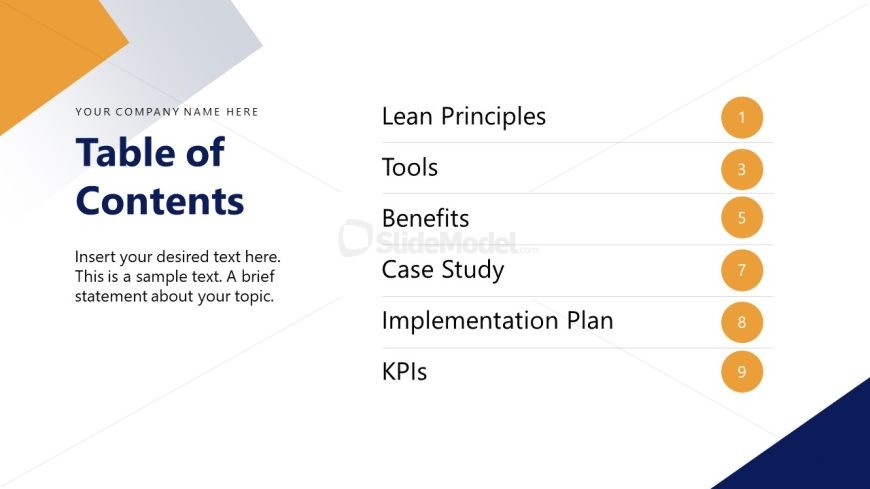
The layout features a left-aligned title and a list of content items on the right. The title, 'Table of Contents,' is prominently displayed at the top in a large font. Below, there is a placeholder for company name. The content list includes six items, each with a corresponding number, arranged vertically. Each item is presented in a bold font, with the numbers in a contrasting orange color. A text placeholder at the bottom allows for additional information. The background is primarily white with a blue and gray geometric shape in the top corner, creating visual interest.
How to Use It
This layout serves as a structured overview of presentation topics, ideal for guiding the audience through the content. It fits early in a presentation sequence, following an introduction. This slide is useful in business contexts where clear navigation is needed, such as project updates, training sessions, or strategic planning meetings. It helps set expectations for the audience regarding the flow and key points of the presentation.
Text Placeholders & Capacity
Keep your copy within these limits so it fits without resizing. Body slots are tight, roughly 15 words each.
| Placeholder | Count | Max characters (approx.) |
|---|---|---|
| Slide title | 1 | 30 |
| Body paragraph | 1 | 120 |
| Item heading | 6 | 20 |
| Node number | 6 | 2 |
Slide Keywords
Download unlimited PowerPoint templates, charts and graphics for your presentations with our annual plan.
DOWNLOADReturn to Lean Construction PowerPoint Template.