Slide 6 of 12 from Leadership PowerPoint Template
Our Decision Framework Diagram Slide for Leadership Presentation
Decision Framework Diagram for Leadership Presentation
- Diagram
- Circular Cycle
- Process Slide
- 16:9
- 100% Editable
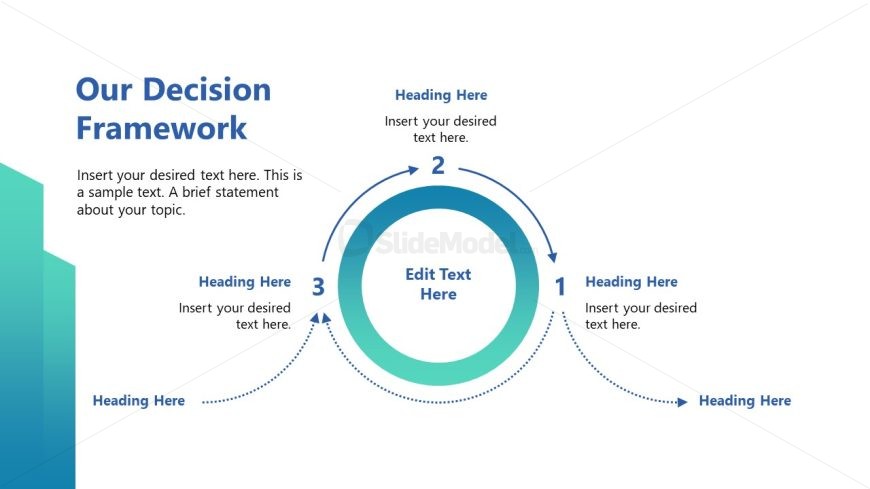
The Decision Framework Diagram slide from the Leadership PowerPoint Template offers a clear circular process flow ideal for illustrating decision-making frameworks in leadership training. This slide layout supports strategic planning presentations by visually connecting key steps with editable shapes, making it a practical choice for business presentation slide decks that require clarity in complex processes.
What’s on This Slide
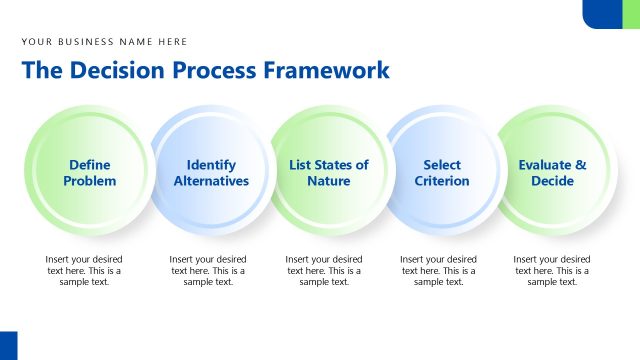
The slide features a circular diagram at the center, representing a decision framework. It includes three numbered nodes arranged in a clockwise direction, each containing a placeholder for text. The first node is positioned at the bottom, the second on the right, and the third at the top. Arrows connect these nodes, indicating a flow from one to the next. Additional text placeholders are located to the left and right of the diagram, with a prominent title at the top. The background has a gradient from light blue to white, with a teal shape on the left side.
How to Use It
This layout serves as a process flow diagram, illustrating a decision-making framework. It fits well in a presentation discussing leadership strategies or decision-making processes. This structure is useful in business scenarios where visualizing steps or stages is essential, such as strategic planning or project management. It can be used to guide discussions on decision-making criteria or frameworks in leadership contexts.
Text Placeholders & Capacity
Keep your copy within these limits so it fits without resizing. Body slots can hold about 25-30 words each.
| Placeholder | Count | Max characters (approx.) |
|---|---|---|
| Slide title | 1 | 30 |
| Item heading | 3 | 20 |
| Item body | 3 | 50 |
| Body paragraph | 1 | 150 |
Slide Keywords
Download unlimited PowerPoint templates, charts and graphics for your presentations with our annual plan.
DOWNLOADReturn to Leadership PowerPoint Template.