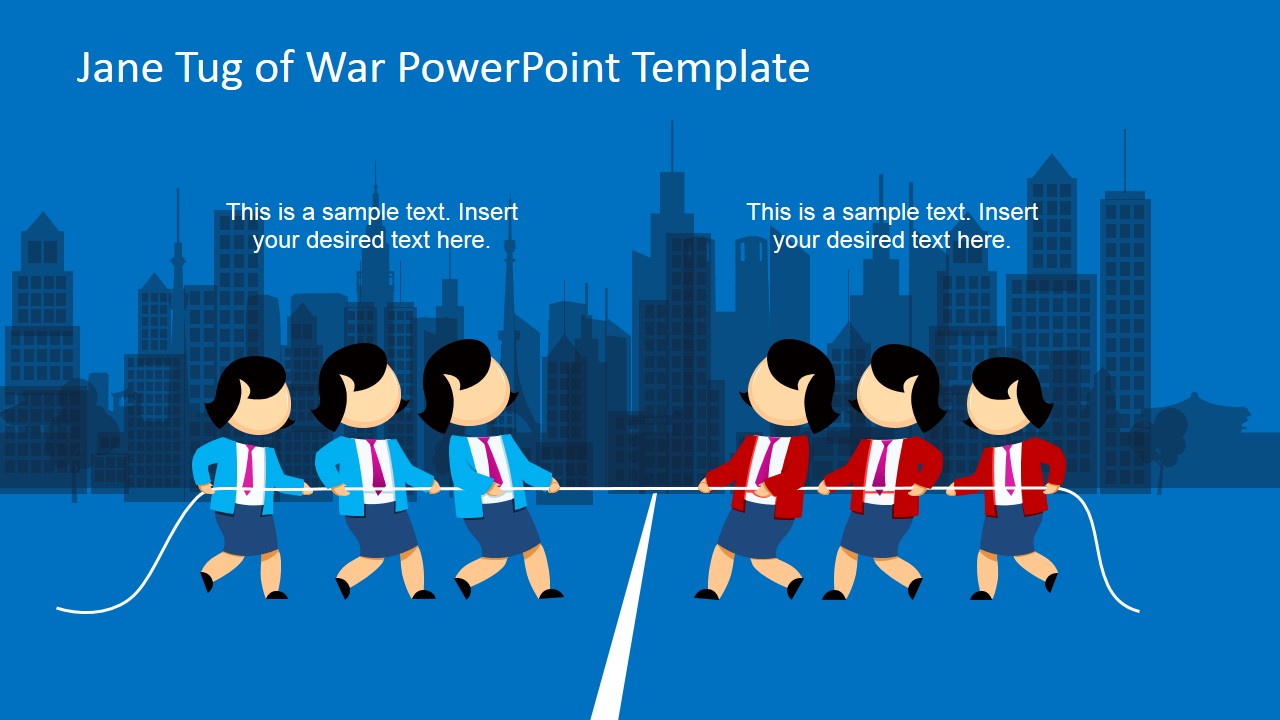
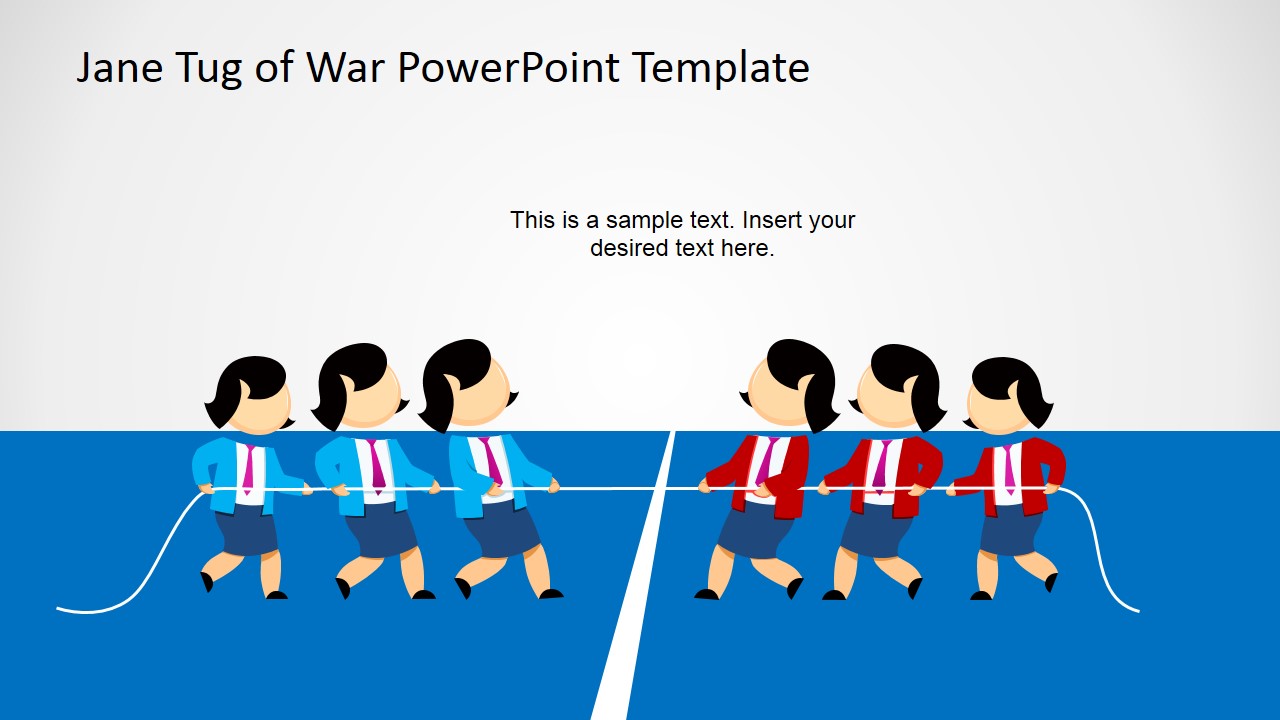
Jane Tug of War PowerPoint Template is another variant of pulling the rope template for PowerPoint presentation featuring a female cartoon character (Jane) that you can use to make business slides personified style. This PowerPoint template design contains useful slides of Jane pulling the rope or playing Tug of War and let you make presentation slides where you need to show opposing ideas or opposing forces during a PowerPoint presentation.
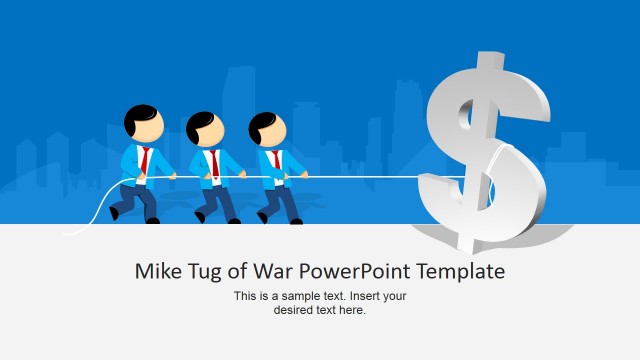
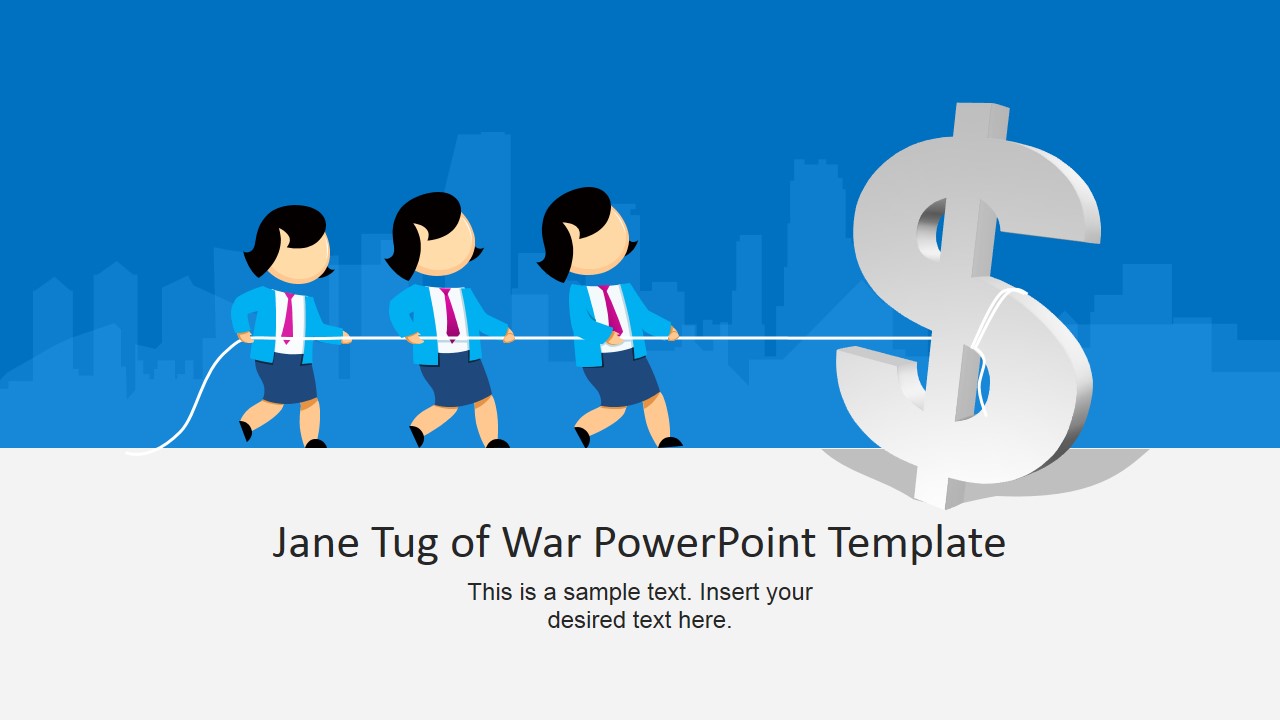
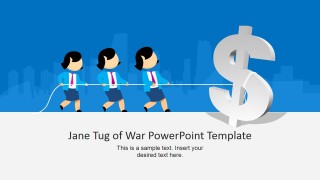
The first slide shows female cartoon characters pulling a 3D dollar sign shape and you can use this slide to make a presentation where the goal or objectives are to attract more investors or look for additional revenue channels in a business or operating unit.
Deliver an impressive business statement in just a few of these creative templates for PowerPoint. These editable images for PowerPoint give a powerful summary of ideas that allow better comprehension from your audience. These models tell the whole story of your concept presented in the least amount of words. It saves a lot of time, creates focus, enhances audience comprehension and most especially eliminates boredom.
This professional PowerPoint business designs is useful for illustrating Supply and Demand, Quality versus Quantity, Customer satisfaction versus Profit, Customer relations versus product quality, Maximizing profitability versus reducing costs and many more.
There are a lot of business concepts and ideas that needs to be highlighted in a presentation. These concepts can be successfully conveyed using images as metaphors. The old conventional presentation that consists of words in presentations and more words from the host can consume hours but still end with a clueless audience. As a presenter who is able to convert all these words and capture its idea in a few PowerPoint slide is a dream come true for both you and your audience. This design gives you that opportunity. Your audience will quickly grasp the main concept of your presentation without having to listen and stare at plain texts. Indeed, images can paint a thousand words.
What’s inside this template
Example presentation scenarios
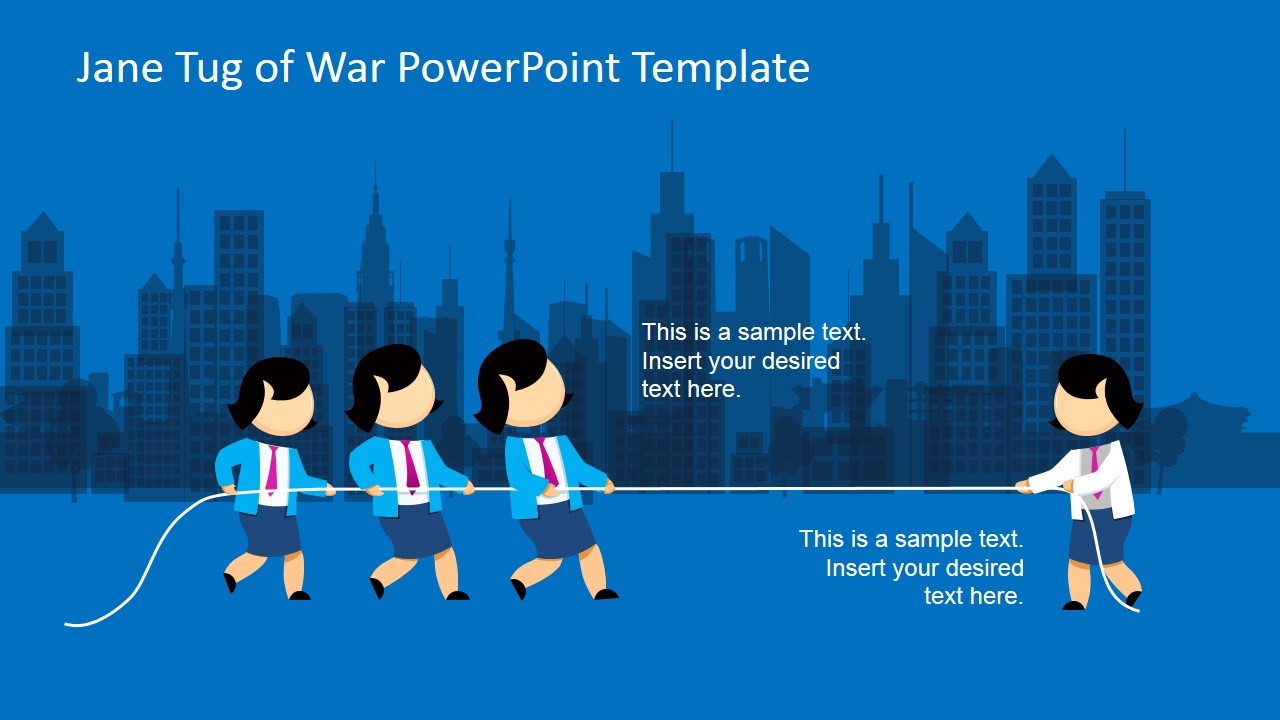
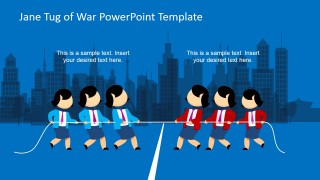
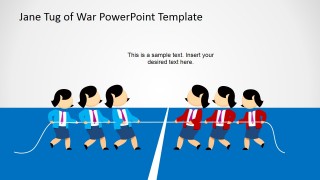
- A strategy consultant can use the two-team tug-of-war split to explain how competing initiatives are pulling budget, people, or executive attention in different directions.
- A finance presenter can use the dollar-sign cover to introduce a discussion about revenue growth, investor pressure, funding needs, or cost reduction goals.
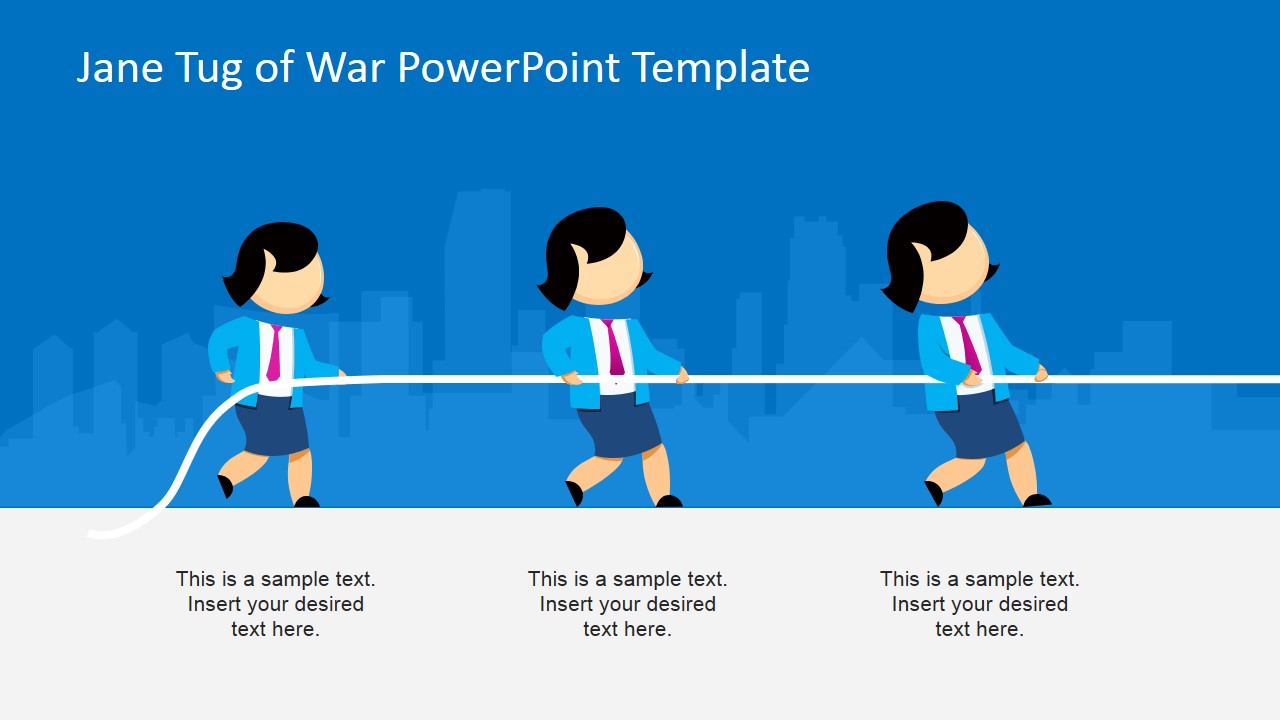
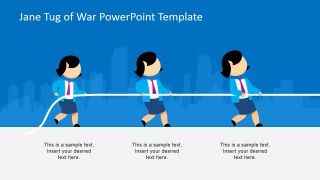
- An operations manager can use the three-step caption diagram to compare supply, demand, quality, or capacity pressures without building a dense text slide.
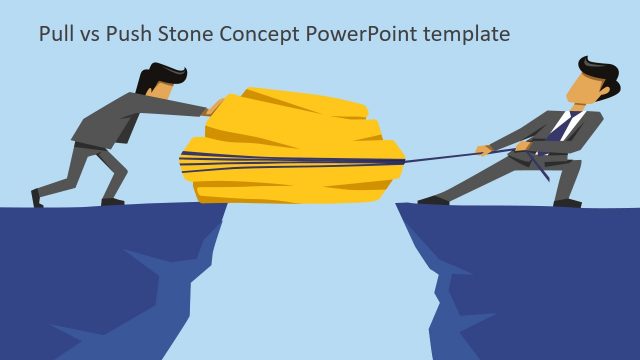
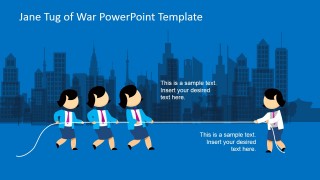
- A sales leader can use the single-versus-team comparison to show customer objections, internal resistance, or negotiation pressure against the value proposition.
Features
- 100% editable presentation template
- Compatible with Microsoft PowerPoint and Google Slides
- 16:9 aspect ratio slides
- Scalable vector shapes, icons and illustrations
- AI-Ready for Microsoft Copilot and Claude
- Instant access and download
Frequently asked questions
Q: How should a presenter frame the opposing sides without making the slide feel simplistic?
A: Start by naming each side in plain business language, such as cost pressure versus customer satisfaction or speed versus quality. Then use the tug-of-war scene as the visual headline, not the full argument. Keep the captions short and explain the evidence verbally so the metaphor clarifies the tension instead of replacing the reasoning.
Q: Who is this template best suited for in a business presentation?
A: This template fits managers, consultants, and sales teams who need to make competing priorities easy to understand. It works best when the message is about conflict, negotiation, balance, or trade-offs. The dollar-sign slide supports revenue or investment topics, while the opposing-team slides fit internal alignment, market pressure, or resource decisions.
Q: Why does the tug-of-war metaphor improve communication for trade-off topics?
A: A tug-of-war instantly shows tension, direction, and imbalance, which are often hard to express with bullet points. The rope creates a clear visual connection between both sides, and the team groupings show whether one force is isolated or supported. This makes the audience understand the conflict before reading the captions.
Jane Tug of War PowerPoint Template
5-slide presentation template with cartoon tug-of-war metaphors for opposing forces and business trade-offs
Jane Tug of War PowerPoint Template is a 5-slide, 16:9 presentation template for showing opposing forces with editable cartoon rope-pulling scenes. Visible layouts include a dollar-sign cover, three-player caption diagram, single-versus-team comparison, and two-team tug-of-war split. It is intended for business presenters using Microsoft PowerPoint or Google Slides.
- Category
- Shapes
- Rating

 Loading...
- Aspect ratio
- 16:9
- Item ID
- 6697-01
- Colors
 Microsoft PowerPoint
  Microsoft Copilot
  Claude for PowerPoint
 Other formats supported
Subscribe today and get immediate
access to download our PowerPoint templates.