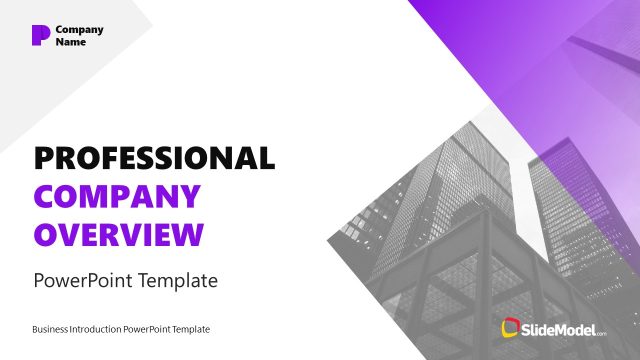
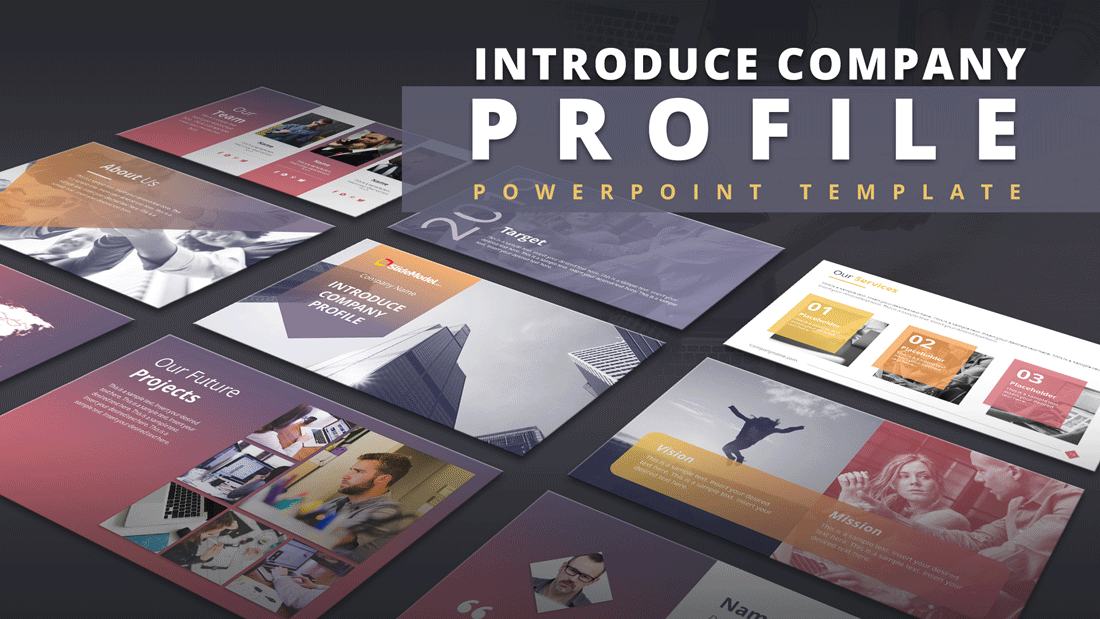
The Introduce Company Profile PowerPoint Template is a well-designed business presentation. This slide deck contains 22 creative layouts for professional-looking PowerPoint designs. These slides are helpful for both personal and commercial uses. Because both companies and startup entrepreneurs can use this company profile template to propose their ideas. Further, a range of slides can help represent an outstanding company image by showing its services, goals, and much more. This presentation of the company profile contains a gradient color theme with high-resolution background photos. Because using business, concept photos enhances the view of the company’s details. At the same time, infographic icons and graphics give a modern look and feel. The users can customize these presentation slides, including background photos using simple colors and effects changing options.
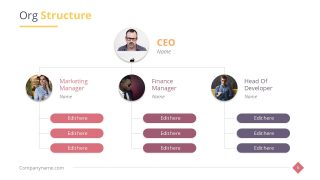
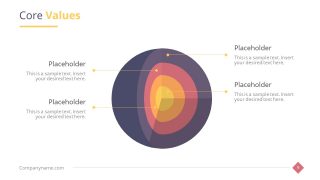
The Introduce Company Profile PowerPoint Template offers a range of diagrams, charts, and timelines. These PowerPoint elements are data presentation tools for delivering accurate information to the audience. Such as organizational structure hierarchy, pole roadmap timeline, and four layers core diagram. The template, however, provides an organized format of components to present the company’s profile as below:
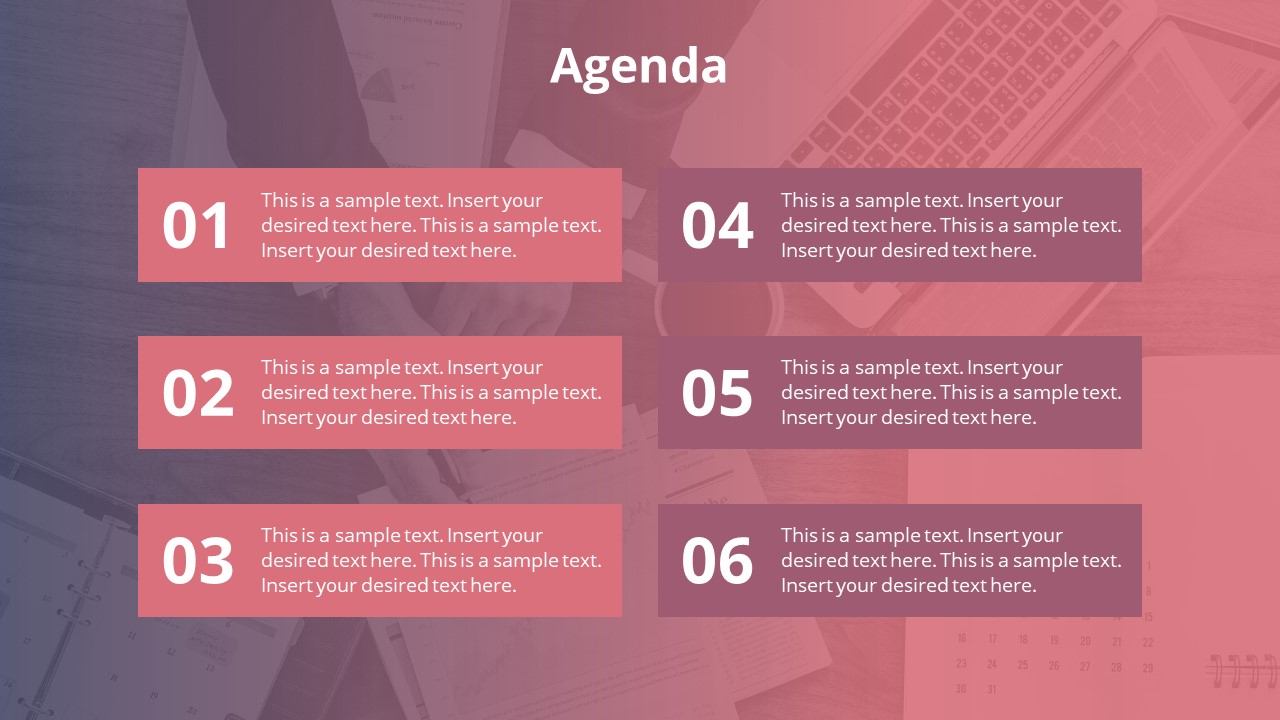
- Agenda slide
- About Us slide design
- Founders slide
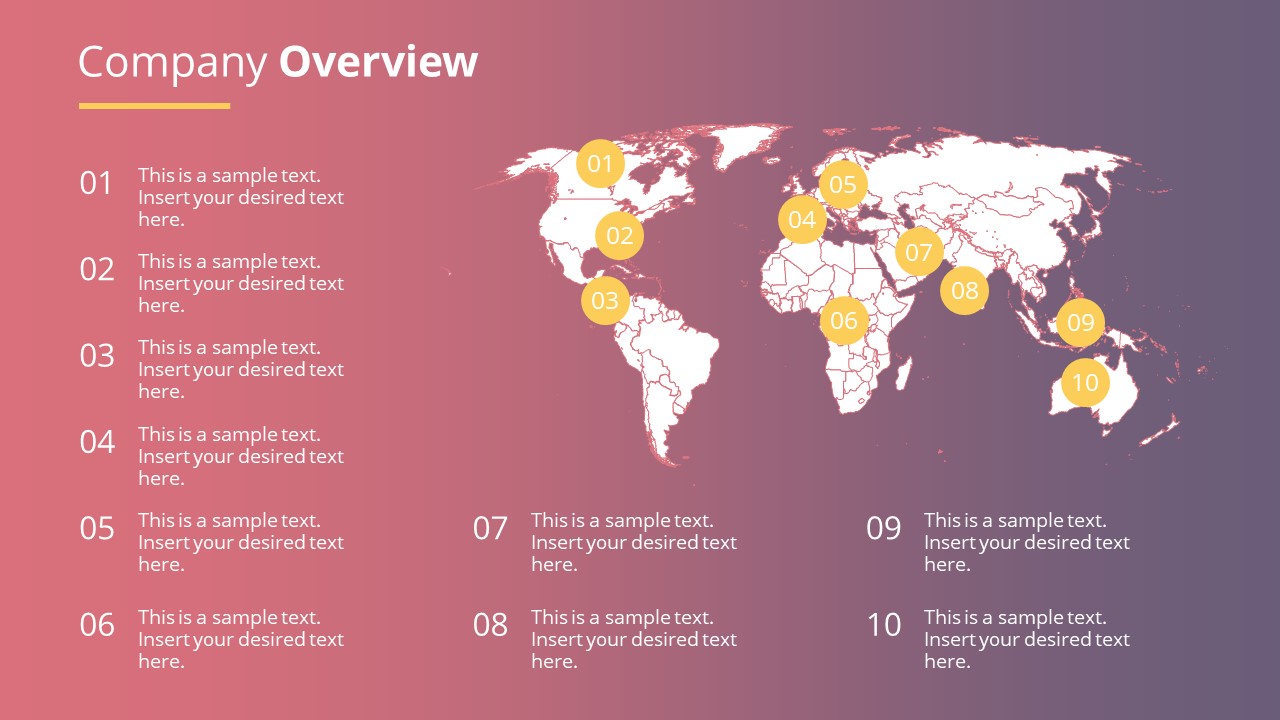
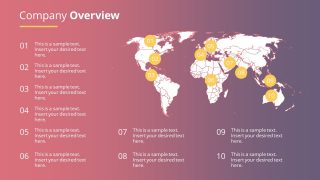
- Company Overview slide for presenting the company
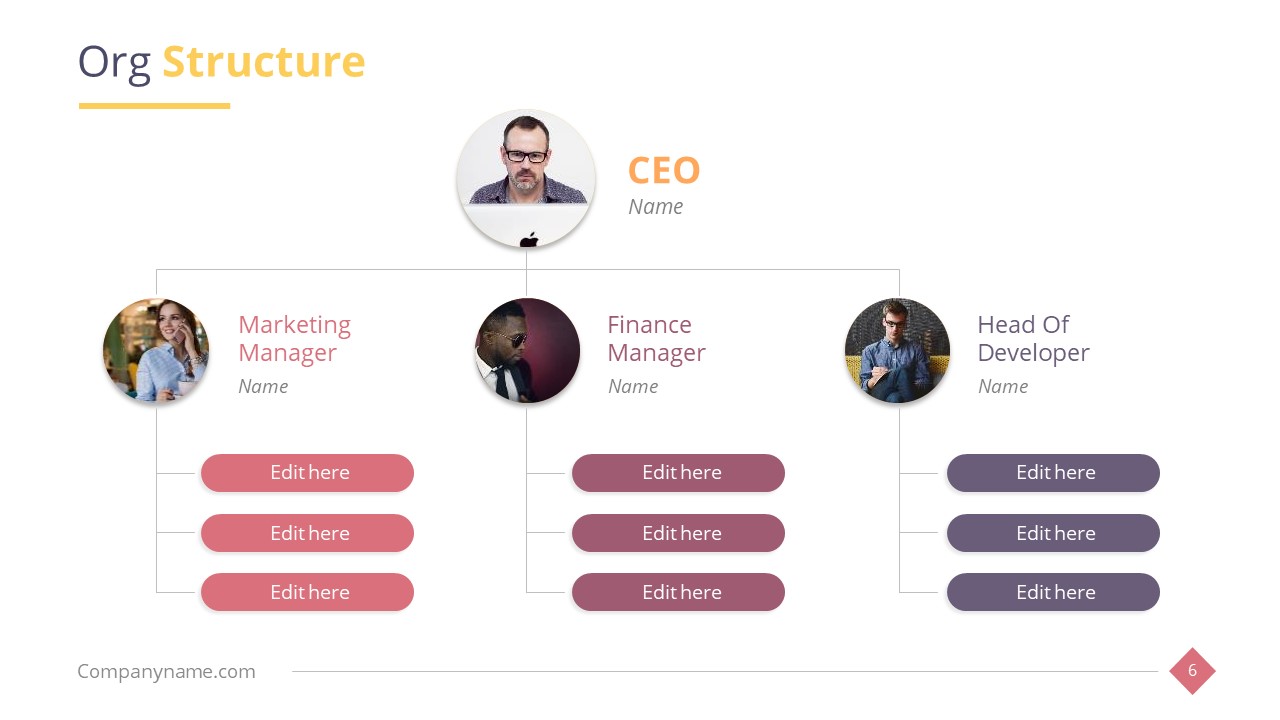
- Org Structure and Org Chart
- Mission and Vision slide
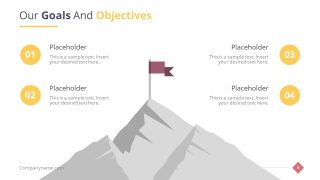
- Our Goals and Objectives slide
- Core Values slide
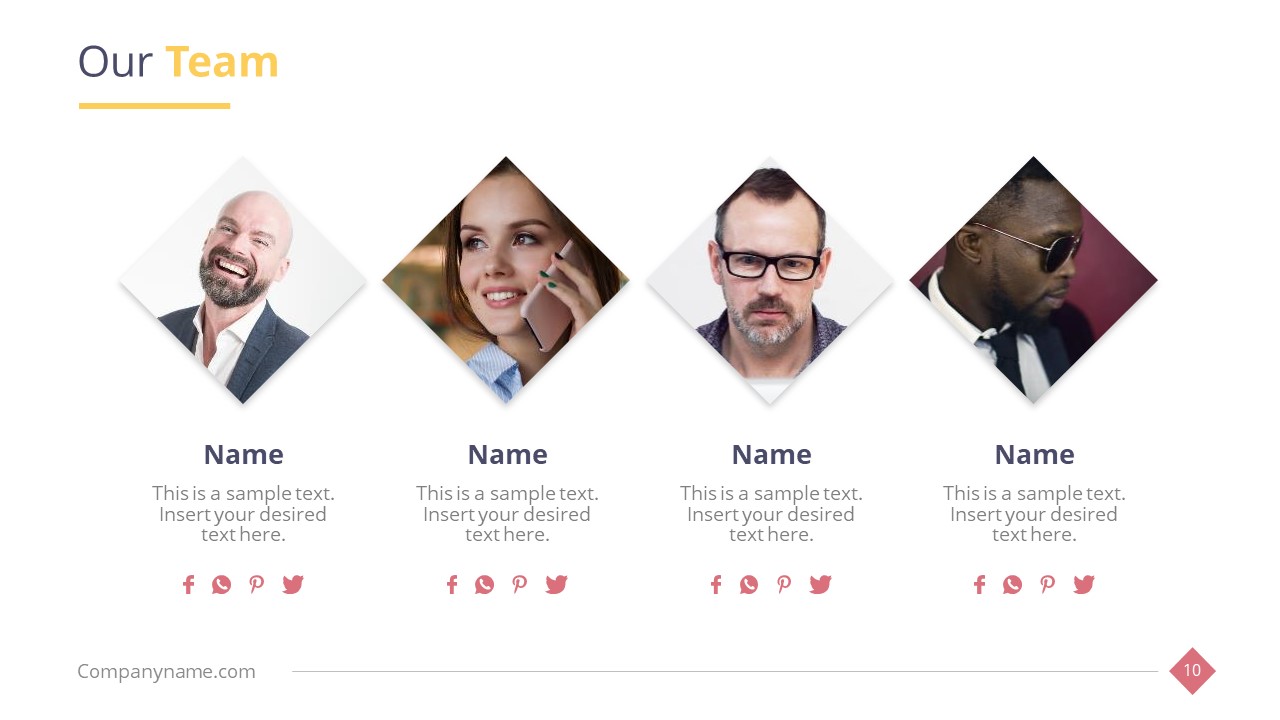
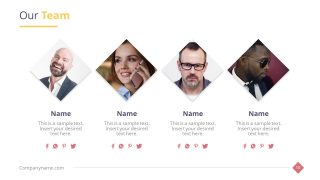
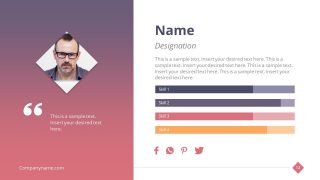
- Our Team slide to introduce your team
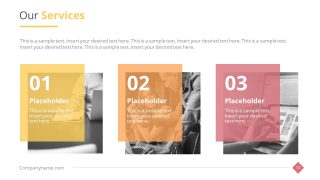
- Our Services slide to present the services
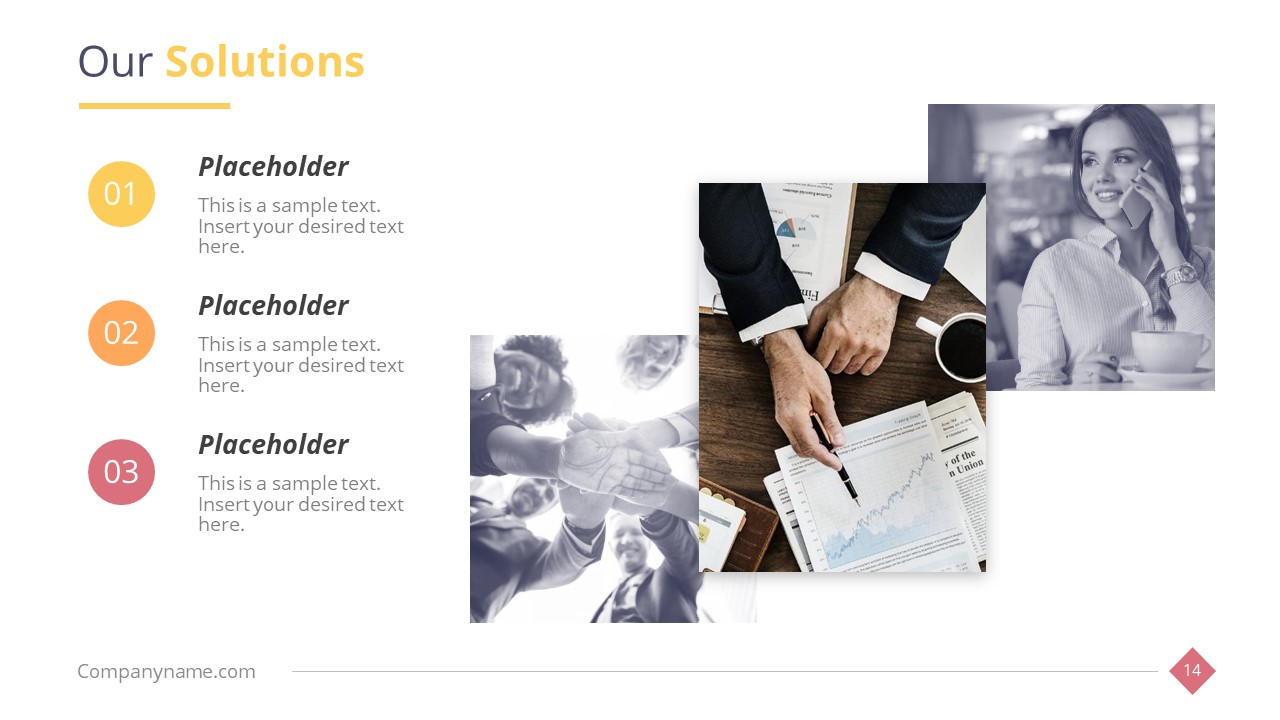
- Our Solutions slide, which can be supported by problem statement slides
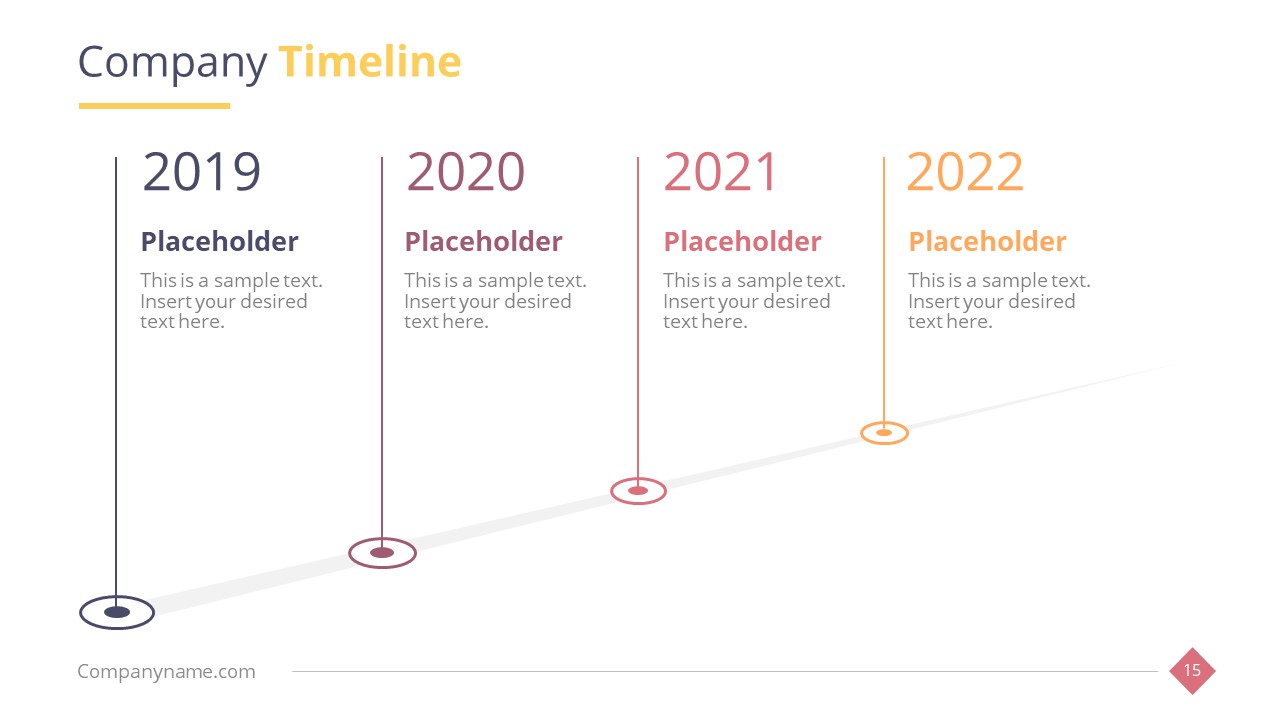
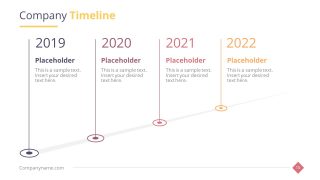
- Company Timeline with 100% editable placeholders
- Our Future Projects slide
- Our Clients slide
- Testimonials slide
- Chapter or Section Title with placeholders
- Target slide
- FAQ slide
- Contact Us slide with contact information
The PowerPoint template of company profile can effectively introduce business activities to internal and external stakeholders. The range of slides enables users to add details like how far the company in terms of achieving its goals. It is an ideal presentation slide desk for rising companies and startups for introducing themselves to the market. They can explain the mission, vision, values, and motive through high-quality graphics assisting and understand its purpose. Furthermore, mountaintop graphics illustrate goals and objectives of business. While pole roadmap timeline demonstrates performance and organizational structure chart to describe workflow process. Also, we recommend you to read our guide on how to make a good presentation.
What’s inside this template
Example presentation scenarios
- A startup founder can present the business to early partners by using the cover, company overview map, founders slide, mission and vision slide, and future projects layout.
- A sales director can introduce a firm to a prospective client by moving from About Us into services cards, solutions points, client examples, testimonials, and the contact slide.
- A marketing team can prepare a public company profile by using the team gallery, org structure, core values target diagram, and photo-led section title slide.
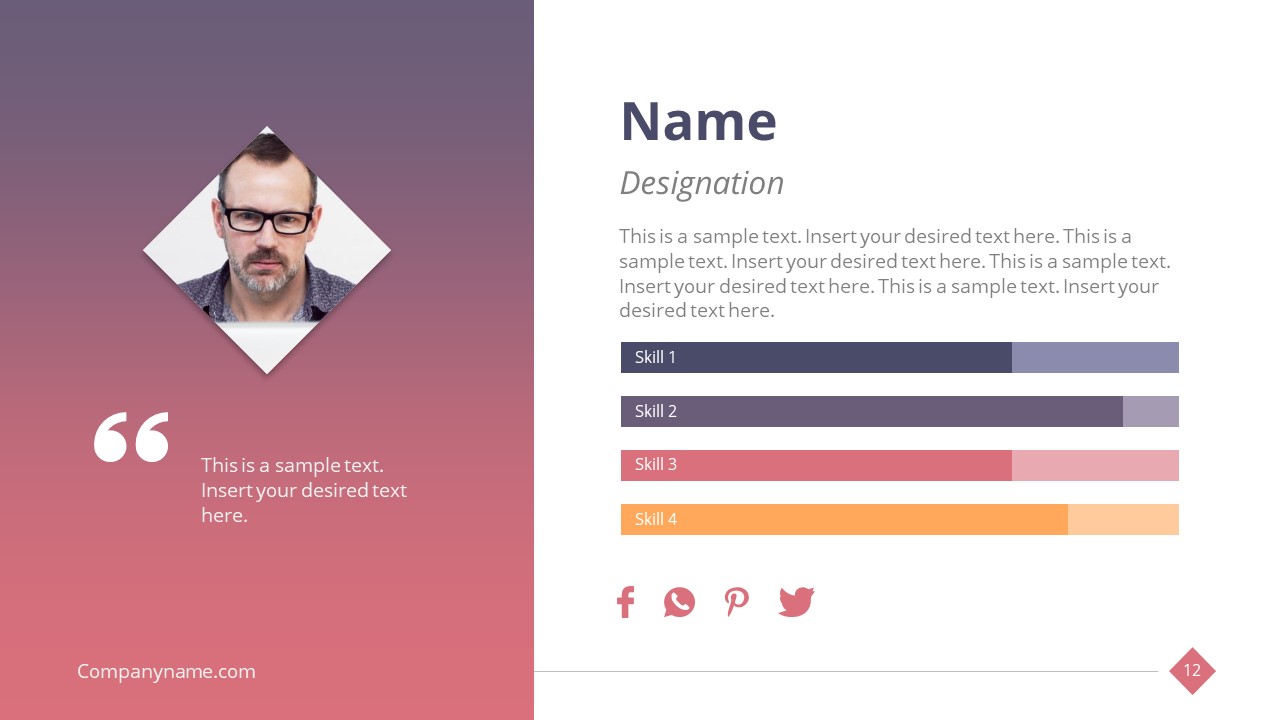
- An HR or operations leader can orient new employees by explaining the org chart, leadership profiles, mission and vision, goals slide, and FAQ layout.
Features
- 100% editable presentation template
- Compatible with Microsoft PowerPoint and Google Slides
- 16:9 aspect ratio slides
- Scalable vector shapes, icons and illustrations
- AI-Ready for Microsoft Copilot and Claude
- Instant access and download
Frequently asked questions
Q: How should a presenter organize the story so the company profile feels clear rather than like a list of facts?
A: Start with the agenda and About Us slide to frame the company, then establish credibility with founders, org structure, mission, values, and goals. Move next to services, solutions, timeline, projects, clients, and testimonials. End with FAQ and contact details so the audience knows what the company does, why it matters, and how to follow up.
Q: Who is this template best suited for, and what type of business message does it support?
A: This template fits founders, marketing teams, sales leaders, and business development presenters who need a polished company introduction. It works best when the goal is to explain identity, structure, services, team capability, client proof, and future direction in one organized deck for external or internal stakeholders.
Q: Why do the target, mountain, timeline, and photo layouts help communicate a company profile?
A: The visual metaphors turn abstract business claims into concrete ideas. The mountain slide supports ambition and goals, the target diagram organizes core values, and the timeline shows progress over time. Photo-led team, clients, and testimonials slides add human context, which makes the profile feel more credible and easier to remember.





























Introduce Company Profile PowerPoint Template
16-slide company profile presentation template with org chart, timeline, team, and client layouts
The Introduce Company Profile PowerPoint Template is a 16-slide business presentation template for introducing an organization to prospects, investors, partners, or employees. Visible layouts include an agenda, org chart, company timeline, team gallery, services cards, testimonials, FAQ, and contact slide. It is built for Microsoft PowerPoint and Google Slides.
- Category
- Business PowerPoint Templates
- Rating


 Loading...
- Aspect ratio
- 16:9
- Item ID
- 7882-01
- Colors
 Microsoft PowerPoint
  Microsoft Copilot
  Claude for PowerPoint
 Other formats supported
Subscribe today and get immediate
access to download our PowerPoint templates.