Slide 12 of 14 from International Tax Planning PowerPoint Template
Strategic Outlook Slide with Text Blocks – International Tax Planning Slide
Strategic Outlook Layout for Presentations
- Diagram
- Other
- Strategic Analysis Slide
- 16:9
- 100% Editable
The Strategic Outlook Layout from the International Tax Planning PowerPoint Template offers a clear and organized design ideal for business presentations focused on strategic planning and project updates. This slide template features editable shapes arranged horizontally to help communicate multiple strategic insights effectively, making it a practical choice for corporate presentation slide decks and financial reviews.
What’s on This Slide
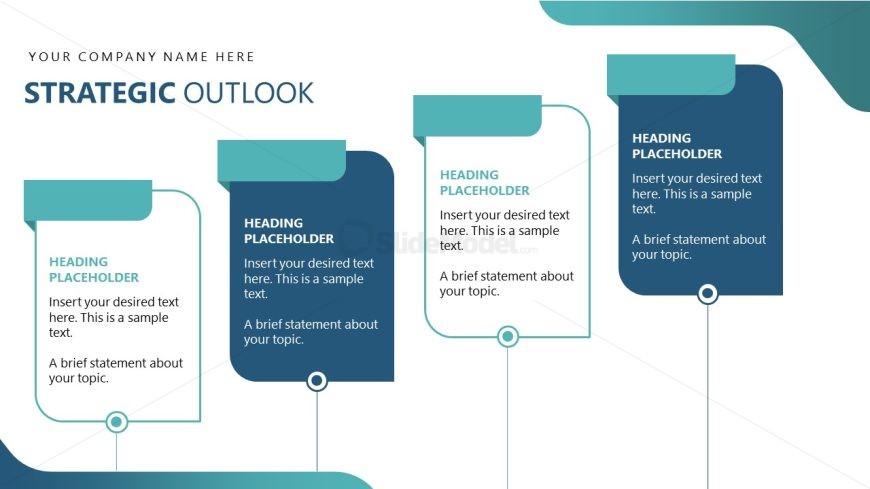
The layout features five rectangular shapes arranged horizontally across the slide. Each shape contains a heading placeholder at the top and a body placeholder below it. The shapes vary in color, with a consistent design that includes rounded corners and a small circular element at the bottom center of each. The first shape is positioned on the far left, followed by four additional shapes spaced evenly to the right. The background is a light color, enhancing the visibility of the shapes and text. The overall composition is clean and organized.
How to Use It
This layout serves as a structured overview for presenting strategic insights or plans. It is suitable for summarizing key points in a business context, such as outlining strategic initiatives or goals. Positioned after problem identification slides, it effectively transitions into detailed discussions. This format is ideal for financial presentations, project updates, or strategic planning sessions, allowing clear communication of multiple ideas in a visually coherent manner.
Text Placeholders & Capacity
Keep your copy within these limits so it fits without resizing. Body slots can accommodate roughly 25-30 words each.
| Placeholder | Count | Max characters (approx.) |
|---|---|---|
| Heading | 5 | 30 |
| Body paragraph | 5 | 150 |
Slide Keywords
Download unlimited PowerPoint templates, charts and graphics for your presentations with our annual plan.
DOWNLOAD