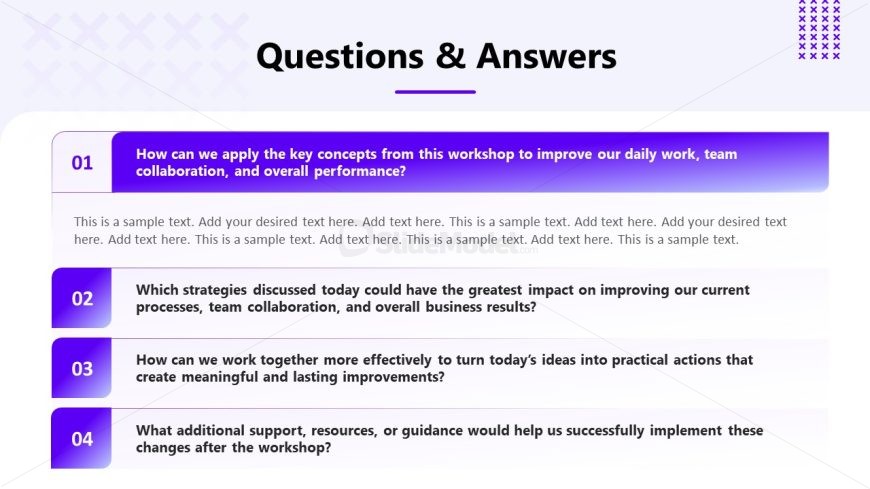
Slide 12 of 13 from Internal Workshop PowerPoint Template
Questions & Answers PPT Slide – Internal Workshop Presentation Deck
Questions & Answers Slide for Workshops
- Text Layout
- Other
- Closing Slide
- 16:9
- 100% Editable
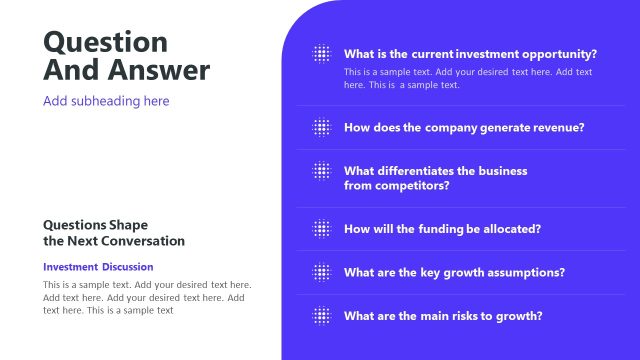
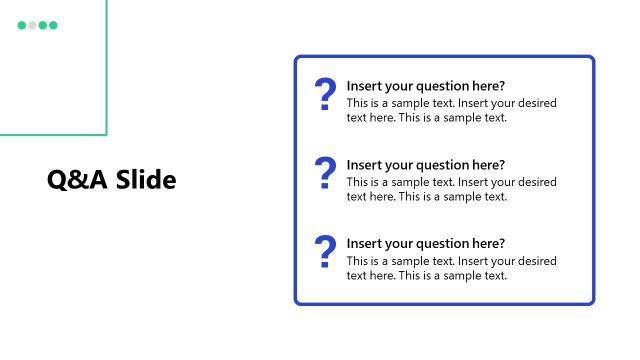
The Questions & Answers slide layout from the Internal Workshop PowerPoint Template provides a structured format for concluding business presentations or training sessions. Designed with editable shapes and a clear hierarchy, it supports effective audience interaction and feedback collection in workshops or team brainstorming meetings. This slide is ideal for wrapping up discussions and ensuring all participant queries are addressed within a professional slide deck.
What’s on This Slide
The slide features a title at the top center labeled 'Questions & Answers' in a bold font. Below the title, there are four numbered sections arranged vertically. Each section contains a question in a larger font, followed by a text placeholder for responses. The placeholders are aligned left and occupy most of the width, with a consistent spacing between them. The background is light with a subtle pattern, and the color scheme includes shades of purple for the title and section backgrounds, creating a visual hierarchy. The layout is structured and organized, facilitating easy reading.
How to Use It
This layout serves as a Q&A format, ideal for concluding discussions in workshops. It fits in a presentation sequence after content delivery, prompting audience engagement. This structure is beneficial for gathering feedback, addressing concerns, and summarizing key takeaways. It is useful in scenarios such as team workshops, training sessions, or brainstorming meetings where participant input is essential. The layout encourages interaction and ensures clarity in addressing questions raised during the session.
Text Placeholders & Capacity
Keep your copy within these limits so it fits without resizing. Node body slots can accommodate detailed responses, roughly 50-60 words each.
| Placeholder | Count | Max characters (approx.) |
|---|---|---|
| Slide title | 1 | 30 |
| Item heading | 4 | 100 |
| Item body | 4 | 300 |
Slide Keywords
Download unlimited PowerPoint templates, charts and graphics for your presentations with our annual plan.
DOWNLOADReturn to Internal Workshop PowerPoint Template.