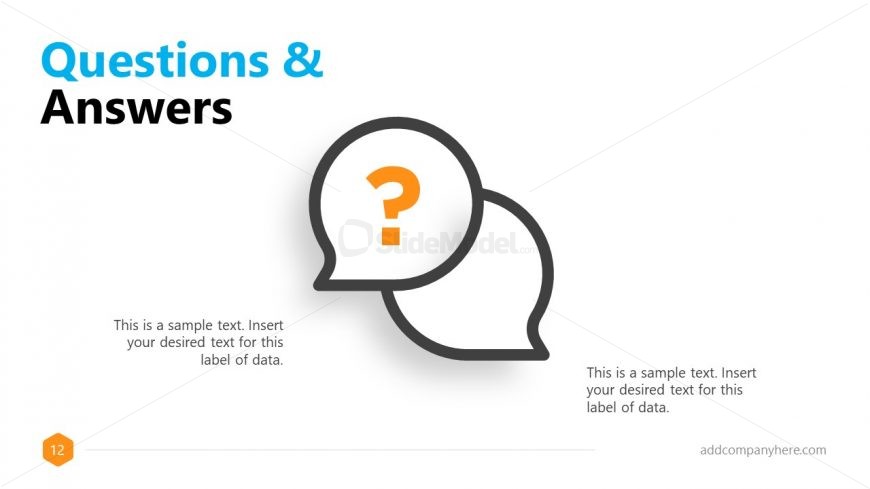
Slide 12 of 13 from Free Business Proposal PowerPoint Template
Business Proposal QAs PowerPoint
Questions & Answers Slide for Business Proposal
- Text Layout
- Single Statement
- Questions Slide
- 16:9
- 100% Editable
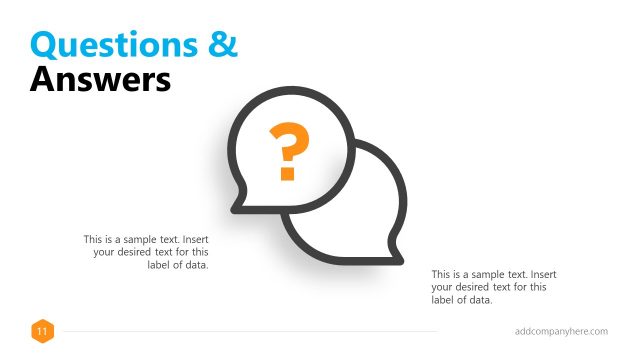
The Questions & Answers slide layout from the Free Business Proposal PowerPoint Template is designed to facilitate audience engagement during client meetings or business presentations. Featuring editable shapes like speech bubbles and a question mark icon, this slide supports clear communication and effective Q&A sessions within professional slide decks.
What’s on This Slide
The layout features a large title at the top left, reading 'Questions & Answers' in a bold font. Below the title, two speech bubble shapes are positioned in the center, with a question mark icon inside one of them. The speech bubbles are outlined in dark gray with a white fill. Below the speech bubbles, there are two text placeholders aligned left and right, each containing sample text for data labels. The overall color scheme includes blue for the title and orange for the question mark, set against a white background, creating a clear visual hierarchy.
How to Use It
This layout serves as a Q&A section, ideal for engaging the audience after a presentation. It fits well towards the end of a presentation sequence, following the main content slides. This structure is useful in business scenarios where clarifying doubts and addressing questions is essential, such as during client meetings or proposal discussions. It encourages interaction and provides a clear space for audience inquiries.
Text Placeholders & Capacity
Keep your copy within these limits so it fits without resizing. Body slots are tight, roughly 10-12 words each.
| Placeholder | Count | Max characters (approx.) |
|---|---|---|
| Slide title | 1 | 30 |
| Item body | 2 | 70 |
| Item heading | 2 | 30 |
| Footer | 1 | 30 |
Slide Keywords
Download unlimited PowerPoint templates, charts and graphics for your presentations with our annual plan.
DOWNLOADReturn to Free Business Proposal PowerPoint Template.