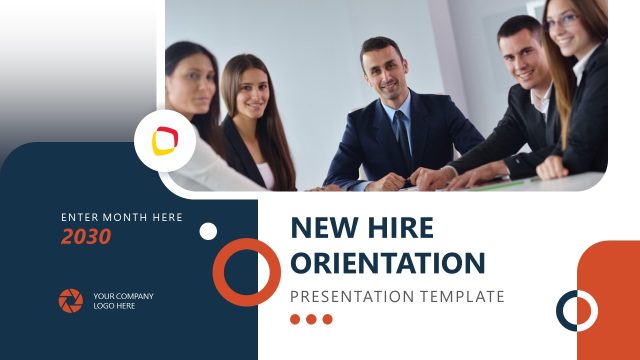
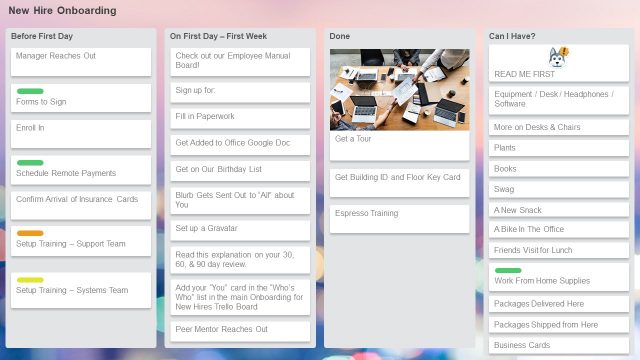
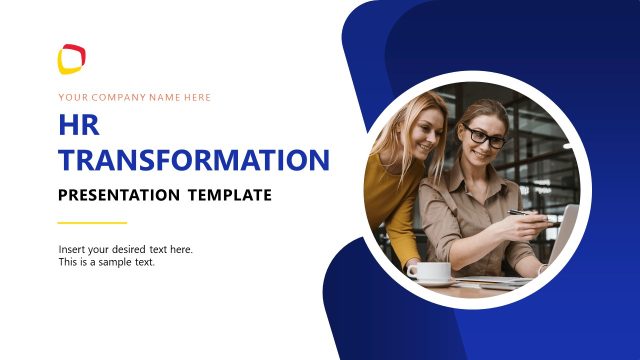
Present your company background, culture, core values, and general rules of conduct to the new employees using our creative HR Orientation PowerPoint Template. The HR orientation is an important event when new employees are on board. It helps the employees know about the company and adapt to the workflow and culture. We have designed this slide deck with creative PowerPoint elements and a professional color scheme for professionals in the corporate sector to prepare their HR orientation presentations. The slides carry semi-circular rings in the background at multiple positions, editable text boxes, and replaceable image placeholders. Professionals can create their HR presentations by conveniently editing the slides in this HR Orientation PowerPoint Template. The first slide of this New Hire template shows the presentation topic and caption, followed by the simple agenda slide.
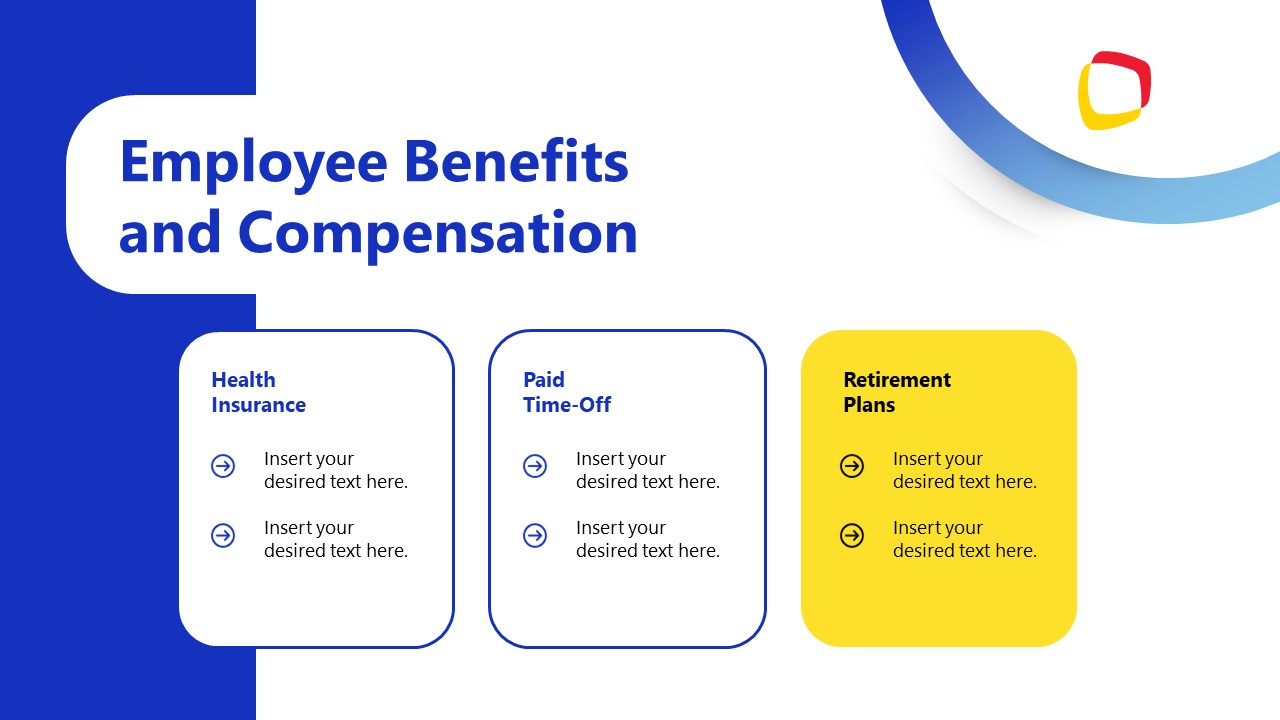
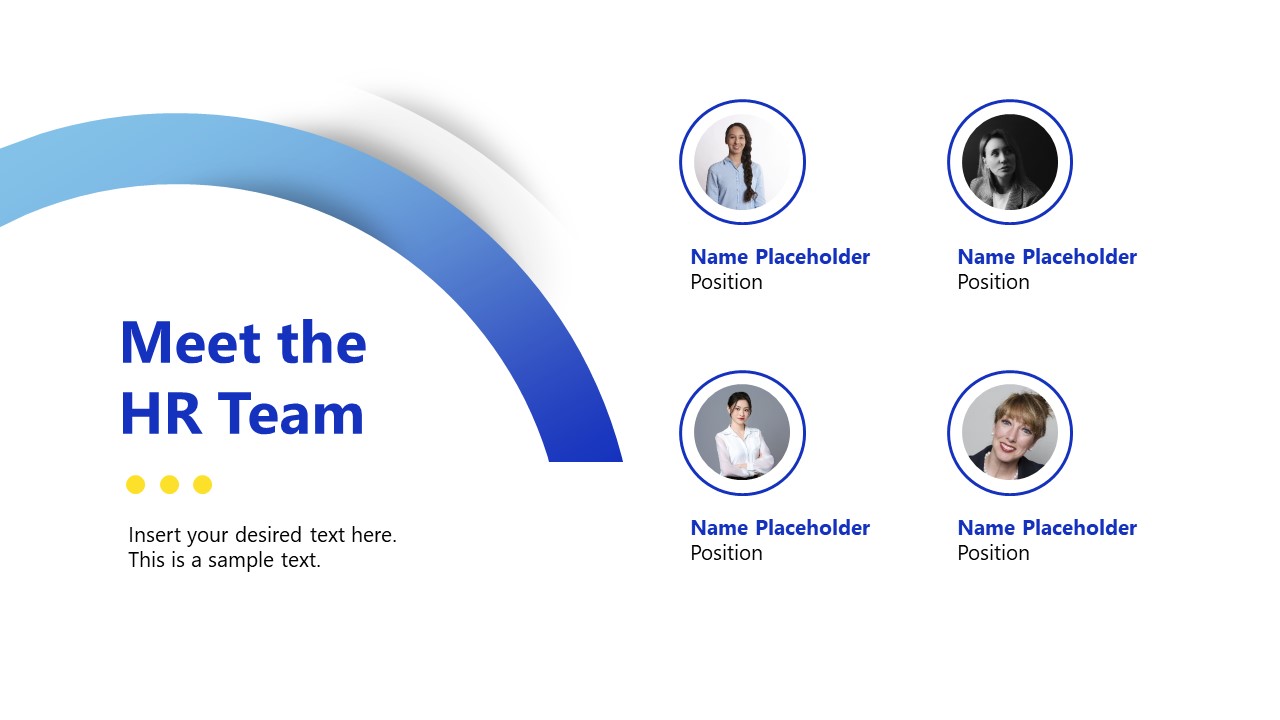
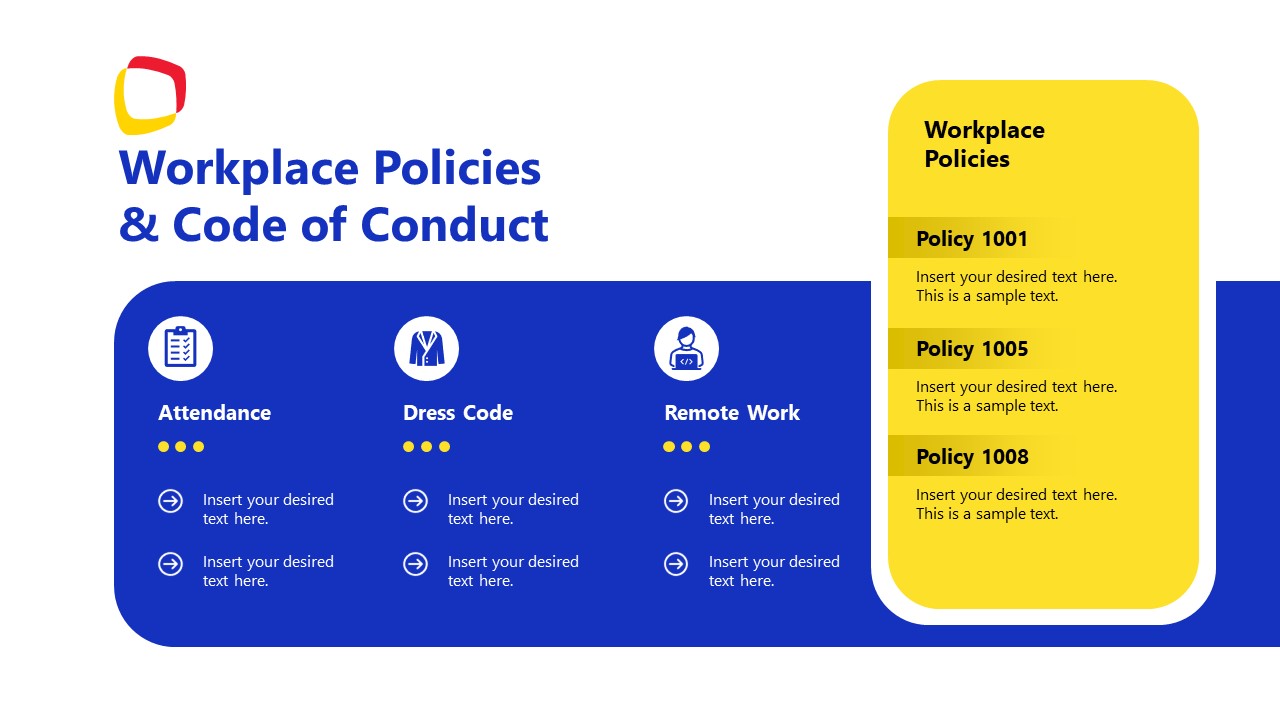
Next is the slide for the section heading, which can be used according to the requirement. The basic introduction includes a slide for a company overview, i.e., a mission statement, a vision statement, and current highlighted stats. To engage with the employees, the following part of this HR Orientation slide deck presents the subjects of new employee interest, such as employee benefits, meeting the HR team, workplace policies, and health safety protocols. Appropriate icons are used on these slides; for instance, the code of conduct slide has graphical icons for dress code, attendance, and remote work. Likewise, the page has creative sections and images to present diversity and inclusion in the workspace. Further, there are slides for:
- Career development pathway with pyramid diagram
- Learning and development programs with colored sections and calendar snippets of upcoming sessions
- IT and security protocols & Q/A
Professionals can create detailed onboarding presentations for their new hires using the slides from our HR Orientation PowerPoint Template. For personalization, they can add their company logo and images. Users can also discover our other employee onboarding templates and choose the best fit from them. Download and try them now!
What’s inside this template
Example presentation scenarios
- An HR manager can use the agenda and company overview slides to open a new hire orientation and explain how the session will move from business context to workplace expectations.
- A people operations team can use the benefits cards and HR team profile slide to introduce support contacts, compensation topics, and employee resources during the first week.
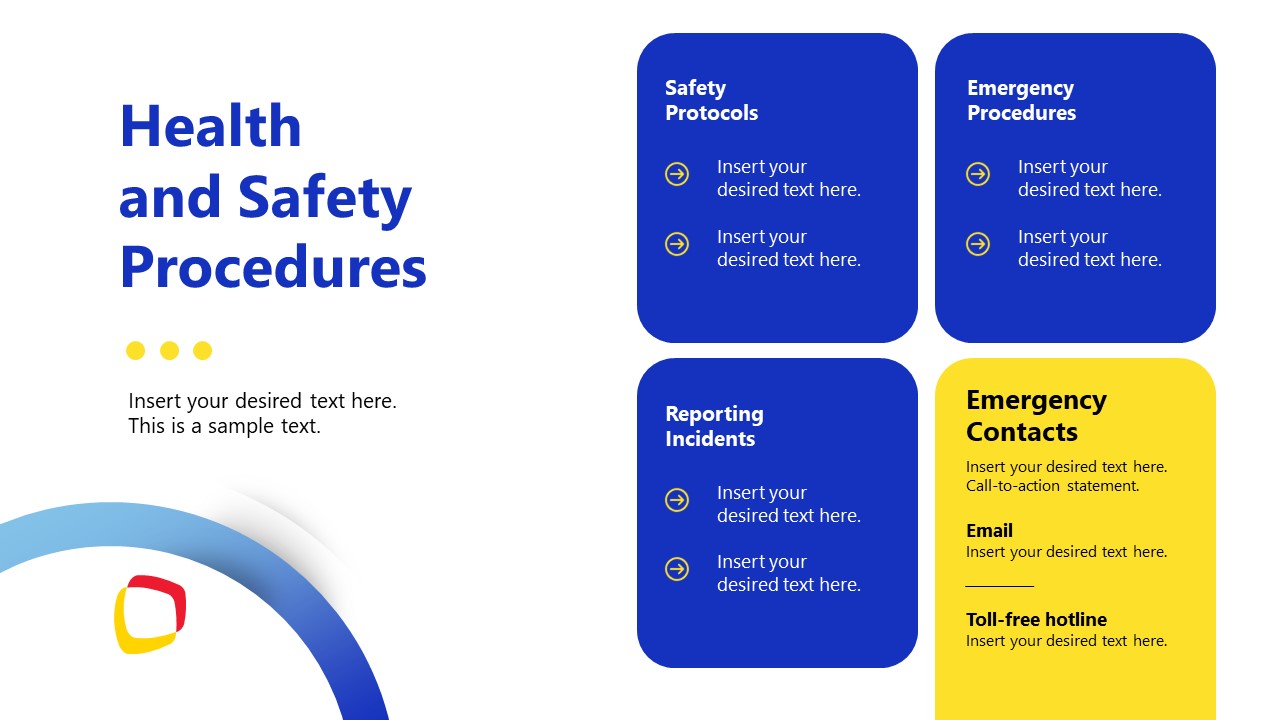
- A compliance or facilities presenter can use the code of conduct and health and safety procedure cards to brief employees on attendance, emergency steps, incident reporting, and contact channels.
- A learning and development coordinator can use the career pyramid and training program slides to show growth paths, leadership training, and upcoming sessions for new employees.
- An IT representative can use the IT and security protocol slide to explain cybersecurity practices, data privacy expectations, and password guidelines before the Q&A.
Features
- 100% editable presentation template
- Compatible with Microsoft PowerPoint and Google Slides
- 16:9 aspect ratio slides
- Scalable vector shapes, icons and illustrations
- Ready with Animations & Transitions in PowerPoint
- AI-Ready for Microsoft Copilot and Claude
- Instant access and download
Frequently asked questions
Q: How should an HR presenter pace this orientation deck so new hires retain the key information?
A: Start with the cover and agenda to set expectations, then group the company overview, benefits, and HR team slides as the welcome block. Treat policies, safety, and IT security as the rules block, using one concrete example per card. Close with career development, training, Q&A, and contacts so employees leave with clear next actions.
Q: Who is this template best suited for, and what message does it help them communicate?
A: This template fits HR managers, people operations teams, and training coordinators running an employee induction. It is strongest when the message is practical: what the company stands for, who supports employees, which rules matter, and where to find help. The mix of team profiles, policy cards, benefits cards, and contact details keeps the session people-centered.
Q: Why do the circular accents, cards, and pyramid layout work well for onboarding communication?
A: The circular accents create a consistent orientation path without crowding the content, while rounded cards break policy topics into easier units. The career development pyramid gives growth a clear upward metaphor, which is useful after compliance-heavy slides. This sequencing balances welcome, rules, development, and support so the presentation feels structured rather than administrative.




HR Orientation PowerPoint Template
14-slide HR orientation presentation template with agenda, company overview, policies, and onboarding sections
The HR Orientation PowerPoint Template is a 14-slide onboarding presentation template for introducing new employees to company background, benefits, conduct rules, safety, training, and IT protocols. It includes an agenda, company overview, HR team layout, policy cards, a career development pyramid, and a Q&A close for Microsoft PowerPoint and Google Slides.
- Category
- Business PowerPoint Templates
- Rating


 Loading...
- Aspect ratio
- 16:9
- Item ID
- 85166-01
- Colors
 Microsoft PowerPoint
 Microsoft Copilot
 Claude for PowerPoint
Other formats supported
Subscribe today and get immediate
access to download our PowerPoint templates.