Slide 6 of 6 from Harvey Ball Shapes for PowerPoint
Colorful Harvey Ball Icons for PowerPoint
Harvey Ball Shapes with Color for Presentations
- Diagram
- Matrix Grid
- Evaluation Slide
- 16:9
- 100% Editable
The Useful Harvey Ball Shapes with Color slide from the Harvey Ball Shapes for PowerPoint template offers a clear visual method for project evaluations and status updates. This slide layout uses editable shapes arranged in a matrix grid to represent qualitative ratings with color-coded Harvey balls, making it ideal for business presentations and corporate slide decks requiring concise performance summaries.
What’s on This Slide
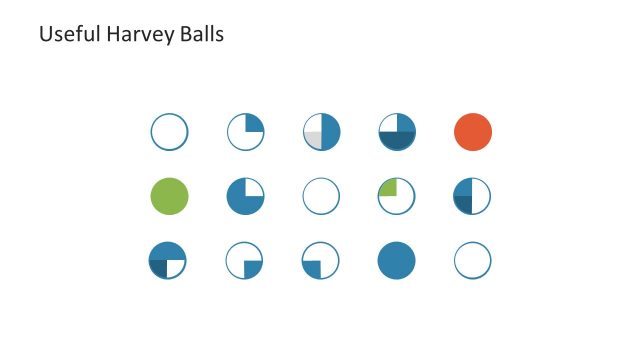
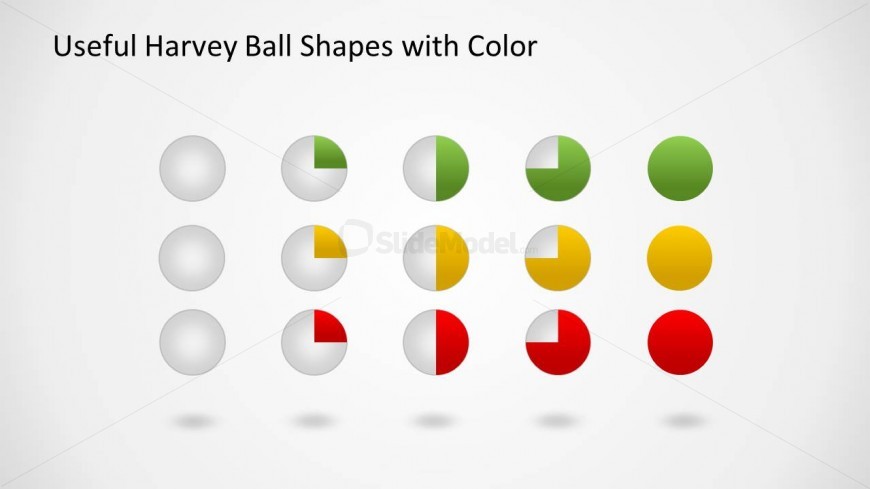
The layout features a grid of Harvey ball shapes arranged in three rows and four columns. Each shape is a circle, partially filled with various colors, including green, yellow, and red, indicating different levels of completion or status. The circles are evenly spaced with consistent sizing, creating a uniform appearance. Above the shapes, there is a title placeholder aligned to the left. The background is a light gradient, enhancing the visibility of the colored shapes. No additional images or media placeholders are present.
How to Use It
This layout serves to visually represent qualitative ratings or statuses using Harvey balls. It can be effectively used in business presentations to summarize project statuses, product evaluations, or performance metrics. Positioned towards the end of a presentation, it provides a clear visual summary. This layout is suitable for stakeholders needing quick insights into various aspects of a project or product without delving into detailed data.
Text Placeholders & Capacity
Keep your copy within these limits so it fits without resizing. Title slot can hold about 5-6 words comfortably.
| Placeholder | Count | Max characters (approx.) |
|---|---|---|
| Slide title | 1 | 30 |
Slide Keywords
Download unlimited PowerPoint templates, charts and graphics for your presentations with our annual plan.
DOWNLOADReturn to Harvey Ball Shapes for PowerPoint.