Slide 1 of 6 from Harvey Ball Shapes for PowerPoint
Harvey Balls for PowerPoint
Harvey Ball Shapes for PowerPoint
- Chart
- Other
- Evaluation Slide
- 16:9
- 100% Editable
The Harvey Ball Scale slide from the Harvey Ball Shapes for PowerPoint template offers a clear visual method for evaluating qualitative ratings and performance metrics. This slide layout uses editable shapes to display status indicators with varying fill levels, making it suitable for business presentations and corporate slide decks that require intuitive comparison visuals. It integrates well into pitch deck templates and other presentation templates focused on data and charts.
About This Slide
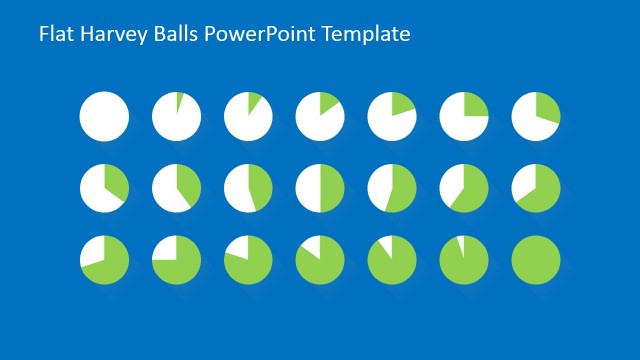
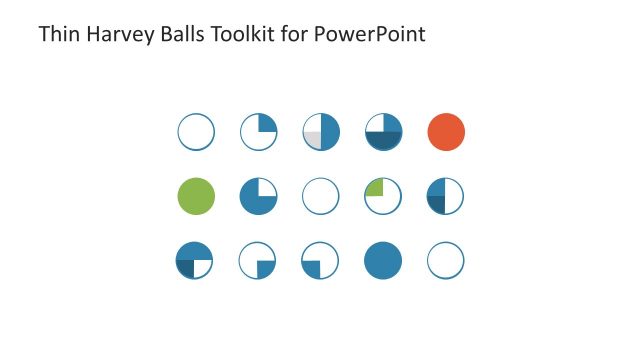
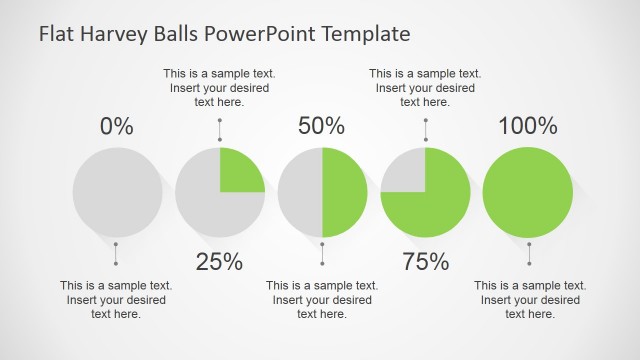
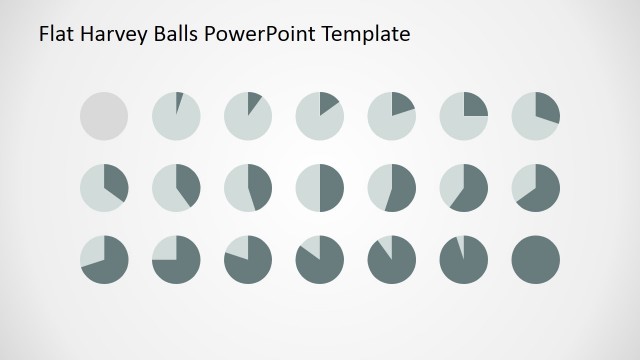
The Office template features Harvey Balls for PowerPoint. Harvey Balls act in the same way as pie charts. They illustrate a certain degree of completion. They can show rate of completion for projects and plans. The PowerPoint objects are flexible. Their color, size, and arrangement can be changed without affecting their image resolution.
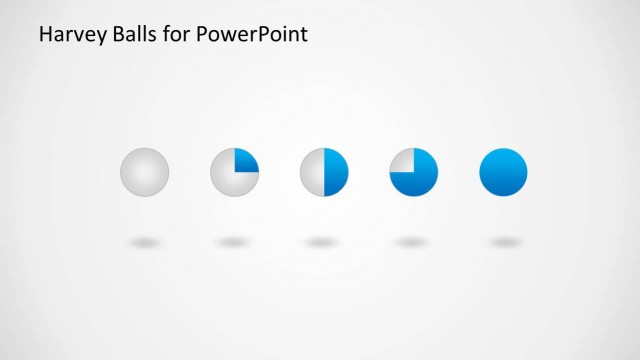
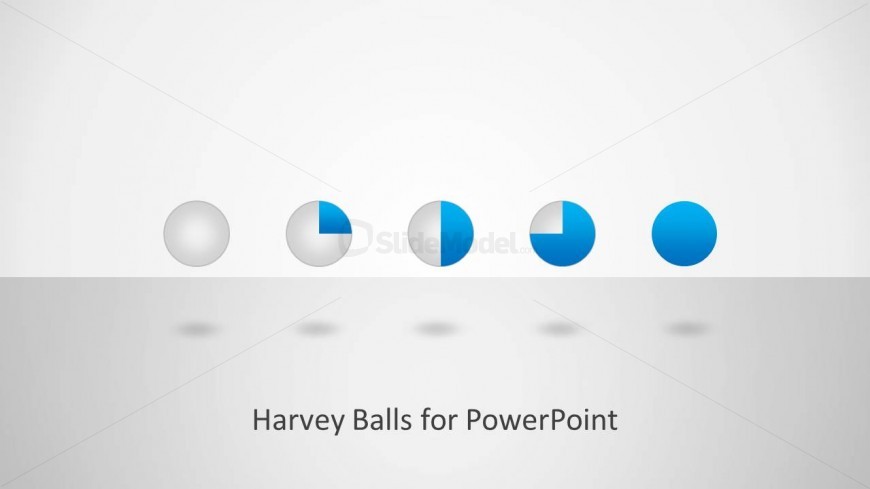
The slide design is divided into two, to create a horizon. Four Harvey balls are found at the middle of the slide. Shadows on the lower half of the slide create a floating illusion. The Harvey balls are highlighted in quadrants, starting with a black chart, to a full one. A placeholder at the bottom can be used for the title and description.
What’s on This Slide
The slide features a horizontal arrangement of five Harvey balls, each varying in fill from empty to fully filled. The first ball is completely empty, while the last is fully filled with blue. The second and fourth balls show partial fills, with the third ball displaying a half-blue, half-white configuration. Below the balls, there is a centered text placeholder labeled 'Harvey Balls for PowerPoint.' The background is light gray, providing contrast to the colorful balls, which are evenly spaced and aligned in the center of the slide.
How to Use It
This layout serves as a visual representation of qualitative ratings or status indicators using Harvey balls. It is suitable for presentations that require a simple comparison of different items or statuses. This slide fits well at the beginning of a presentation to introduce the concept of Harvey balls or as a summary slide to visually represent data. It is ideal for business analysts and project managers to communicate progress or performance metrics effectively.
Text Placeholders & Capacity
Keep your copy within these limits so it fits without resizing. The title slot can accommodate a concise phrase, roughly 5-7 words long.
| Placeholder | Count | Max characters (approx.) |
|---|---|---|
| Slide title | 1 | 30 |
Slide Keywords
Download unlimited PowerPoint templates, charts and graphics for your presentations with our annual plan.
DOWNLOADReturn to Harvey Ball Shapes for PowerPoint.