Slide 3 of 6 from Harvey Ball Shapes for PowerPoint
Harvey Ball Chart Table for PowerPoint
Harvey Balls Table for Product Comparison
- Table
- Comparison Table
- Comparison Slide
- 16:9
- 100% Editable
The Harvey Balls Table slide from the Harvey Ball Shapes for PowerPoint template provides a clear and structured way to compare product performance using qualitative ratings. This slide layout is ideal for business presentations that require visualizing market share and product positioning through editable shapes and vector icons. Its table format supports effective analysis in corporate presentations and pitch deck templates, enhancing data clarity with intuitive visual cues.
About This Slide
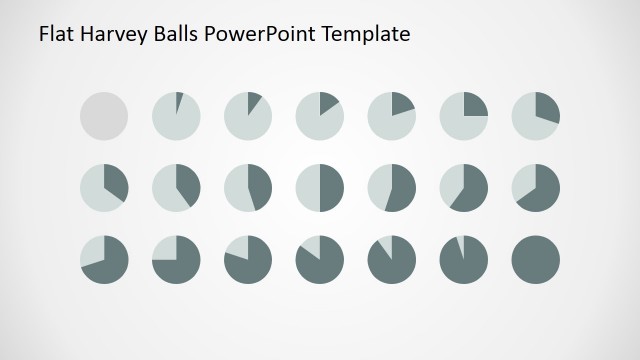
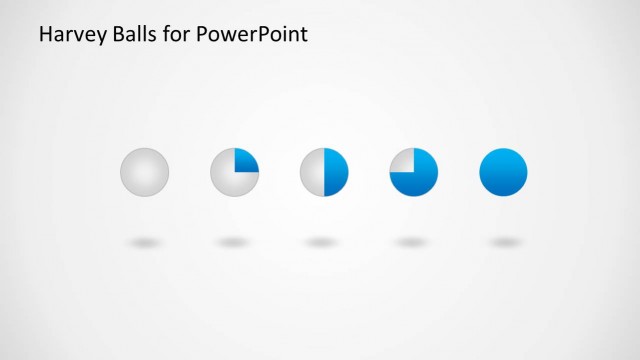
The slide contains a Harvey Ball Chart Table for PowerPoint. Harvey Balls can demonstrate a certain percentage, usually in quadrants. They are a modified version of the pie chart. They illustrate the completion of a plan, in segments. A plain gray Harvey Ball means that the section is untouched. A half-shaded ball shows that only half of the plan has been done.
The table has five columns and six rows. The column headers are highlighted in blue. They are labeled Products, Market Share, Popularity, Marketing Mix, and Market Position. The row headers contain product names. Harvey balls PowerPoint are found at the intersection of two headers. They indicate the progress in that specific area. The presenter can edit the position of the PowerPoint icons. Any changes will not affect the image quality of the design.
What’s on This Slide
The layout features a table with five columns and multiple rows. The top row contains headers labeled 'Products,' 'Market Share,' 'Popularity,' 'Marketing Mix,' and 'Market Position.' Each product row includes placeholders for product names and corresponding Harvey ball icons that represent qualitative ratings. The icons vary in size and color, indicating different levels of metrics. Text placeholders are aligned centrally within each cell, with a consistent visual hierarchy. The background is light gray, providing contrast to the blue and white elements.
How to Use It
This layout serves as a product comparison table, effectively displaying qualitative ratings across multiple metrics. It fits within a presentation sequence that discusses product performance or market analysis. Suitable for business analysts and product managers, it can be used to visually summarize product attributes and competitive positioning. The table format allows for easy comparison, making it ideal for presentations focused on market share or product evaluation.
Text Placeholders & Capacity
Keep your copy within these limits so it fits without resizing. Row labels can hold about 20 characters each.
| Placeholder | Count | Max characters (approx.) |
|---|---|---|
| Row label | 5 | 20 |
| Column header | 5 | 20 |
| Item body | 5 | 30 |
Slide Keywords
Download unlimited PowerPoint templates, charts and graphics for your presentations with our annual plan.
DOWNLOADReturn to Harvey Ball Shapes for PowerPoint.