Slide 9 of 15 from Global Company Profile PowerPoint Template
6085-01-company-profile-template-9
Timeline Slide for Company Profile Presentation
- Diagram
- Timeline Horizontal
- Timeline Slide
- 16:9
- 100% Editable
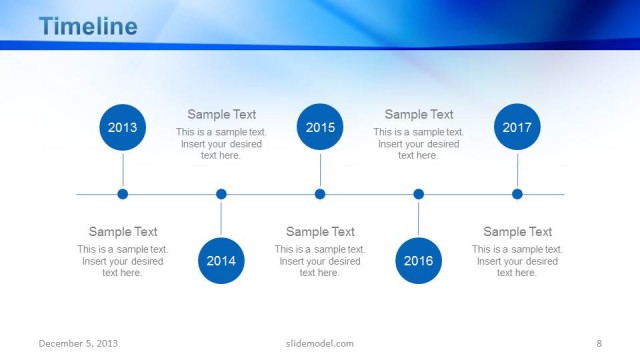
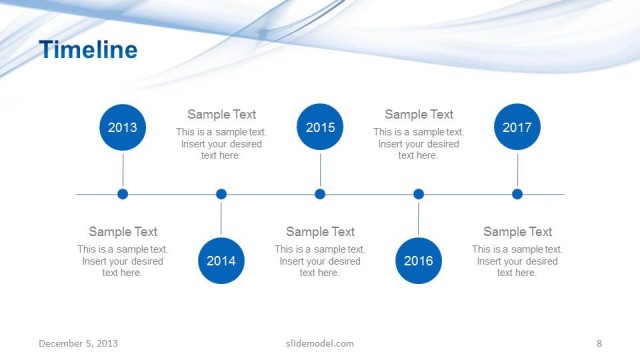
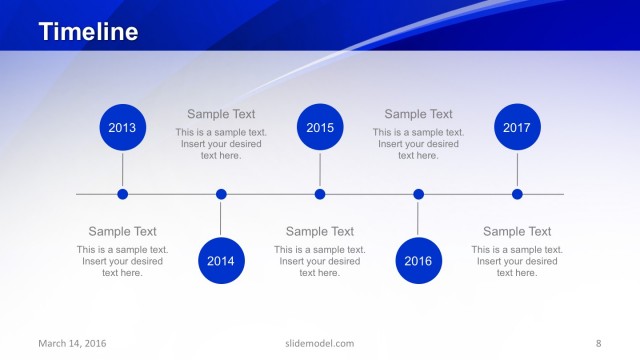
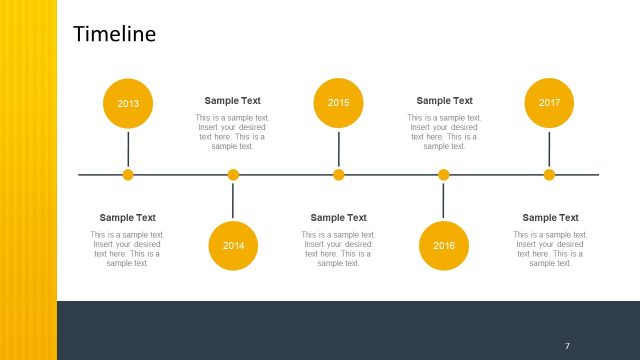
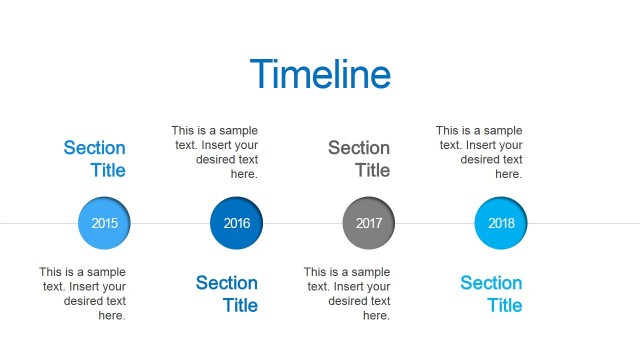
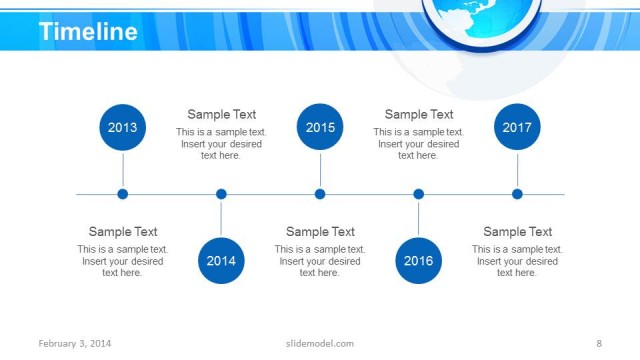
The Timeline slide from the Global Company Profile PowerPoint Template offers a horizontal layout ideal for illustrating company history and project milestones. This slide template features editable shapes and text placeholders that support clear chronological storytelling, making it a practical choice for business presentations and annual reports within corporate slide decks.
What’s on This Slide
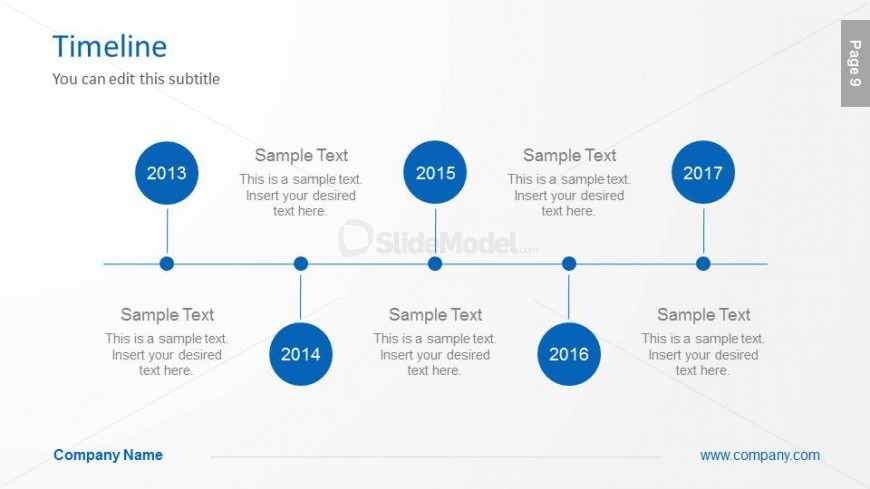
The slide features a horizontal timeline layout with five circular nodes positioned evenly along a central line. Each node is colored blue and contains a year label: 2013, 2014, 2015, 2016, and 2017. Below each year, there are text placeholders aligned centrally, allowing for descriptions or events related to each year. The overall composition is clean, with a light background, enhancing the visibility of the blue nodes. The title is positioned at the top left, with a subtitle placeholder directly beneath it. The company name is located at the bottom left.
How to Use It
This layout serves as a chronological timeline to present key events or milestones in a company's history. It is suitable for business presentations where a clear sequence of developments is needed, such as annual reports or project timelines. This slide fits well after introductory slides, providing context for the company's growth and achievements. It can be used in various business scenarios, including investor updates, team briefings, or strategic planning sessions.
Text Placeholders & Capacity
Keep your copy within these limits so it fits without resizing. Node body slots can hold about 10 words each.
| Placeholder | Count | Max characters (approx.) |
|---|---|---|
| Slide title | 1 | 30 |
| Subtitle | 1 | 50 |
| Item heading | 5 | 4 |
| Item body | 5 | 50 |
| Footer | 1 | 30 |
Slide Keywords
Download unlimited PowerPoint templates, charts and graphics for your presentations with our annual plan.
DOWNLOADReturn to Global Company Profile PowerPoint Template.