Slide 6 of 15 from Global Company Profile PowerPoint Template
6085-01-company-profile-template-6
Two Columns Sample Slide for Company Profile
- Text Layout
- Two Column Text
- Context Slide
- 16:9
- 100% Editable
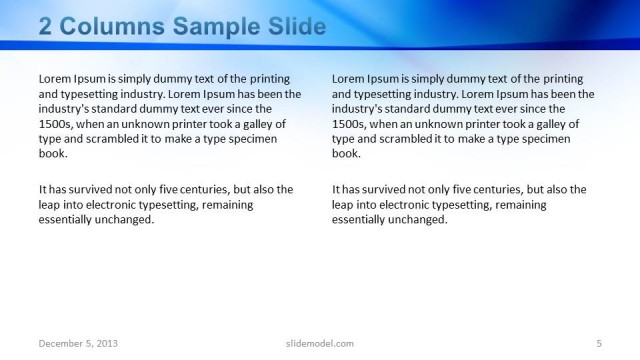
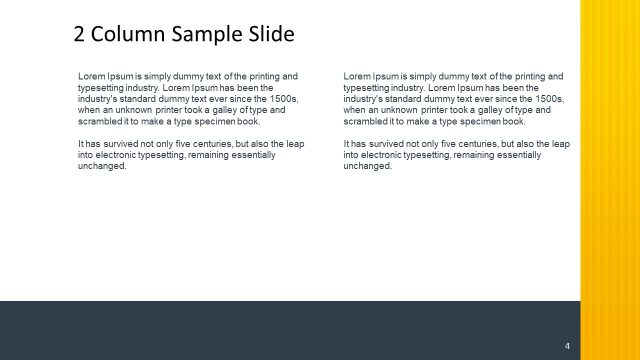
The Two Columns Sample Slide from the Global Company Profile PowerPoint Template offers a structured layout with equal-width text columns, ideal for company overviews and project descriptions. This slide design supports clear communication in business presentations by allowing side-by-side comparison of information using editable slides and vector icons for enhanced visual appeal.
What’s on This Slide
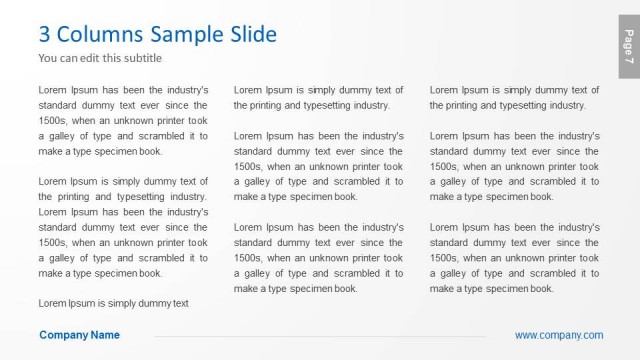
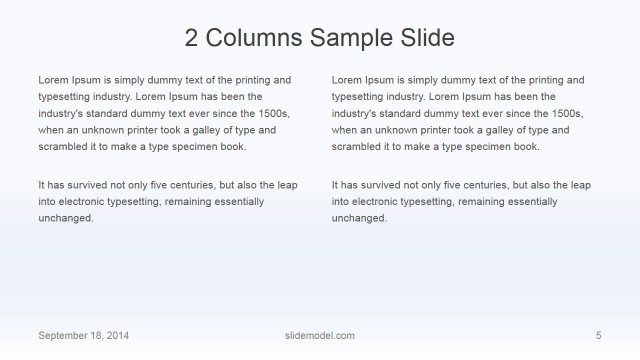
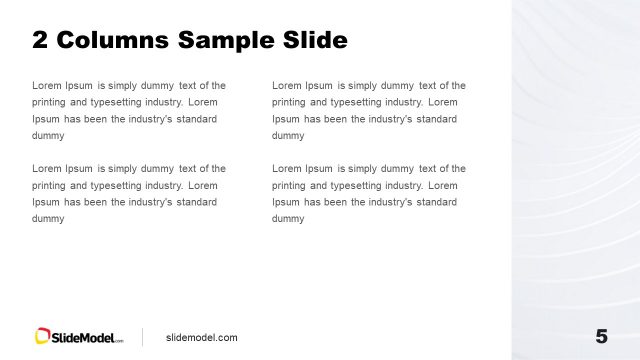
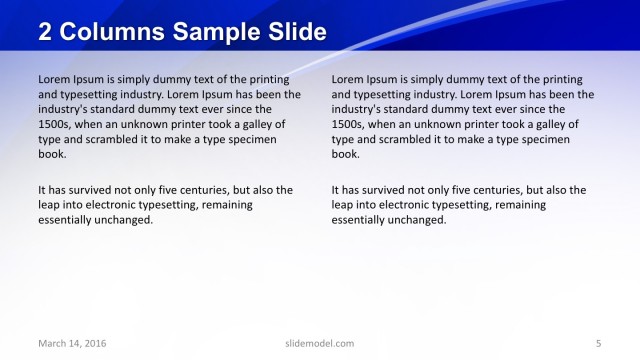
The layout features two columns of text, each occupying equal width. The left column contains a title and a subtitle at the top, followed by a block of text. The right column mirrors this structure with a similar block of text. Text placeholders are aligned to the top of each column, with a visual hierarchy established by the title being larger than the body text. The background is light, enhancing readability. A footer at the bottom includes a placeholder for the company name and website, centered within the width of the slide.
How to Use It
This layout serves as a two-column text layout, ideal for presenting comparative information or detailed descriptions side by side. It fits well after introductory slides, providing context or elaboration on key topics. Suitable for business scenarios like company overviews, project descriptions, or team introductions, it allows for clear communication of parallel ideas. It is effective in settings where concise information needs to be presented in a structured format.
Text Placeholders & Capacity
Keep your copy within these limits so it fits without resizing. Body slots can accommodate roughly 50-60 words each.
| Placeholder | Count | Max characters (approx.) |
|---|---|---|
| Slide title | 1 | 30 |
| Subtitle | 1 | 50 |
| Body paragraph | 4 | 300 |
| Footer | 1 | 50 |
Slide Keywords
Download unlimited PowerPoint templates, charts and graphics for your presentations with our annual plan.
DOWNLOADReturn to Global Company Profile PowerPoint Template.