Strengthen your business ideas through business presentations using the Flat Pillars Diagram for PowerPoint. Pillars are the elements in a structure that makes it possible to construct a building or establishment. It’s a general symbol of structural support that holds together an entire edifice. The same mental recognition about pillars applies when it is used in visual presentations. The Flat Pillars Diagram for PowerPoint visually catches your intention to highlight the major foundations of your concept. This PowerPoint template is applicable in business ideas where you want to put more focus on in its major elements. It visually facilitates your audience to make a mental registry of those foundations. Most of all, this diagram is readily designed to utilize the impact of pillars in a presentation – all it needs is your words. You can say that it has the best of both worlds because while it’s made readily available for you, it is still customizable while maintaining its presentation design. It’s great for business models as well as simple organizational charts.
Business models such as company profiles, marketing strategies, organization founders and the like are perfect for this slideshow design. Business ideas and concepts can be a puzzle if not plotted carefully. There are times that even the presenter gets carried away with the topic and wander away from the main subject of the presentation. This business plan template is an efficient guide for both the audience and the presenter. The Flat Pillars Diagram for PowerPoint assists in placing a focal point where it is needed while allowing more room in the succeeding slides for elaboration on each element or pillar of your concept. It therefore eliminates optional information that is not directly significant to your presentation. This way, your time in presenting is utilized in making sure your audience fully appreciates the main concept in your business ideas.
Impress your audience with Professional PowerPoint Templates that engage and attracts with powerful visual appeal.
What’s inside this template
Example presentation scenarios
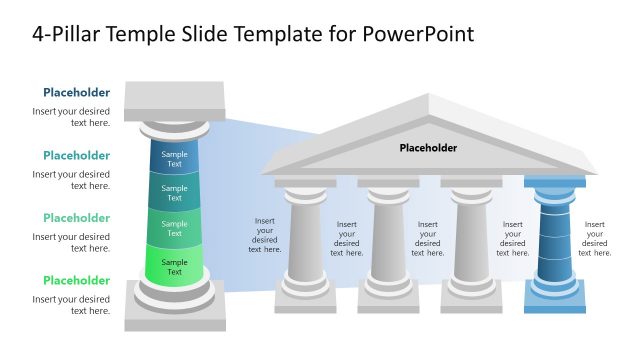
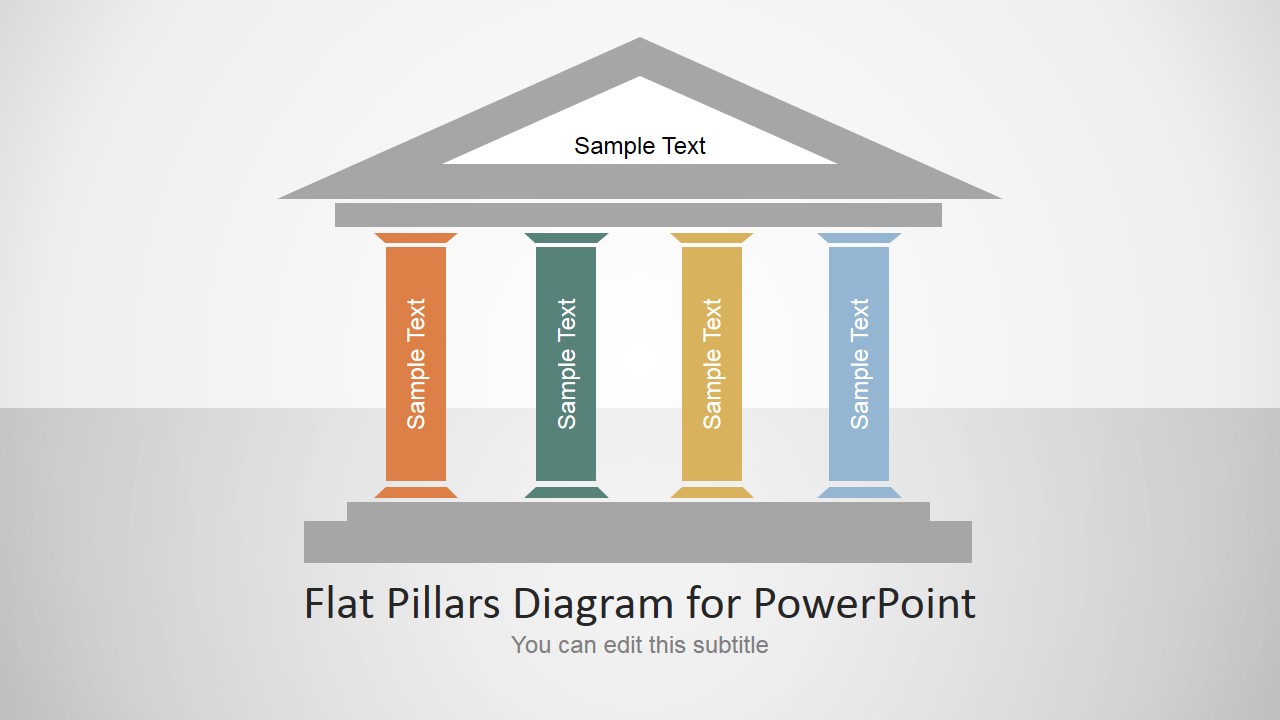
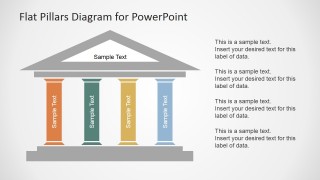
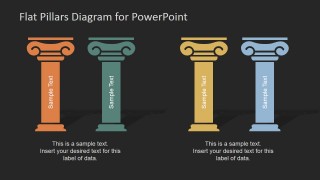
- A consultant can use the four-pillar temple diagram to explain the main foundations of a client operating model before discussing each pillar in detail.
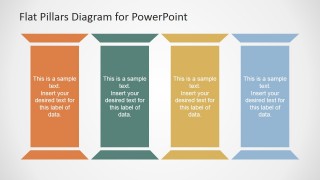
- A marketing manager can use the vertical pillar panels to present brand, audience, channel, and measurement themes in a strategy meeting.
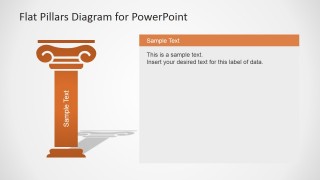
- A founder can use the single-pillar detail slide to expand on one core principle while keeping the overall business model structure visible across the deck.
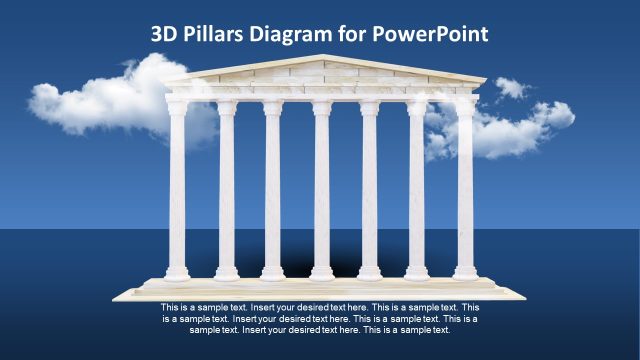
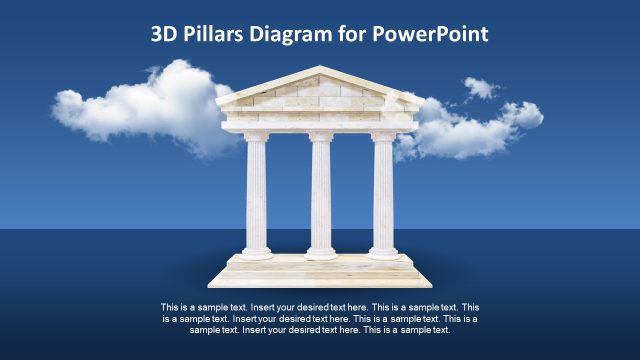
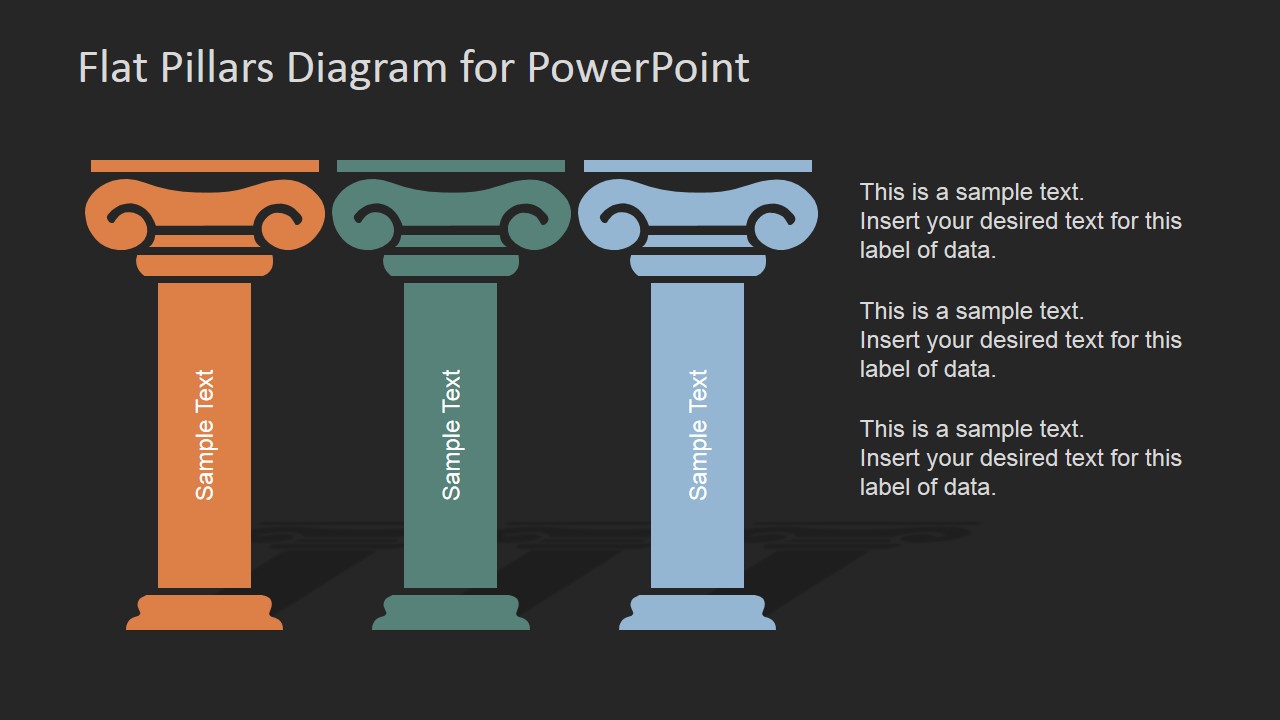
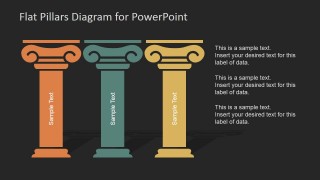
- An executive team can use the dark-theme three-pillar layout to summarize strategic priorities and add short explanatory notes beside the columns.
Features
- 100% editable presentation template
- Compatible with Microsoft PowerPoint and Google Slides
- 16:9 aspect ratio slides
- Scalable vector shapes, icons and illustrations
- AI-Ready for Microsoft Copilot and Claude
- Instant access and download
Frequently asked questions
Q: How should a presenter build a clear message around the pillar metaphor?
A: Start by naming the central idea in the temple roof or slide title, then assign one concrete support point to each pillar. Keep the pillar labels short, such as capability, process, people, and governance. Use the detail slides to explain evidence or actions behind each pillar instead of crowding the main diagram.
Q: When is this template a better choice than a matrix or process diagram?
A: Choose this template when the audience needs to understand what holds a concept together, not how steps move in sequence. The pillar layouts work well for executives, consultants, and founders explaining strategy foundations, company values, operating models, or business principles where each item has equal structural weight.
Q: Why do the temple and column visuals improve the explanation of business foundations?
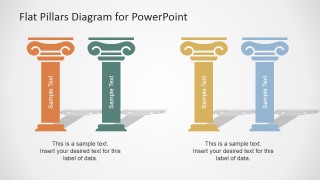
A: The pillar metaphor gives the audience an immediate visual cue for support, stability, and dependency. The roof, base, and columns make the relationship between the main concept and its foundations easy to scan. Light and dark variations also let presenters shift emphasis without changing the underlying structure.





Flat Pillars Diagram for PowerPoint
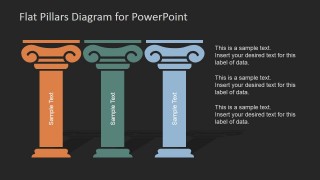
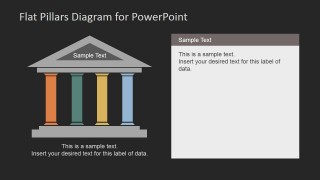
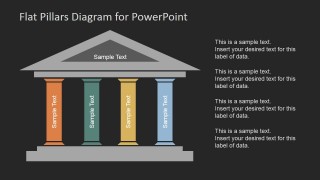
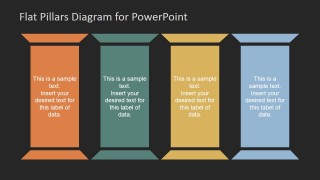
13-slide presentation template with flat pillar diagrams for foundations, strategy, and business model structures
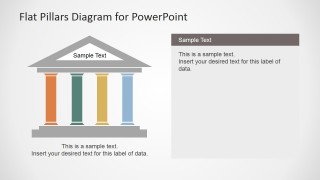
Flat Pillars Diagram for PowerPoint is a 13-slide diagram template for presenting core foundations, business models, strategy pillars, or organizational supports. It includes temple-style multi-column diagrams, single-pillar detail slides, four vertical pillar panels, and light or dark theme variations for Microsoft PowerPoint and Google Slides.
- Category
- Diagrams
- Rating


 Loading...
- Aspect ratio
- 16:9, 4:3
- Item ID
- 6206-01
- Colors
 Microsoft PowerPoint
  Microsoft Copilot
  Claude for PowerPoint
 Other formats supported
Subscribe today and get immediate
access to download our PowerPoint templates.