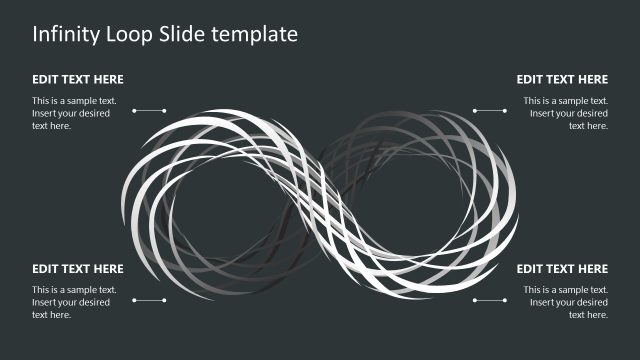
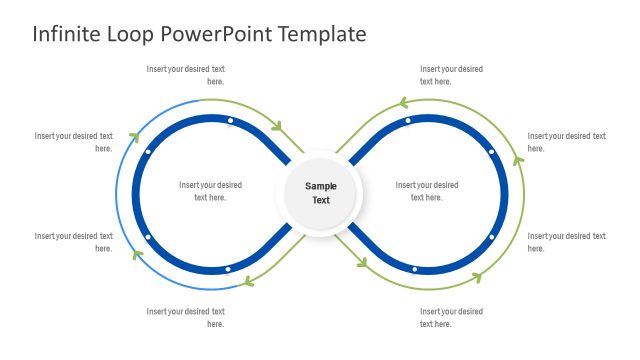
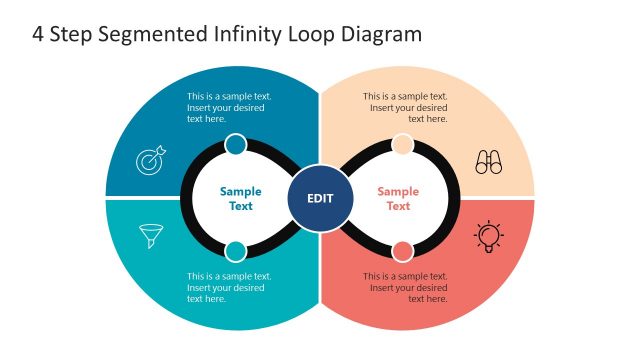
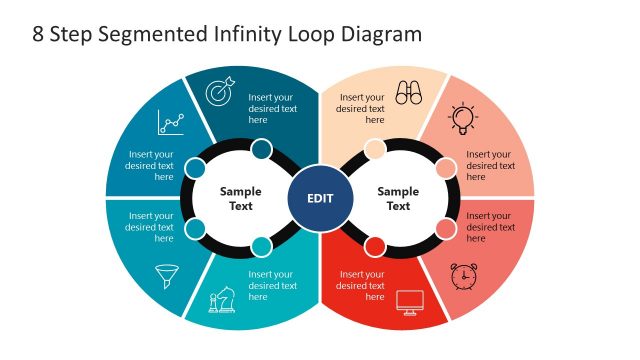
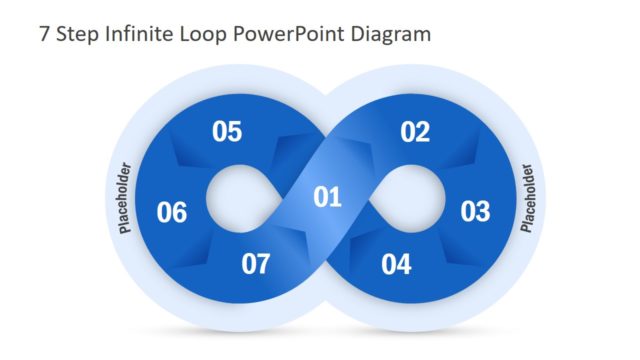
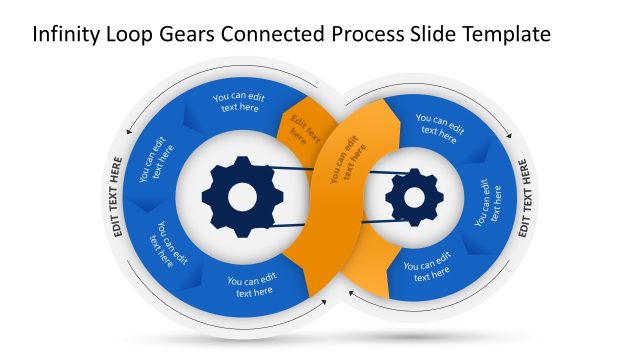
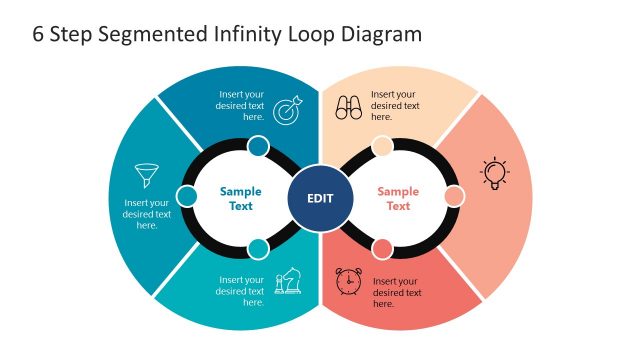
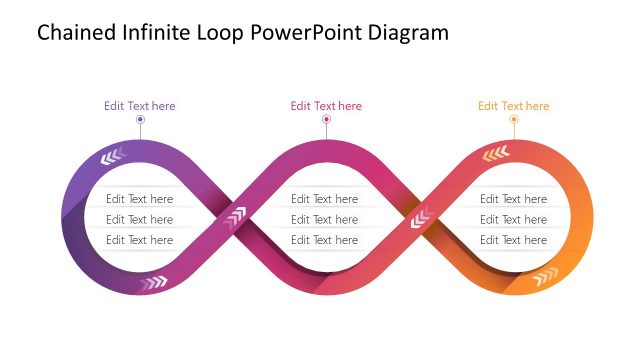
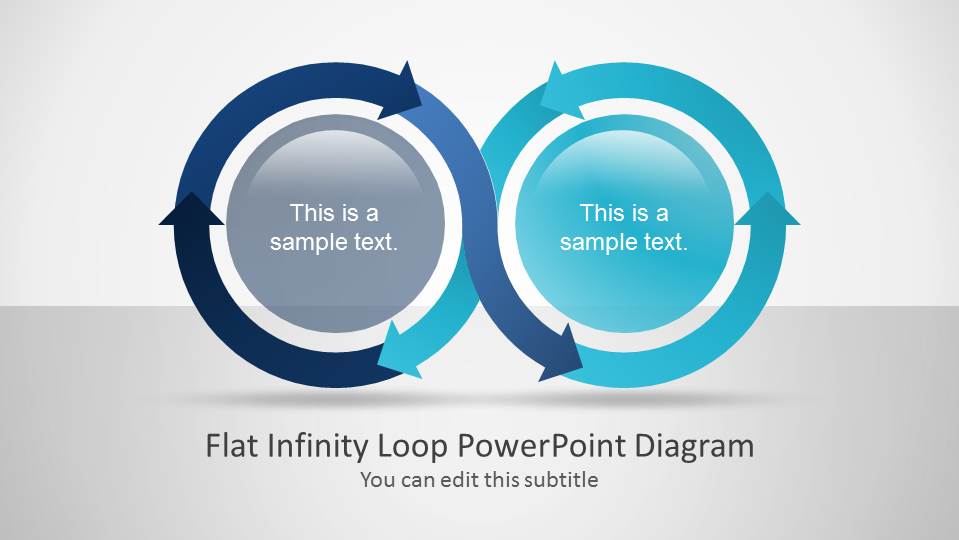
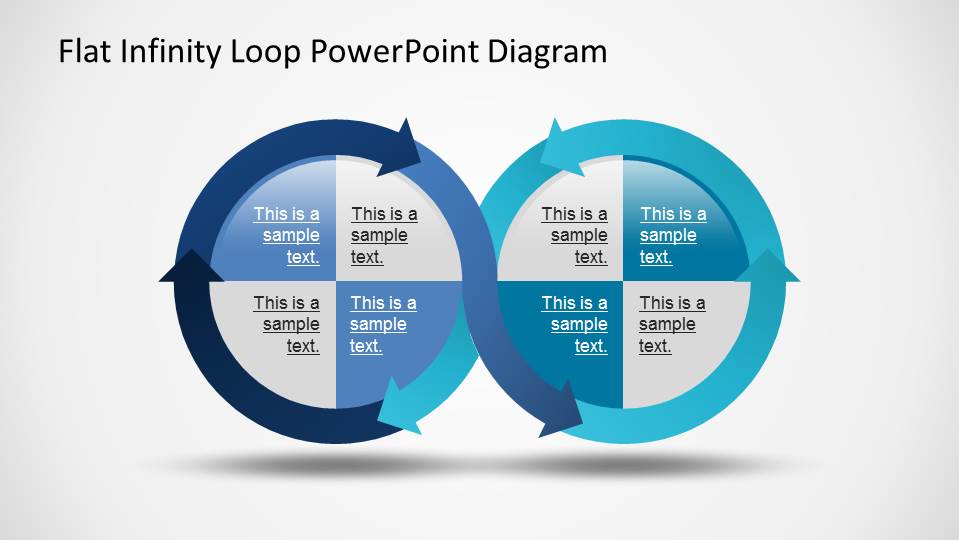
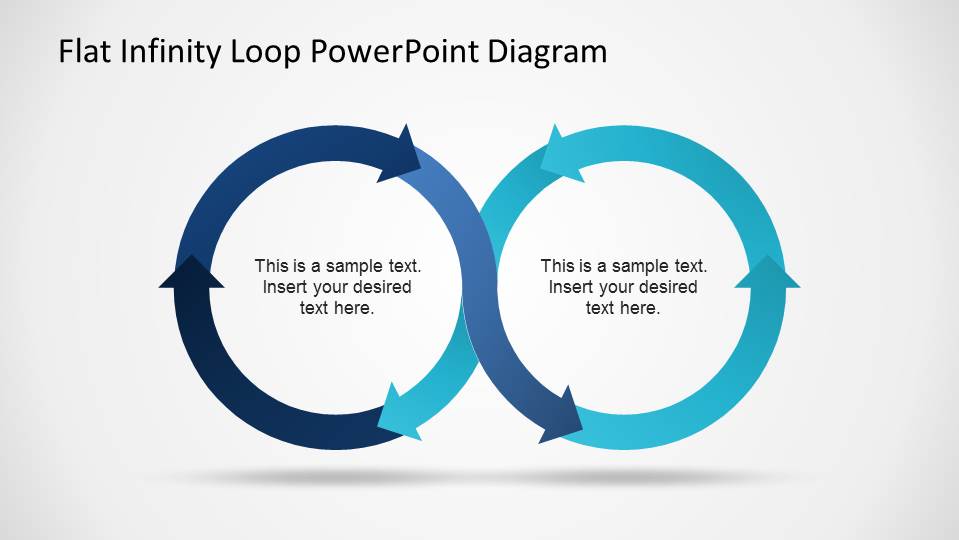
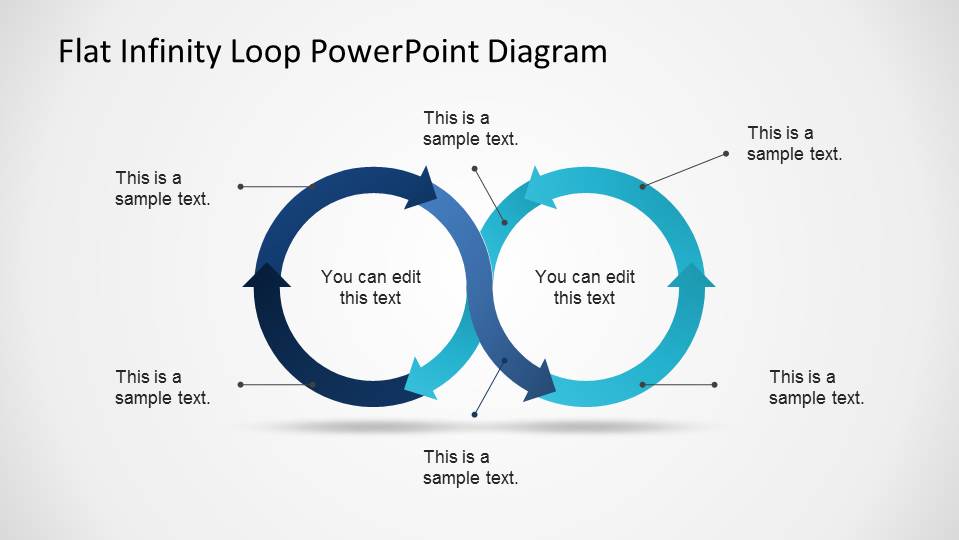
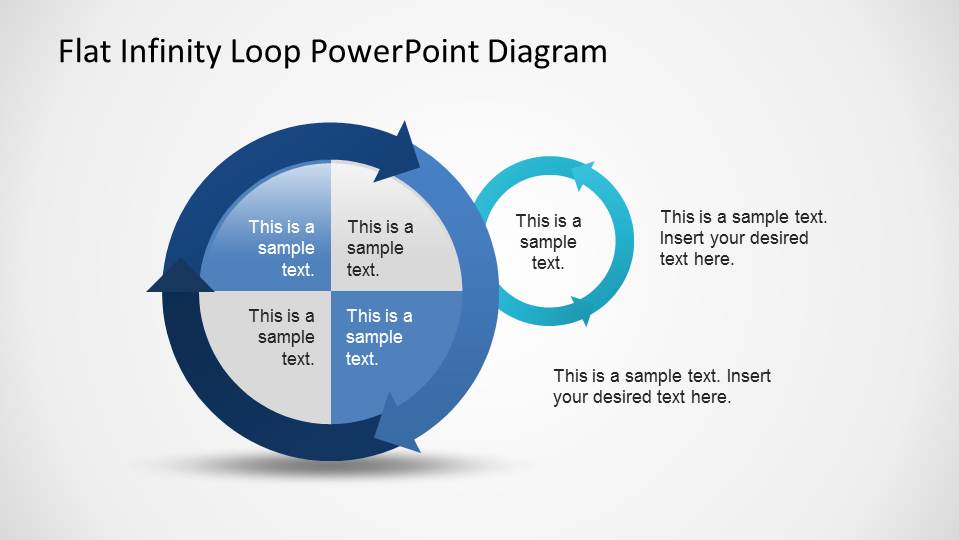
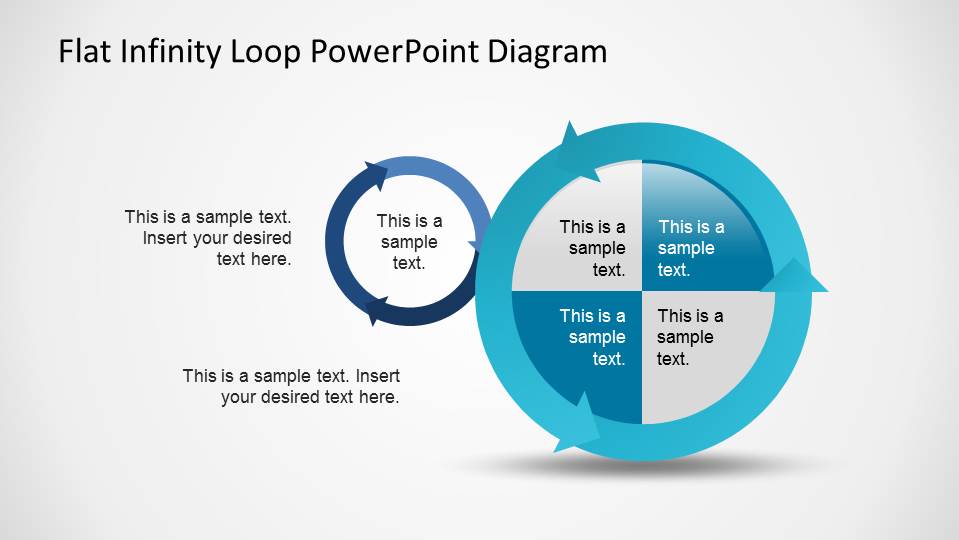
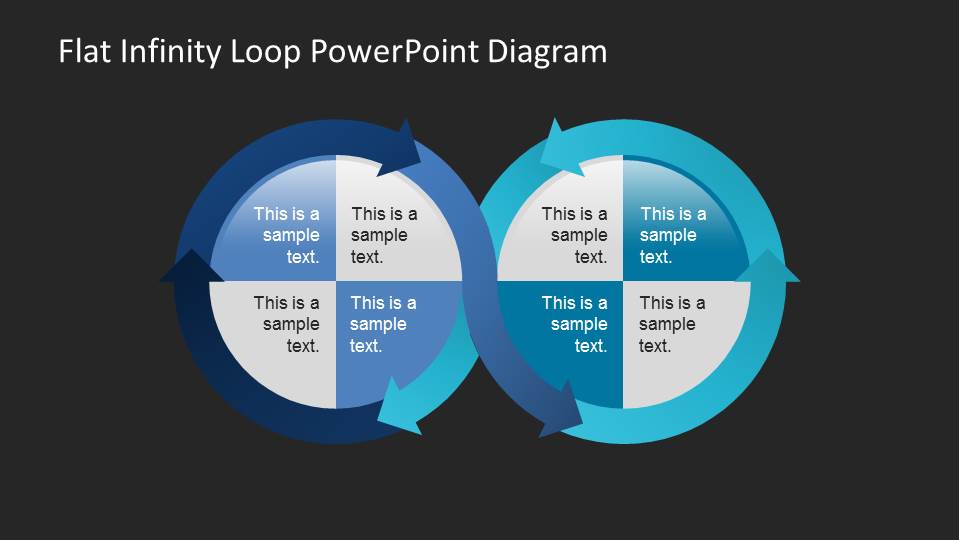
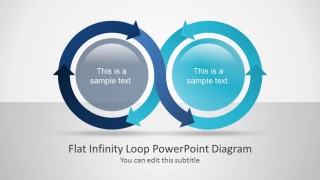
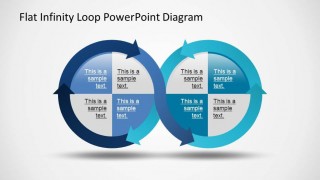
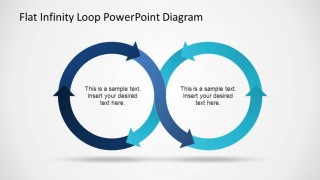
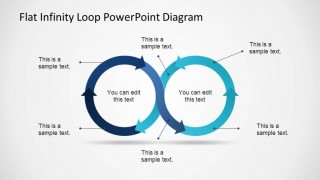
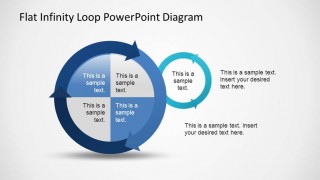
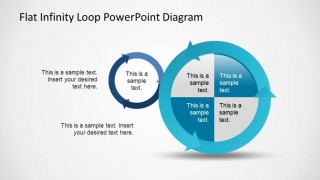
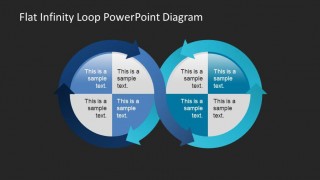
Flat Infinity Loop PowerPoint Diagram is a modern design of an infinite loop, created with two circles built using PowerPoint Arrows. The infinity symbol represents a clockwise and counterclockwise flow; the effect of flow is generated through the arrows that compose the contour of the circles and their gradient. The infinity loop has 2 clear areas differentiated through the color palette. The center of each circle is left for text and descriptions, with different shapes designs across the slides of the templates (bright sphere, quadrants, white background, etc).
The lemniscate created is not resembling the typical horizontal 8 figure, but instead, is more circular, like to connected circles by a flow. Each circle of the shape contains 3 arrows , that can be used for mapping process steps, through a repeating steps process.
Our Flat Infinity Symbol PowerPoint Diagram is ideal for Process Flows and Staged Diagrams.
Impress your audience with this professional and modern Flat Infinity Loop PowerPoint Diagram, and build incredible presentations and infographics.
What’s inside this template
Example presentation scenarios
- An operations manager can present a continuous improvement process by placing each stage inside the quadrant text centers of the two-loop diagram.
- A consultant can explain how two business workstreams affect each other by using the connected circular arrow loops and separate color coding.
- A trainer can teach a repeatable workflow by using the callout slide to label actions around the loop before discussing the center text.
- A project lead can compare a primary cycle with a supporting cycle by using the large-and-small loop layouts on slides 5 and 6.
Features
- 100% editable presentation template
- Compatible with Microsoft PowerPoint and Google Slides
- 16:9 aspect ratio slides
- Scalable vector shapes, icons and illustrations
- AI-Ready for Microsoft Copilot and Claude
- Instant access and download
Frequently asked questions
Q: How should a presenter explain the loop without making the process feel repetitive?
A: Start by defining what each circular half represents, then move around the arrows as a sequence of actions. Use the quadrant slides when each cycle has several internal steps, and use the callout slide when the audience needs labels before detail. Keep the center text short so the motion remains the main message.
Q: Who is this template best suited for in a business presentation?
A: This template fits presenters who need to explain recurring logic rather than one-time events. Operations teams, consultants, trainers, and project leads can use it to show feedback cycles, continuous improvement, customer loops, or two connected workflows. The diagram works best when the audience must remember the cycle as a system.
Q: Why use an infinity loop metaphor instead of a standard process list?
A: The infinity-style connected circles make repetition and mutual influence visible at a glance. A numbered list suggests an endpoint, while the circular arrows show that outputs can return as inputs. The two-color design also helps separate related cycles, making the relationship easier to follow during discussion.
Flat Infinity Loop PowerPoint Diagram
7-slide process diagram presentation template for infinity loop cycles and staged flow visuals
Flat Infinity Loop PowerPoint Diagram is a 7-slide process diagram template with circular arrow loops, two-cycle infinity flows, quadrant text centers, callout labels, and light or dark background variants. It is built for teams explaining recurring processes, feedback cycles, or staged workflows in Microsoft PowerPoint and Google Slides.
- Category
- Process Diagrams
- Rating


 Loading...
- Aspect ratio
- 16:9, 4:3
- Item ID
- 6518-01
- Colors
 Microsoft PowerPoint
  Microsoft Copilot
  Claude for PowerPoint
 Other formats supported
Subscribe today and get immediate
access to download our PowerPoint templates.