Slide 14 of 17 from Flat Business Office Scenes PowerPoint Templates
Business Presentation Workspace Timeline
5 Step Process Diagram for Presentations
- Diagram
- Process Flow
- Process Slide
- 16:9
- 100% Editable
What’s on This Slide
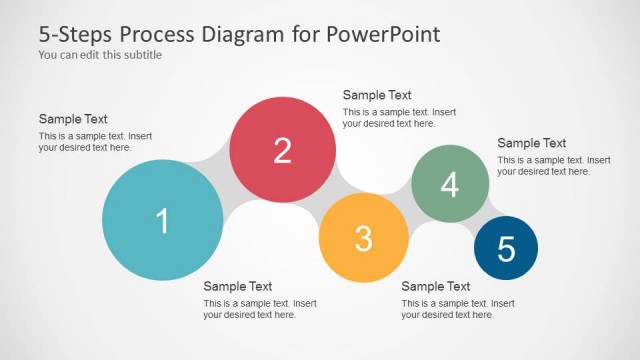
The layout features a horizontal flow of five circular nodes, each containing an icon and a text placeholder. The nodes are arranged in a semi-circular path, with alternating colors of blue, orange, and green. The first node is on the left, followed by a blue node, an orange node, a blue node, and a final green node on the right. Each node is connected by a curved line, emphasizing the sequential nature of the process. The title is positioned at the top left, while a subtitle placeholder is below it, creating a clear visual hierarchy.
How to Use It
This layout serves as a process flow diagram, ideal for illustrating sequential steps in a business context. It fits well in a presentation sequence after introducing a problem or concept, leading into a detailed explanation of a process. Scenarios include project management, product development, or operational workflows, where clarity in steps is essential. The layout can be used to guide audiences through complex information in a straightforward manner.
Text Placeholders & Capacity
Keep your copy within these limits so it fits without resizing. Node text slots can hold about 5-6 words each.
| Placeholder | Count | Max characters (approx.) |
|---|---|---|
| Slide title | 1 | 30 |
| Item body | 5 | 30 |
| Subtitle | 1 | 30 |
Slide Keywords
Download unlimited PowerPoint templates, charts and graphics for your presentations with our annual plan.
DOWNLOAD