Slide 2 of 6 from Five Steps Chess Piece PowerPoint Diagram
PowerPoint Diagram of Five Stages 3D
Five Steps Chess Piece PowerPoint Diagram
- Diagram
- Process Flow
- Process Slide
- 16:9
- 100% Editable
What’s on This Slide
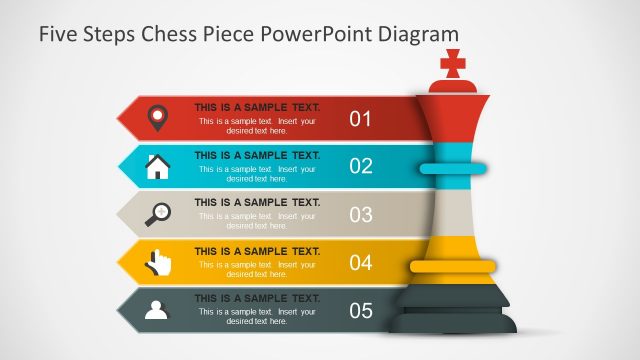
The layout features a vertical arrangement of five steps, each represented by a distinct shape. The top section includes a chess piece icon, prominently displayed. Below, each step is represented by a colored shape with an icon on the left, followed by text placeholders aligned to the right. The first step is highlighted in red, while the subsequent steps alternate in gray. Each step includes a number label positioned at the bottom right. The background is light, enhancing the visibility of the elements.
How to Use It
This layout serves as a sequential process diagram, ideal for illustrating steps in a business strategy or project plan. It fits well after a problem-framing slide and before a detailed roadmap. Use this structure to present a five-step approach, such as a decision-making process or a project timeline. It is suitable for business presentations where clarity and organization are essential.
Text Placeholders & Capacity
Keep your copy within these limits so it fits without resizing. Node body slots can accommodate roughly 15-20 words each.
| Placeholder | Count | Max characters (approx.) |
|---|---|---|
| Item heading | 5 | 30 |
| Item body | 5 | 100 |
| Slide title | 1 | 50 |
Slide Keywords
Download unlimited PowerPoint templates, charts and graphics for your presentations with our annual plan.
DOWNLOADReturn to Five Steps Chess Piece PowerPoint Diagram.