Slide 4 of 14 from Field Service Management PowerPoint Templates
Field Service Operating Model PPT Template
Field Service Operating Model Overview
- Diagram
- Process Flow
- Process Slide
- 16:9
- 100% Editable
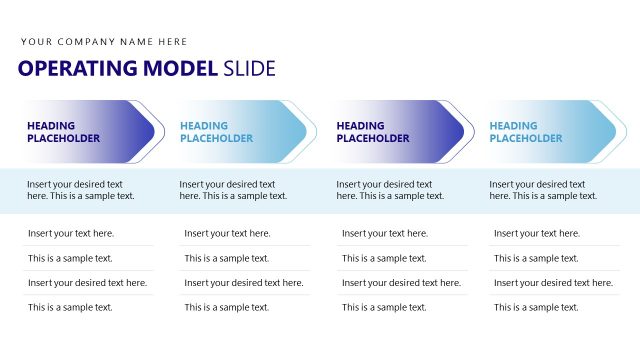
The Field Service Operating Model slide from the Field Service Management PowerPoint Templates illustrates key operational workflows using a clear process flow diagram. This slide layout is ideal for business presentations that require showcasing service processes and project management steps with editable slides and vector icons for enhanced clarity.
What’s on This Slide
The layout features a horizontal flow diagram with four circular nodes arranged in a row. The first node, labeled 'Customer Request,' is on the left, followed by 'Work Order Creation,' 'Scheduling,' and 'Field Execution' on the right. Each node is connected by arrows indicating the flow of the process. Below the nodes, a large rectangular container displays key metrics: '58K+' for work orders processed and '95%+' for service completion rate. Text placeholders are present for a subheading and body text, aligned centrally within the container.
How to Use It
This layout serves as a process flow diagram, illustrating the steps in a field service operating model. It fits well in a presentation sequence that discusses operational workflows or service management strategies. Suitable for business scenarios that require outlining processes, such as service delivery or project management, it can effectively communicate the sequence of actions and performance metrics to stakeholders.
Text Placeholders & Capacity
Keep your copy within these limits so it fits without resizing. Body slots are tight, roughly 30 words each.
| Placeholder | Count | Max characters (approx.) |
|---|---|---|
| Slide title | 1 | 30 |
| Subtitle | 1 | 60 |
| Body paragraph | 1 | 200 |
| Item heading | 4 | 20 |
| Item body | 4 | 30 |
Slide Keywords
Download unlimited PowerPoint templates, charts and graphics for your presentations with our annual plan.
DOWNLOAD