Slide 10 of 14 from Field Service Management PowerPoint Templates
Customer Service Experience Slide with Four Blocks
Customer Service Experience Slide Overview
- Text Layout
- List Blocks
- Process Slide
- 16:9
- 100% Editable
The Customer Service Experience slide from the Field Service Management PowerPoint Templates provides a clear layout to showcase key service features and customer satisfaction metrics. This slide uses editable shapes and vector icons to visually represent processes like Online Booking and Technician Tracking, making it suitable for corporate presentations and business presentation slide decks focused on operational efficiency.
What’s on This Slide
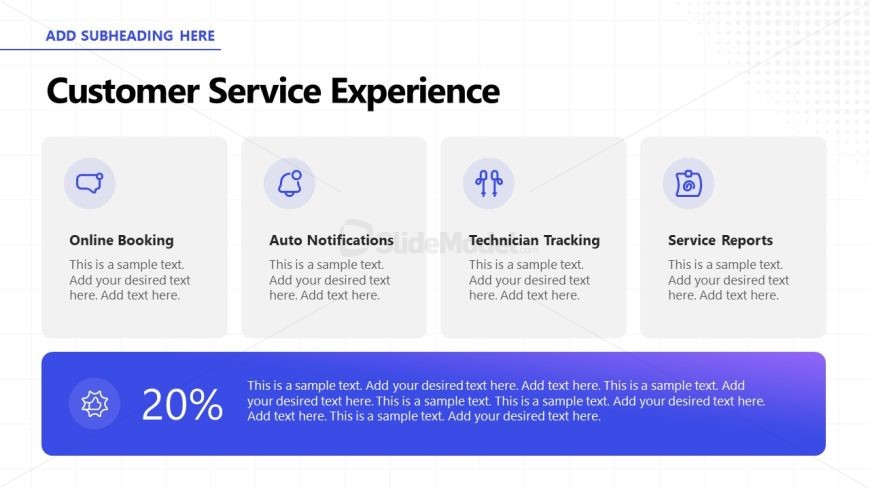
The layout features a top-centered title, 'Customer Service Experience,' with a subheading placeholder above. Below, four rounded rectangular nodes are arranged horizontally, each containing an icon and a title. The nodes are labeled 'Online Booking,' 'Auto Notifications,' 'Technician Tracking,' and 'Service Reports.' Each node has a text placeholder for additional details. At the bottom, a wide rectangular section displays a percentage, '20%,' alongside a text placeholder for further information. The background is light with a grid pattern, creating a structured appearance.
How to Use It
This layout serves as a structured overview of customer service features, ideal for highlighting key service elements in a presentation. It fits well after problem identification slides, providing solutions or enhancements. Business scenarios include showcasing service improvements, customer satisfaction metrics, or operational efficiencies. The layout can be used to present service offerings or performance metrics in client meetings or strategy sessions.
Text Placeholders & Capacity
Keep your copy within these limits so it fits without resizing. Node slots can hold concise text, roughly 15-20 words each.
| Placeholder | Count | Max characters (approx.) |
|---|---|---|
| Slide title | 1 | 30 |
| Subtitle | 1 | 30 |
| Item heading | 4 | 25 |
| Item body | 4 | 100 |
| Callout | 1 | 10 |
| Body paragraph | 1 | 300 |
Slide Keywords
Download unlimited PowerPoint templates, charts and graphics for your presentations with our annual plan.
DOWNLOAD