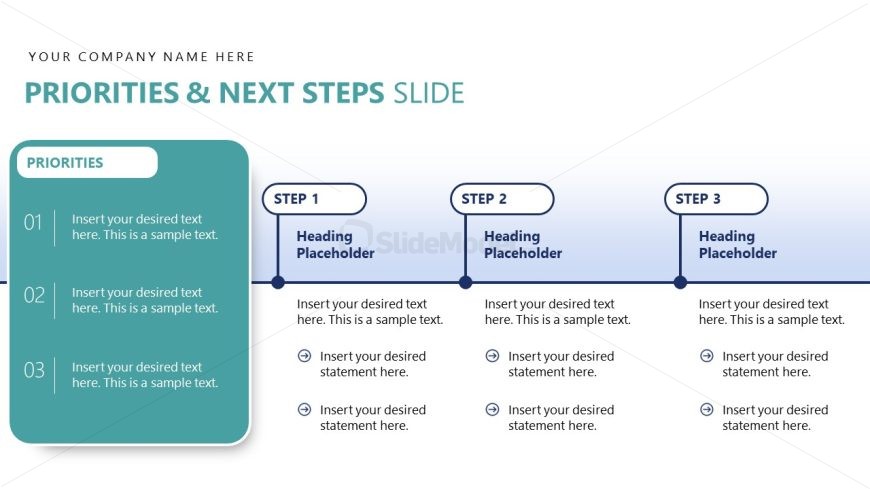
Slide 16 of 18 from Evidence-Based Insights PowerPoint Template
Priorities and Next Steps Planning Framework Design
Priorities and Next Steps Slide Overview
- Diagram
- Process Flow
- Process Slide
- 16:9
- 100% Editable
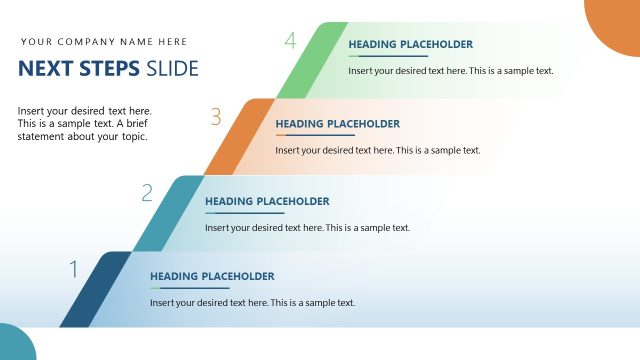
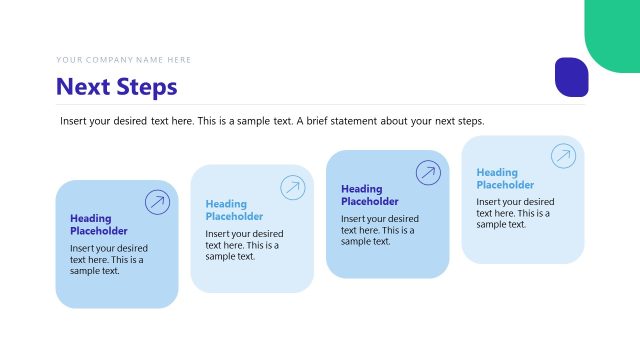
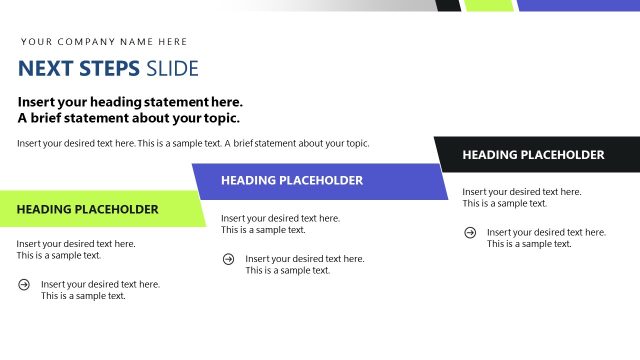
The Priorities and Next Steps slide from the Evidence-Based Insights PowerPoint Template offers a clear process flow design ideal for project planning and strategic initiatives. This slide layout integrates editable shapes and vector icons to visually organize key priorities alongside sequential action steps, making it a practical choice for business presentations and team alignment discussions within a corporate presentation or pitch deck template.
What’s on This Slide
The layout features a left-aligned section titled 'PRIORITIES' with three numbered text placeholders. Each placeholder is rectangular and contains sample text. To the right, there are three sequential steps labeled 'STEP 1', 'STEP 2', and 'STEP 3', each with a heading placeholder above and three bullet point placeholders below. The steps are connected by a horizontal line with circular nodes. The overall color scheme includes a gradient background transitioning from light to dark blue, with a solid color for the priorities section. Text placeholders are centered within their respective containers.
How to Use It
This layout serves to outline key priorities and subsequent steps in a structured manner. It is suitable for presentations that require clarity in action items or project phases. This slide fits well in a sequence following a problem identification or analysis slide, guiding the audience toward actionable insights. It is ideal for business meetings, strategic planning sessions, or project updates where clear communication of priorities is essential.
Text Placeholders & Capacity
Keep your copy within these limits so it fits without resizing. Node body slots can accommodate roughly 10-15 words each.
| Placeholder | Count | Max characters (approx.) |
|---|---|---|
| Slide title | 1 | 30 |
| Item heading | 3 | 20 |
| Item body | 9 | 50 |
Slide Keywords
Download unlimited PowerPoint templates, charts and graphics for your presentations with our annual plan.
DOWNLOADReturn to Evidence-Based Insights PowerPoint Template.