Slide 2 of 2 from Employee Working on Computer PowerPoint Template
Employee Working on Computer Presentation
Employee at Computer PowerPoint Slide
- Media Layout
- Other
- Context Slide
- 16:9
- 100% Editable
What’s on This Slide
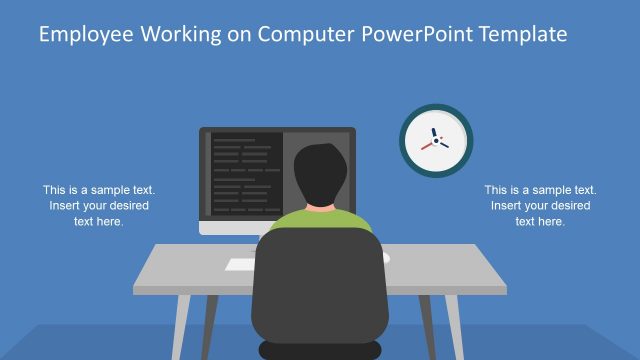
The slide features a central illustration of an employee seated at a desk with two computer monitors. The left monitor displays code, while the right monitor shows a colorful interface. A round clock is positioned to the right of the monitors. The background is a solid blue color. There are text placeholders on the right side, with one indicating 'This is a sample text. Insert your desired text here.' The visual hierarchy emphasizes the employee and the monitors, creating a clear focal point.
How to Use It
This layout serves as a visual representation of an employee working on technology-related tasks. It is suitable for presentations discussing IT topics, employee productivity, or remote work scenarios. Positioned after an introductory slide, it can effectively transition into more detailed discussions about technology or employee performance. This layout is useful for corporate training, project updates, or team meetings focused on IT initiatives.
Text Placeholders & Capacity
Keep your copy within these limits so it fits without resizing. Text slots can accommodate concise statements, roughly 10-15 words each.
| Placeholder | Count | Max characters (approx.) |
|---|---|---|
| Slide title | 1 | 40 |
| Body paragraph | 1 | 70 |
Slide Keywords
Download unlimited PowerPoint templates, charts and graphics for your presentations with our annual plan.
DOWNLOAD