Slide 1 of 7 from Editable New Hampshire Map for PowerPoint
Editable Map New Hampshire PowerPoint
Editable New Hampshire Map for PowerPoint
- Map
- State Map
- Context Slide
- 16:9
- 100% Editable
What’s on This Slide
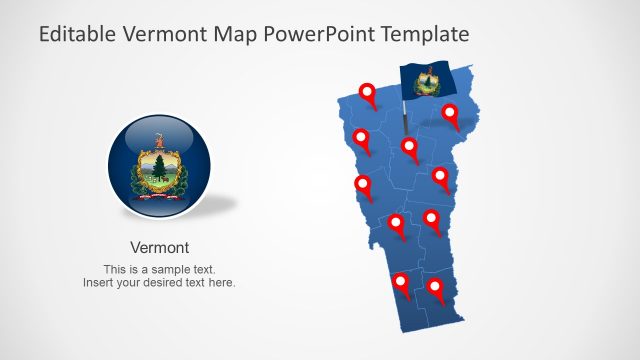
The slide features a map of New Hampshire on the right, colored in blue with red markers indicating specific locations. To the left, there is a circular emblem displaying the state seal. Below the emblem, a text placeholder is present for the state name, 'New Hampshire,' and another placeholder for additional text. The layout is balanced, with the map and emblem occupying equal vertical space, creating a clear visual hierarchy. The background is light, enhancing the visibility of the map and icons.
How to Use It
This layout serves as a location map, ideal for presentations that require geographical context or highlighting specific areas within New Hampshire. It fits well at the beginning of a presentation to introduce regional data or in a section discussing state-specific initiatives. This structure is useful for businesses presenting local market analyses, tourism information, or government-related content. The clear visual separation of elements aids in audience comprehension.
Text Placeholders & Capacity
Keep your copy within these limits so it fits without resizing. Text slots can accommodate concise information, roughly 5-10 words each.
| Placeholder | Count | Max characters (approx.) |
|---|---|---|
| Slide title | 1 | 30 |
| Item heading | 1 | 20 |
| Item body | 1 | 50 |
Slide Keywords
Download unlimited PowerPoint templates, charts and graphics for your presentations with our annual plan.
DOWNLOADReturn to Editable New Hampshire Map for PowerPoint.