The Editable Morocco PowerPoint Map is a professional PowerPoint Presentation featuring different versions of the Political outline of the Kingdom of Morocco.
Morocco is a country in the North of Africa, bordering the Mediterranean Ocean and separated from Spain by the Strait of Gibraltar. At the east, it borders with Algeria, at the west with the Atlantic ocean and at the south with Western Sahara. Morocco controls most of Western Sahara so it is said that it also border with Mauritania at the south. The capital city is called Rabat, but the most populous city is Casablanca. Morocco has been an independent country/region for a long time. Morocco’s is a constitutional monarchy, with elections for the parliament and prime minister. The ruler is known as the King of Morocco, which holds legislative and executive powers.
Morocco’s economy is considered liberal, and governed by market laws. Private sector if growing steadily and most of government controlled companies have been privatized in the last decades. The main industries are mining, construction and manufacturing. Also services sector is very strong.
Morocco has an ancient culture, arid climate and beautiful coastlines making it a wonderful Tourist spot. Tourism is growing and becoming one of major industries of Morocco.
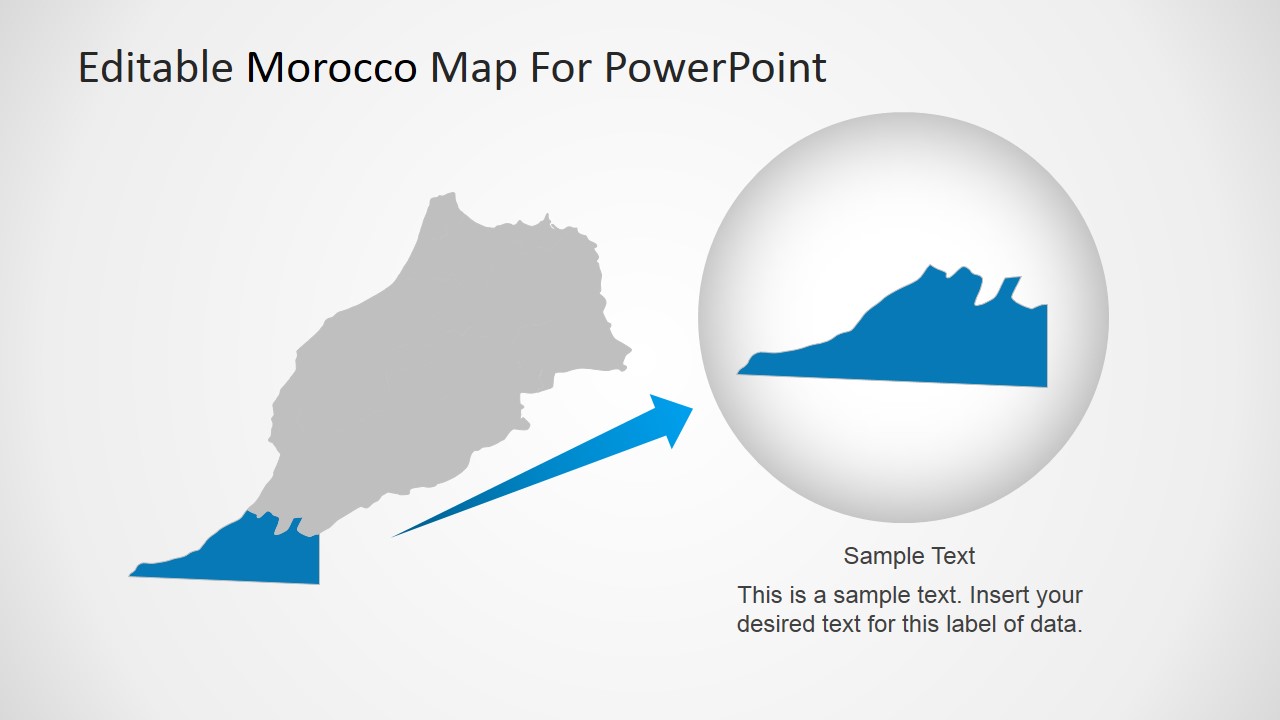
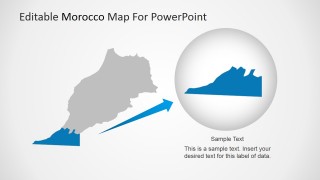
The Editable Morocco PowerPoint Map can be used for geography lectures, travel plans or business trips. Users can locate the different cities or even highlight specific states and magnify them, without losing any resolution or visual quality. The PowerPoint Maps can be applied in existing presentations and customized to reflect existing Themes.
Impress your audience with the ready to edit Editable Morocco PowerPoint Map and create presentations that appeal to global audiences.
What’s inside this template
Example presentation scenarios
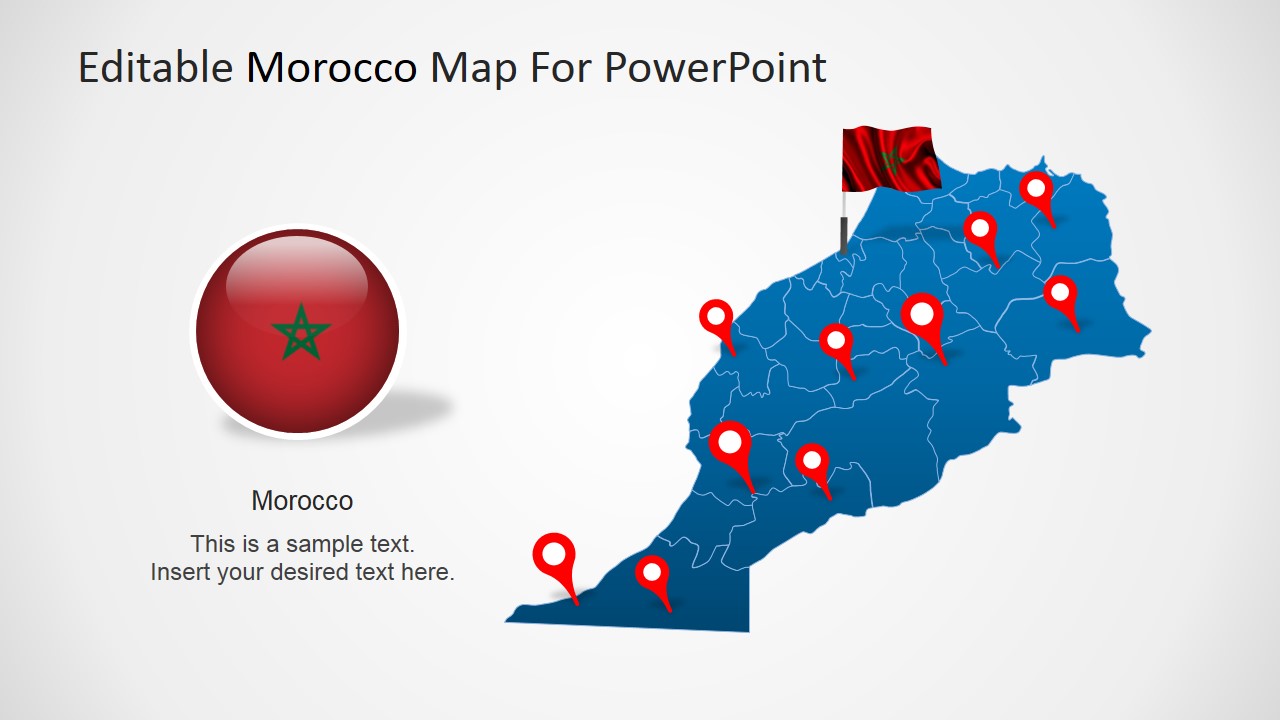
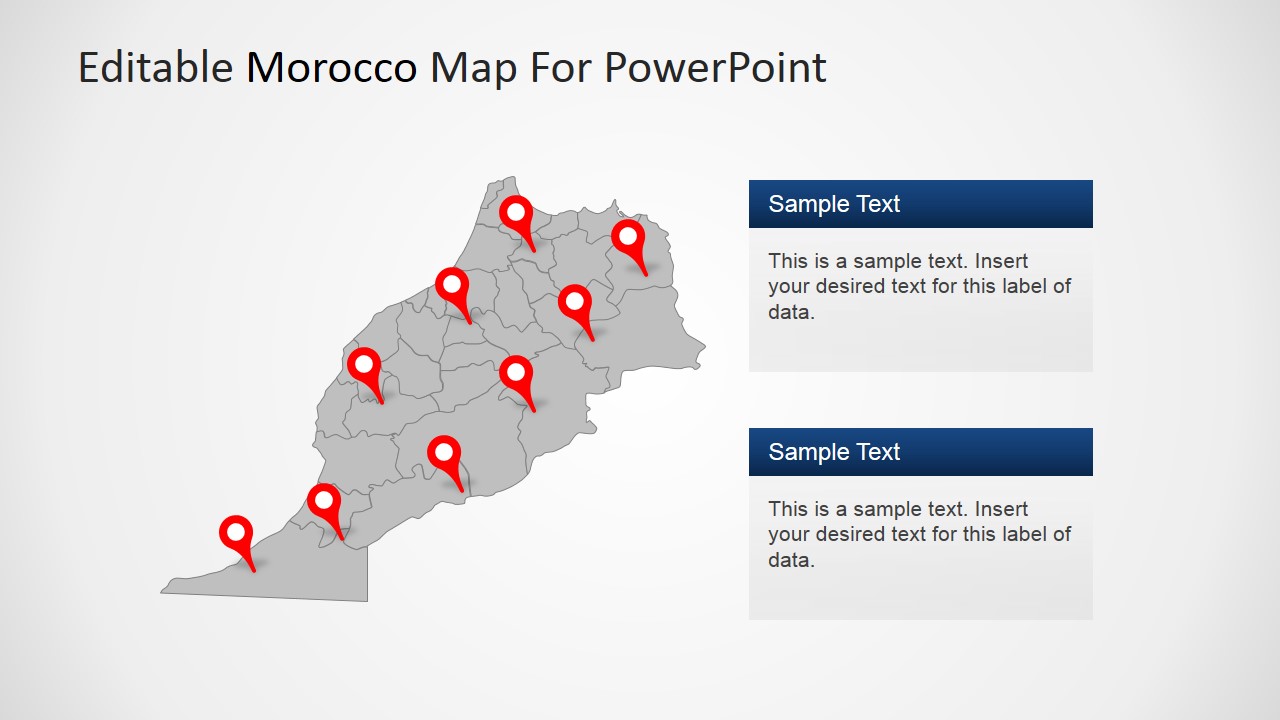
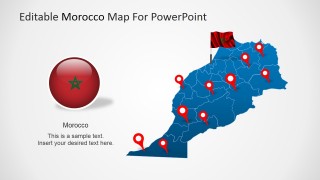
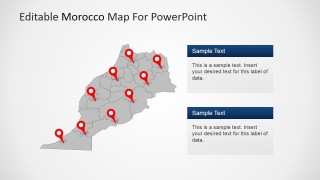
- A market analyst can brief executives on Morocco expansion by using the political map, location pins, and text panels to connect target cities with commercial priorities.
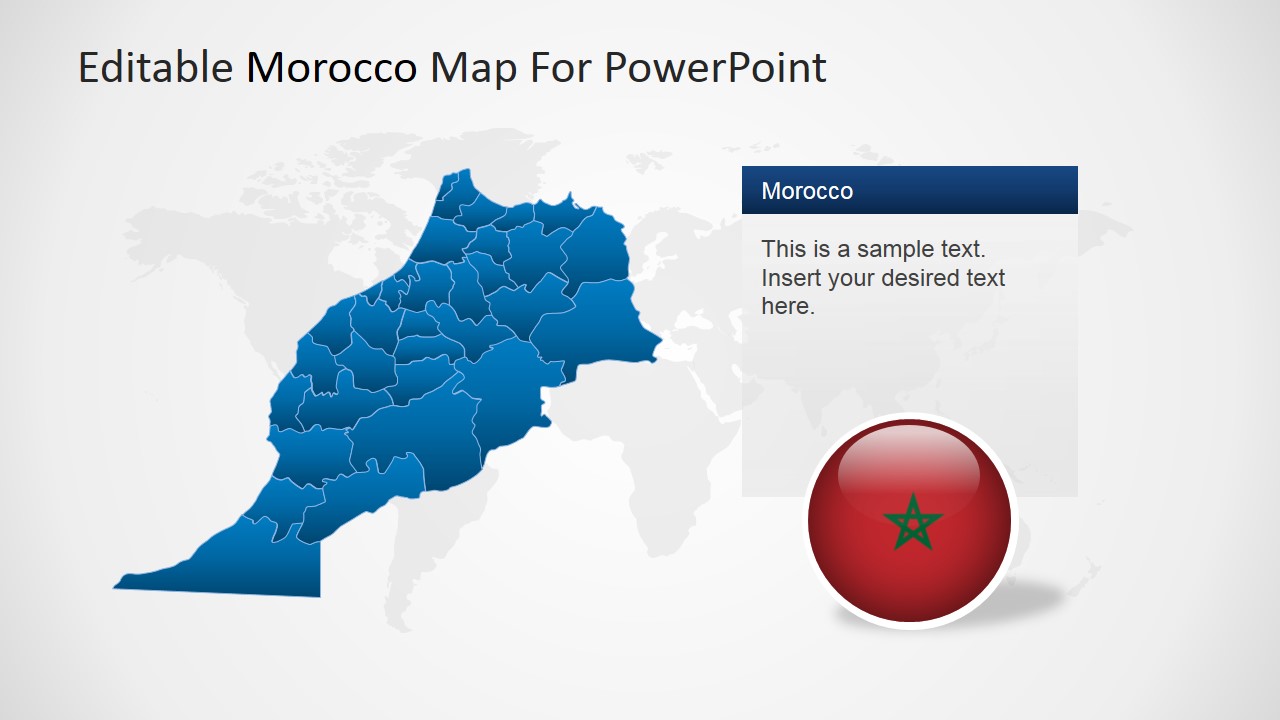
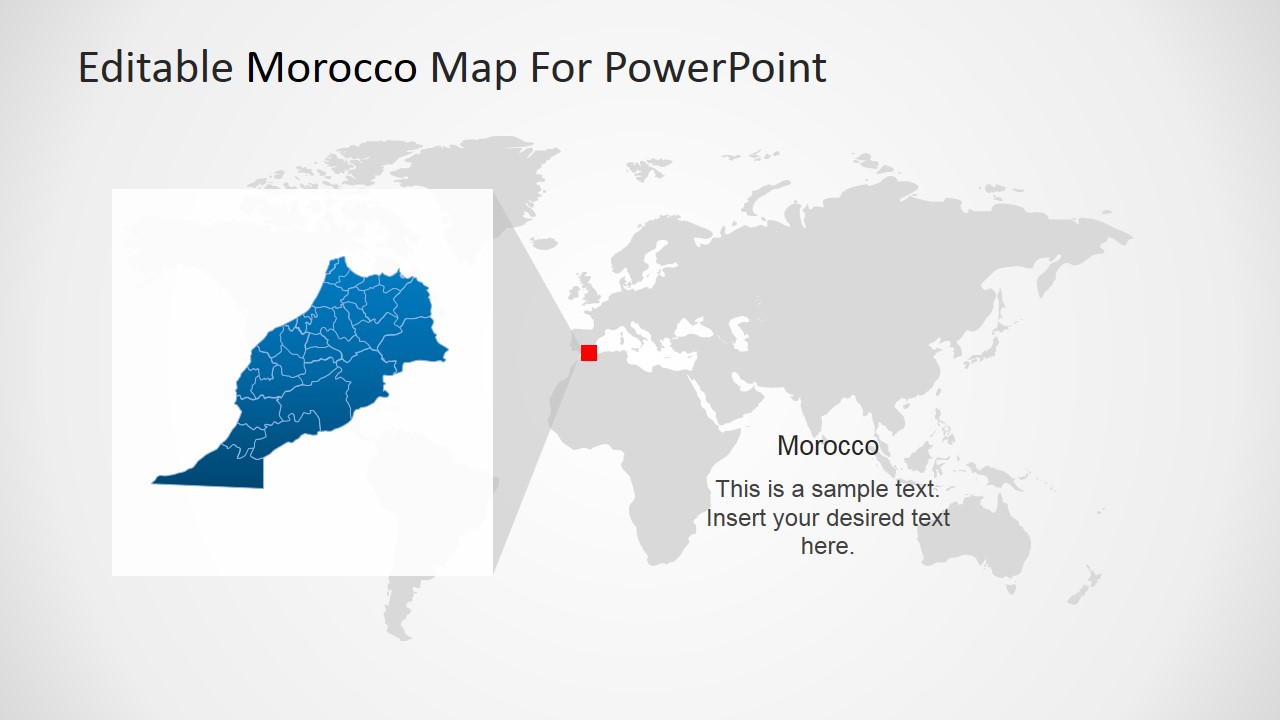
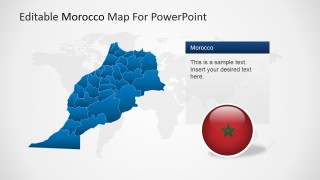
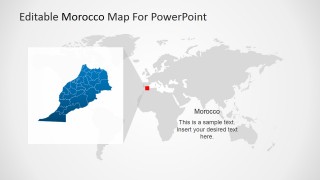
- A geography instructor can teach Morocco's regional position by starting with the world locator map and then moving to the country map with administrative boundaries.
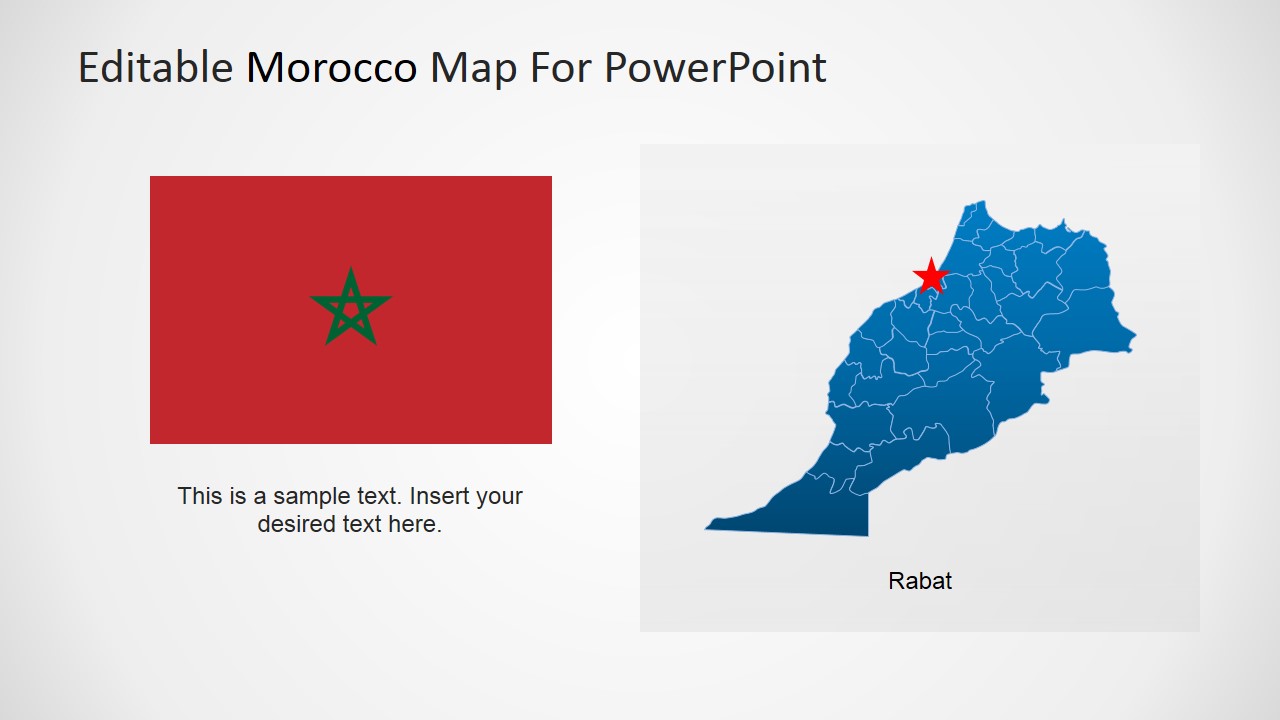
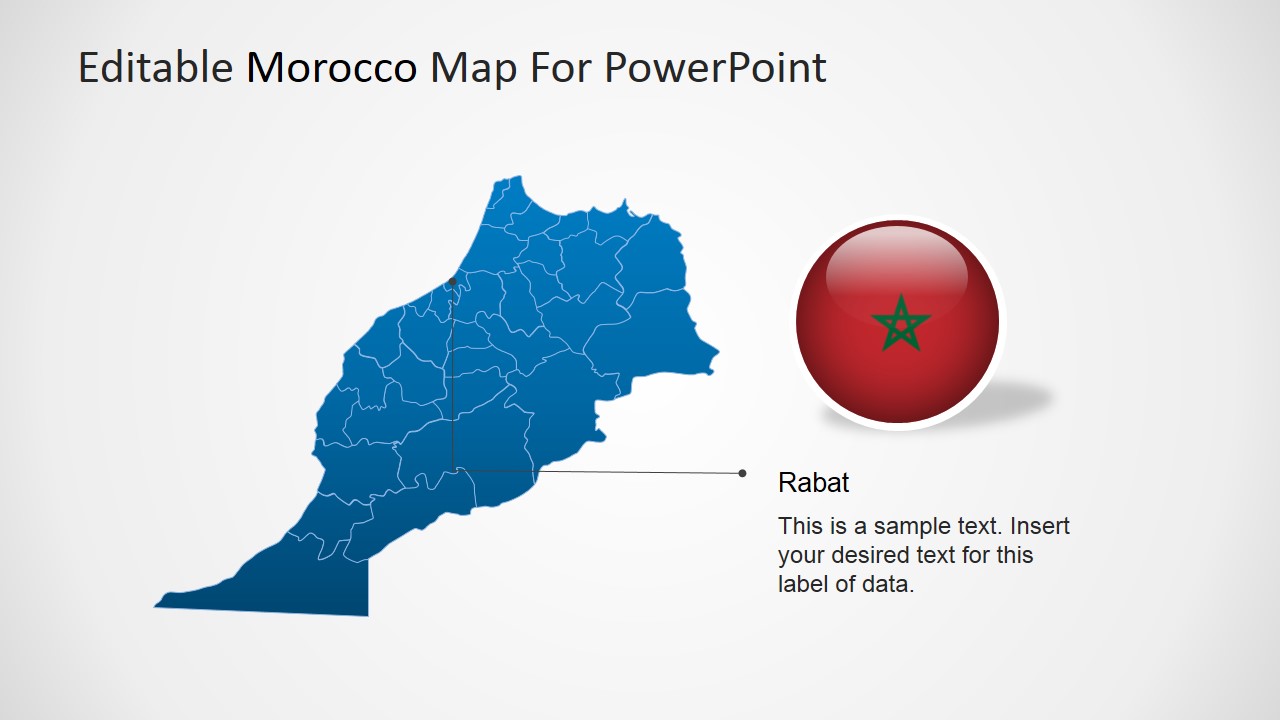
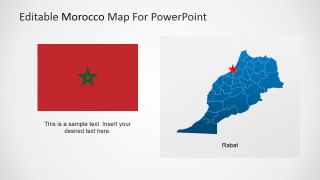
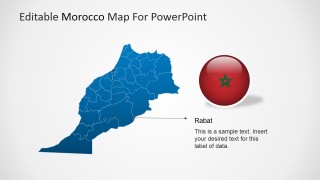
- A travel planner can present an itinerary by replacing the red pin markers with trip stops and using the Rabat callout layout for a capital city highlight.
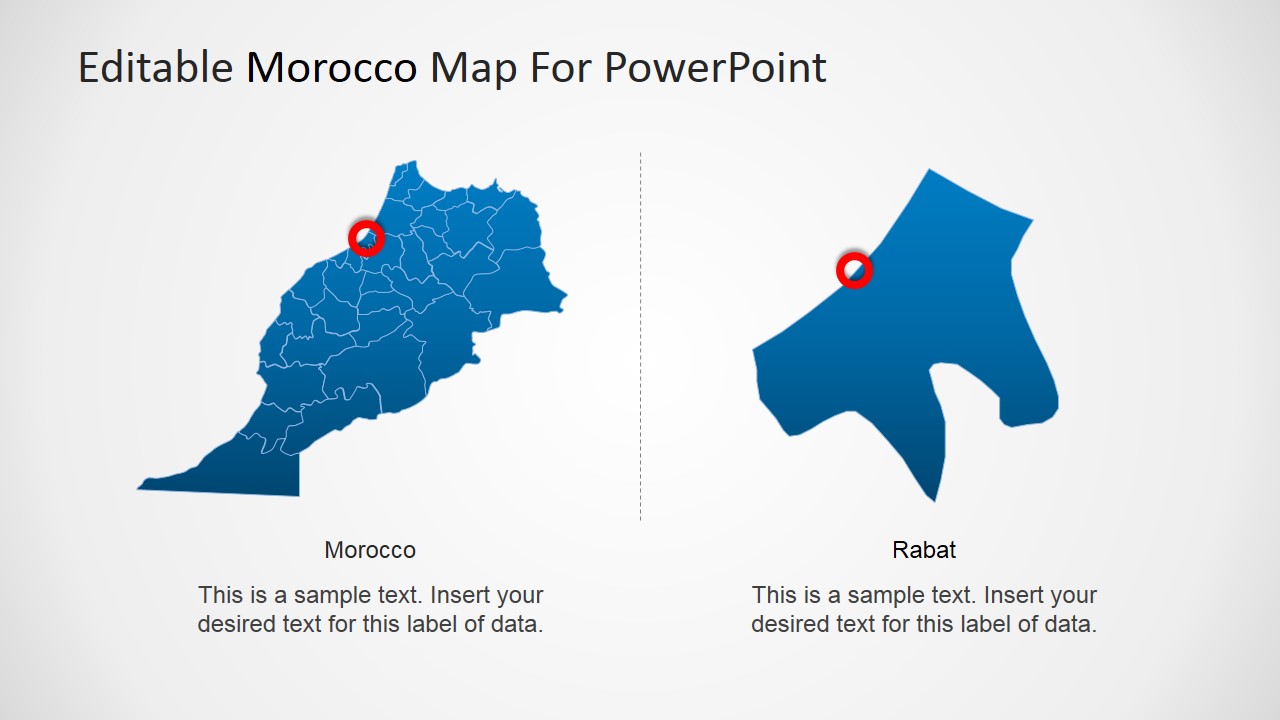
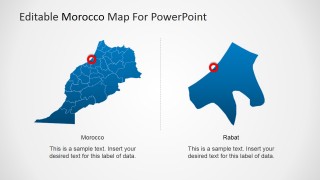
- A consultant can explain a MENA country profile by combining the flag slide, Morocco overview map, and magnified inset to move from national context to a selected area.
Features
- 100% editable presentation template
- Compatible with Microsoft PowerPoint and Google Slides
- 16:9 aspect ratio slides
- Scalable vector shapes, icons and illustrations
- AI-Ready for Microsoft Copilot and Claude
- Instant access and download
Frequently asked questions
Q: How should a presenter build a clear Morocco-focused briefing with this map set?
A: Start with the locator map to orient the audience, then use the full Morocco political map to explain national coverage. Move to the pin marker slide for selected cities or sites, and close with the Rabat callout or magnified inset when one location needs special attention. This sequence keeps geography, priority, and detail separate.
Q: Who is this Morocco map template best suited for?
A: It works best for presenters who need a country-specific visual rather than a generic regional map. Business analysts, educators, tourism planners, consultants, and public-sector teams can use the map pins, flag slide, and world locator to explain where Morocco sits, which places matter, and why a selected city or region is important.
Q: Why do the pin markers, flag, and zoom inset improve the communication?
A: The template uses familiar map metaphors that help the audience read the message quickly. Red pins show priority locations, the flag confirms country identity, and the magnified inset signals a deeper look at one area. These cues reduce the need for long explanations and make the presenter control the audience's attention.
Editable Morocco PowerPoint Map
8-slide map presentation template with Morocco locator maps, Rabat callouts, and pin markers
Editable Morocco PowerPoint Map is an 8-slide map template for presenting Morocco in Microsoft PowerPoint and Google Slides. It includes a political outline map, city pin marker layout, world locator map, Rabat capital callout, and magnified regional inset for business, education, travel, or regional planning presentations.
- Category
- Maps
- Rating


 Loading...
- Aspect ratio
- 16:9, 4:3
- Item ID
- 6460-01
- Colors
 Microsoft PowerPoint
  Microsoft Copilot
  Claude for PowerPoint
 Other formats supported
Subscribe today and get immediate
access to download our PowerPoint templates.