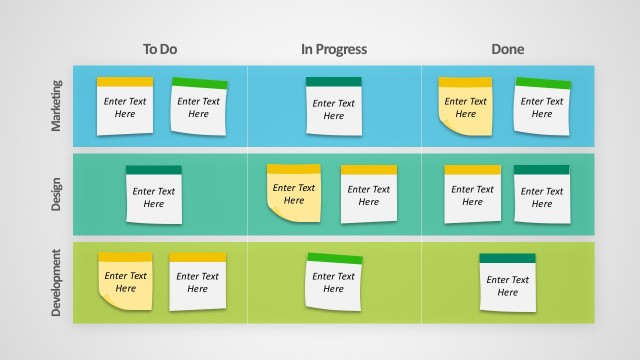
Slide 4 of 5 from Editable Kanban Board PowerPoint Templates
Kanban Business Timeline And Process Board
Editable Kanban Board Layout for Tasks
- Diagram
- Other
- Process Slide
- 16:9
- 100% Editable
What’s on This Slide
The layout features three columns labeled 'To Do', 'In Progress', and 'Done'. Each column contains three rectangular boxes, each with a circular icon placeholder on the left. The boxes are aligned vertically within their respective columns. The 'To Do' column has blue borders, while 'In Progress' uses a lighter blue, and 'Done' features green borders. Each box has a title placeholder at the top and a text placeholder below it. The overall background is light gray, providing contrast to the colored boxes.
How to Use It
This layout serves as a task management tool, ideal for tracking project progress in a Kanban style. It fits well in presentations focused on project management or team workflows. Use it to visualize task statuses and responsibilities in a clear, organized manner. This layout is particularly useful in agile project management contexts, where tasks are frequently updated and moved across different stages.
Text Placeholders & Capacity
Keep your copy within these limits so it fits without resizing. Each box can hold a title and a brief description.
| Placeholder | Count | Max characters (approx.) |
|---|---|---|
| Item heading | 9 | 20 |
| Item body | 9 | 50 |
Slide Keywords
Download unlimited PowerPoint templates, charts and graphics for your presentations with our annual plan.
DOWNLOADReturn to Editable Kanban Board PowerPoint Templates.