Slide 3 of 5 from Editable Kanban Board PowerPoint Templates
3 Step Kanban Process Board For Entrepreneurs
Editable Kanban Board Layout for Task Management
- Diagram
- Comparison Split
- Process Slide
- 16:9
- 100% Editable
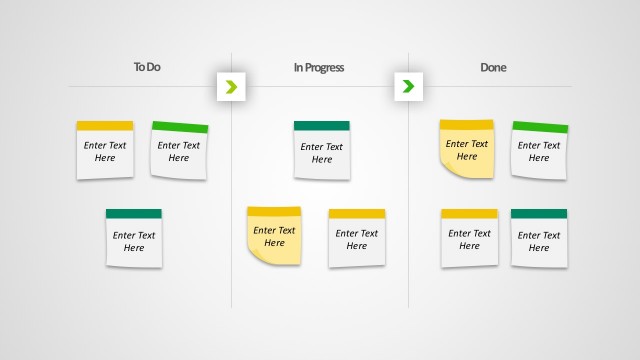
The Kanban Board Layout from the Editable Kanban Board PowerPoint Templates offers a clear visualization of task progress through three columns: To Do, In Progress, and Done. This slide template supports project updates and workflow visualization, making it suitable for business presentations and Agile project management. Its editable shapes and vector icons enhance clarity, ensuring effective communication in slide decks focused on task management and process tracking.
What’s on This Slide
The layout consists of three vertical columns labeled 'To Do,' 'In Progress,' and 'Done.' Each column contains multiple rectangular boxes for task entries, with the left column having three boxes, the middle column having two, and the right column having three. The boxes are aligned centrally within each column and feature icons indicating task status. Text placeholders are present within each box, aligned to the left. The background is light, enhancing the visibility of the colored headers and boxes, which are blue, light blue, and green, respectively.
How to Use It
This layout functions as a Kanban board, ideal for visualizing task progress in project management. It fits well in presentations discussing workflow processes, task assignments, or project updates. This structure is particularly useful in Agile methodologies, where teams track work items through different stages. It can be utilized in team meetings or status reports to provide a clear overview of tasks and their current statuses.
Text Placeholders & Capacity
Keep your copy within these limits so it fits without resizing. Each task box can hold about 10-12 words comfortably.
| Placeholder | Count | Max characters (approx.) |
|---|---|---|
| Item body | 8 | 50 |
Slide Keywords
Download unlimited PowerPoint templates, charts and graphics for your presentations with our annual plan.
DOWNLOADReturn to Editable Kanban Board PowerPoint Templates.