Slide 5 of 8 from Editable Dominica Map PowerPoint Template
Outline Map of Commonwealth Dominica
Dominica Map PowerPoint Slide
- Map
- Country Map
- Context Slide
- 16:9
- 100% Editable
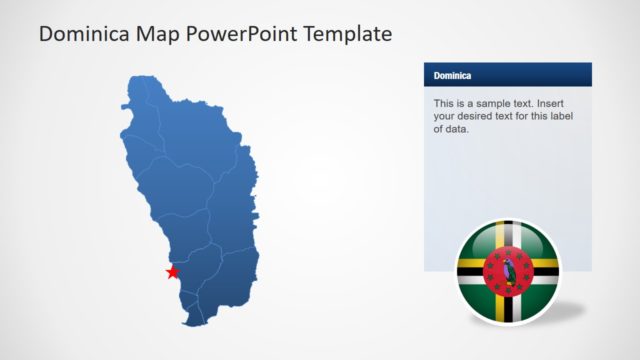
The Dominica Map with Label slide from the Editable Dominica Map PowerPoint Template offers a clear geographic reference featuring editable shapes and vector icons. Ideal for business presentations or educational content, this slide template highlights the capital, Roseau, with a distinct marker and flag emblem, making it a practical choice for travel discussions or corporate presentations focused on the Caribbean region.
What’s on This Slide
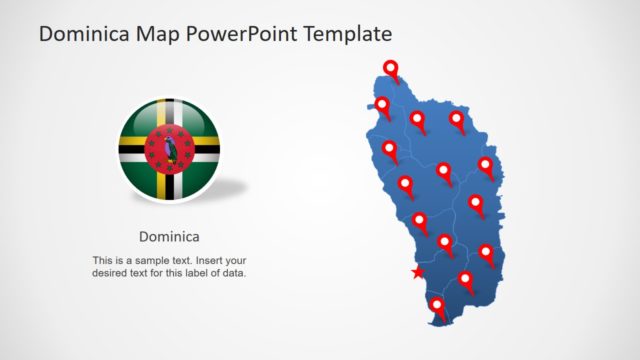
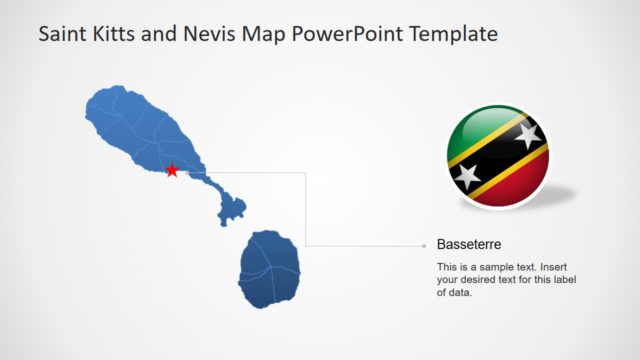
The slide features a map of Dominica in blue, prominently displayed on the left side. A red star marks the location of Roseau, the capital city, positioned towards the southwest of the island. To the right, a circular emblem displays the flag of Dominica. Below this emblem, there is a text placeholder labeled 'Roseau,' followed by another placeholder for additional descriptive text. The overall layout is clean, with a light background that enhances visibility and focuses attention on the map and labels.
How to Use It
This layout serves as a geographic reference for presentations discussing Dominica, particularly its capital, Roseau. It fits well in a sequence that introduces geographic or demographic information. This slide is useful for travel presentations, educational content about Caribbean geography, or business discussions related to the region. It can effectively highlight specific locations or features within Dominica, making it relevant for various contexts.
Text Placeholders & Capacity
Keep your copy within these limits so it fits without resizing. Text slots can accommodate concise information, roughly 20-100 characters each.
| Placeholder | Count | Max characters (approx.) |
|---|---|---|
| Item heading | 1 | 20 |
| Item body | 1 | 100 |
Slide Keywords
Download unlimited PowerPoint templates, charts and graphics for your presentations with our annual plan.
DOWNLOADReturn to Editable Dominica Map PowerPoint Template.