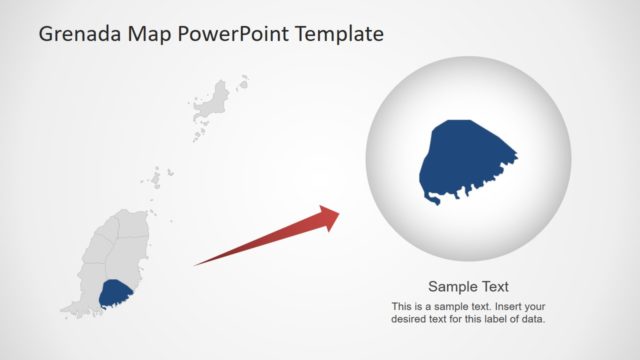
Slide 8 of 8 from Editable Dominica Map PowerPoint Template
Editable Map Template of Dominica
Dominica Map Highlight Slide
- Map
- Country Map
- Context Slide
- 16:9
- 100% Editable
The Dominica Map Highlight slide from the Editable Dominica Map PowerPoint Template offers a clear geographic focus ideal for business presentations and tourism highlights. This slide template includes editable shapes and vector icons to emphasize specific regions, making it a practical choice for detailed demographic data and regional analysis within a corporate presentation or slide deck.
What’s on This Slide
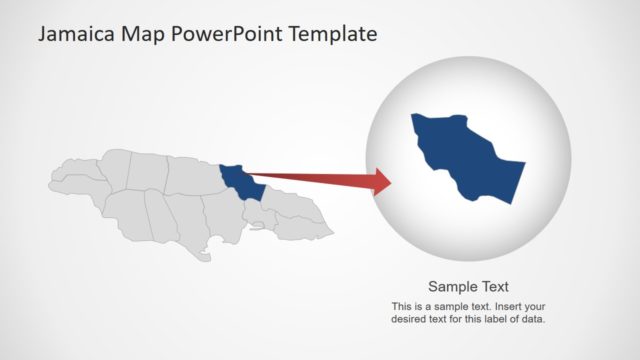
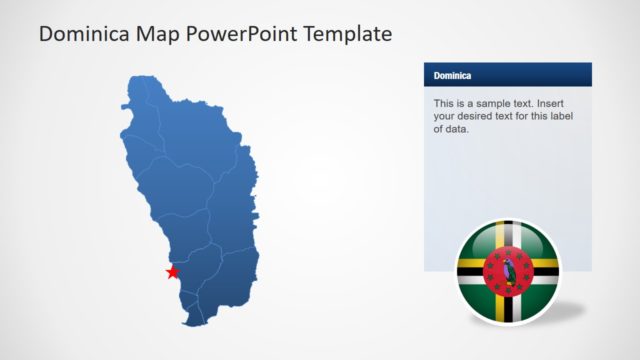
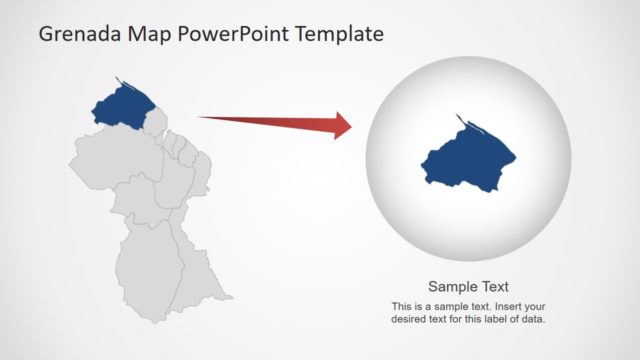
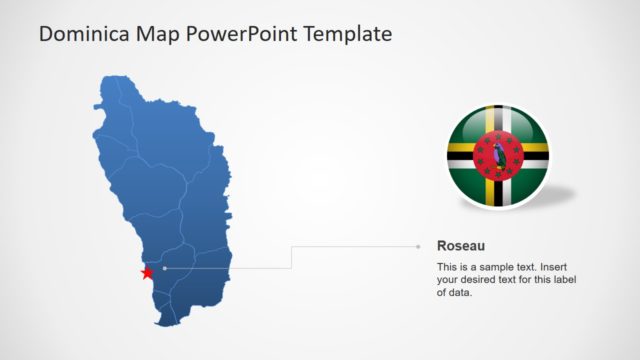
The slide features a map of Dominica on the left, displayed in light gray. A highlighted section of the map is shown in dark blue within a circular shape on the right. An arrow connects the highlighted area to the main map, indicating focus. Below the circular shape, there is a text placeholder aligned to the right, labeled 'Sample Text,' with additional placeholder text underneath. The overall layout is clean, with a light background and a clear visual hierarchy emphasizing the highlighted area.
How to Use It
This layout serves as a visual emphasis tool for a specific region of Dominica, making it suitable for geographic presentations. It can be used to illustrate demographic data, tourism highlights, or regional features. In a presentation sequence, it effectively follows slides that introduce broader geographic contexts or issues, providing a detailed focus on a particular area.
Text Placeholders & Capacity
Keep your copy within these limits so it fits without resizing. Text slots can accommodate roughly 5-6 words each.
| Placeholder | Count | Max characters (approx.) |
|---|---|---|
| Slide title | 1 | 30 |
| Item body | 1 | 120 |
Slide Keywords
Download unlimited PowerPoint templates, charts and graphics for your presentations with our annual plan.
DOWNLOADReturn to Editable Dominica Map PowerPoint Template.