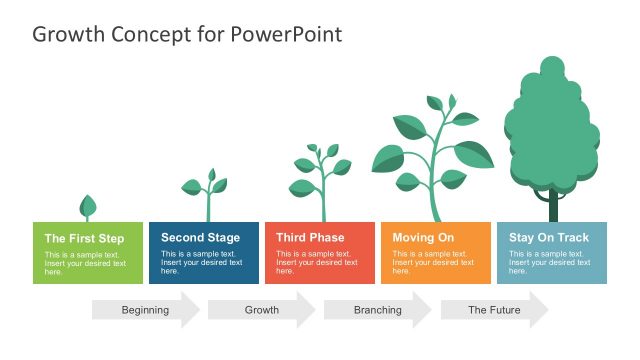
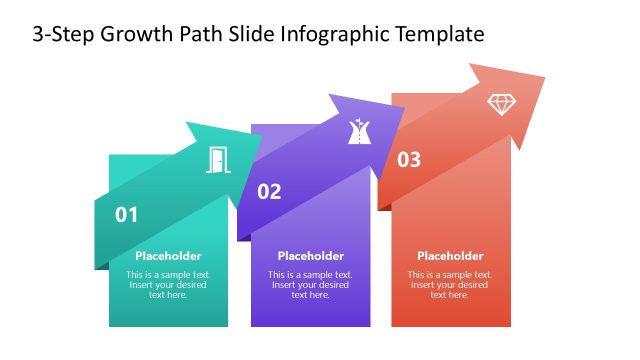
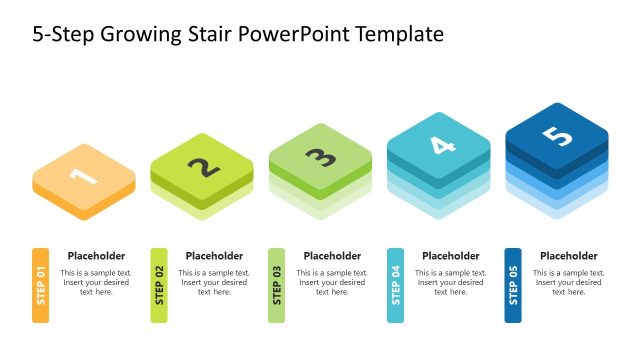
Create a colorful presentation using the Economic Growth Concept for PowerPoint. Using the combination of 3D graphics and minimalist design, the presenter can obtain a balanced presentation. The template contains slides that allow for both an overview and a focused method of presentation.
The template is specifically made to discuss the concept of economic growth. Economic growth is the main concern of countries and government organizations. It is one of the drivers of inflation and deflation, which, in turn, affect the prices of goods and services in the market. By controlling economic growth, these agencies can ensure that the economy is well-balanced to effectively serve both the buyers and the sellers. In business terms, companies have to be aware of economic growth in order to analyze the specific supply and demand of their goods and services. Through this extensive analysis, the company can adjust their production volume or their prices to readily respond to changes in the consumer market.
An applicable use for the slide design is as a discussion tool to present the various steps necessary for economic growth. The PowerPoint template is useful in marketing presentations and proposals to show specific steps which can benefit both the company and the customers. Create business reports with the Economic Growth Concept to reflect changes in the national economy, and how these changes were put into effect.
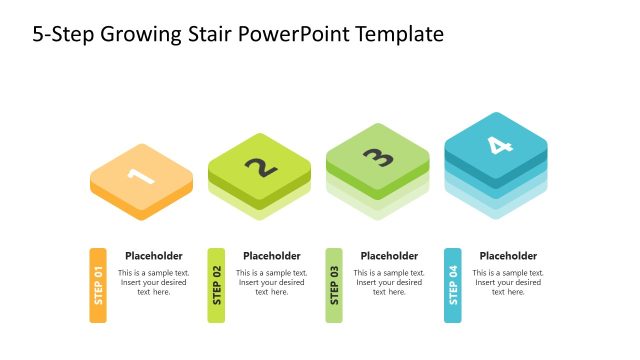
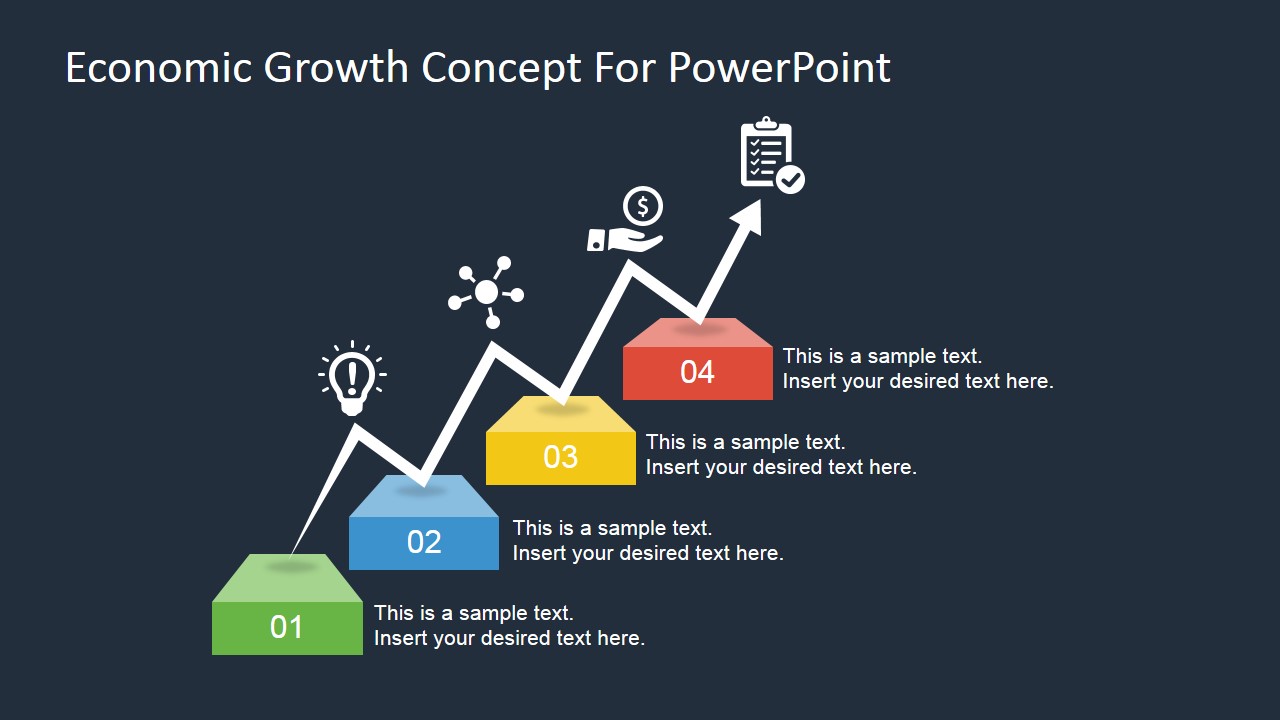
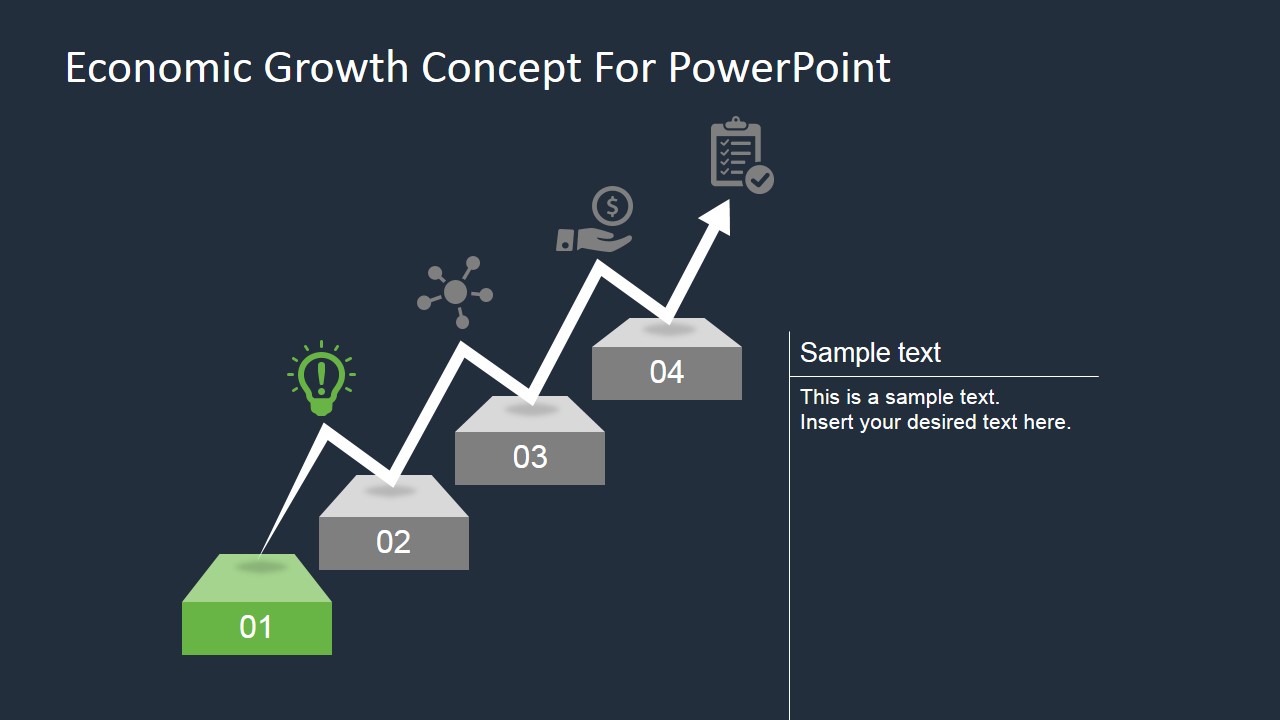
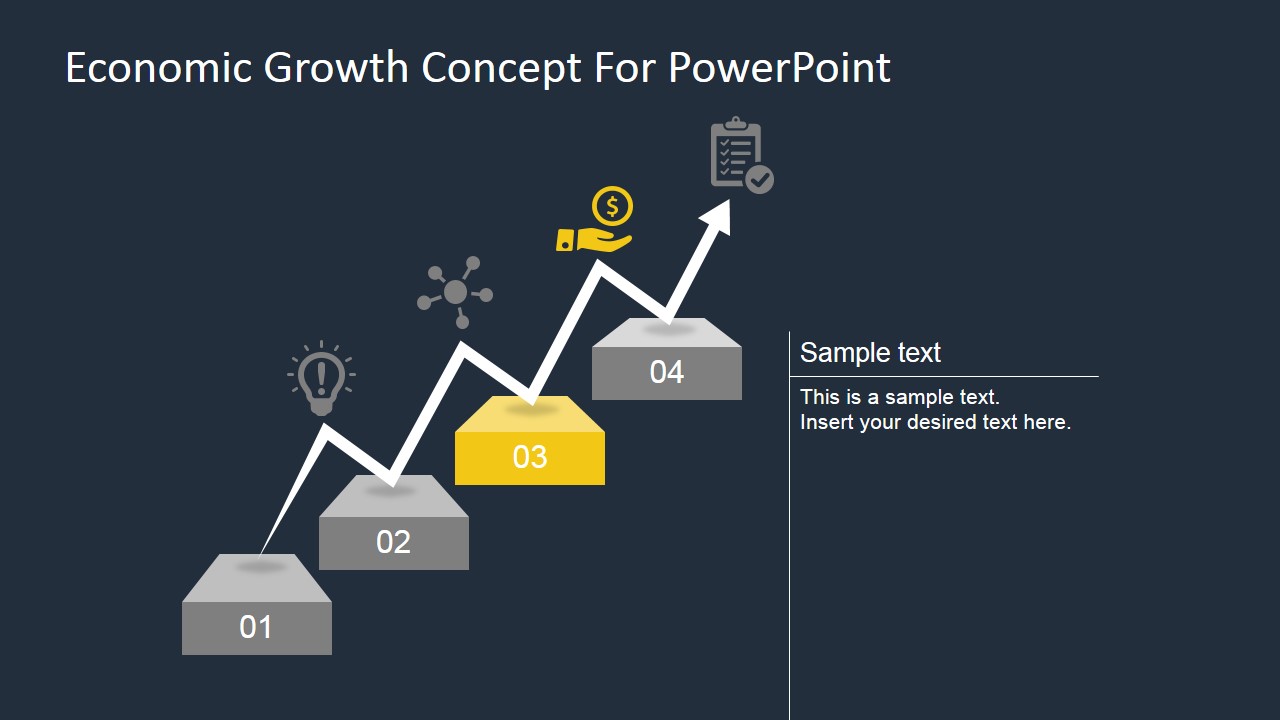
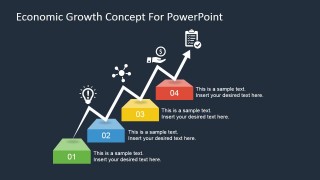
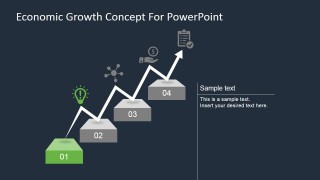
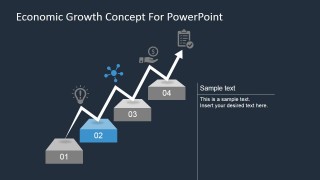
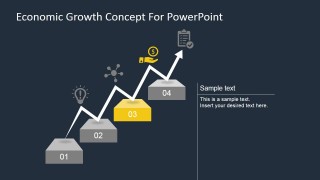
The Office template is designed around a four-step ladder diagram, composed of disconnected 3D steps PowerPoint Shapes. These are placed in a rising diagonal layout. Each step contains a numbered label to reflect its position in the sequence. A white zig zag line appears to jump from one step to another to indicate the highs and lows of the business cycle. On each peak is a minimalist icon, including a lightbulb and a clipboard.
Ideal for showcasing the stages of the business cycle in reference to economic growth, the Economic Growth Concept for PowerPoint presents an attractive alternative to common step process diagrams. Featured on the slides are PowerPoint objects that are fully editable, allowing the presenter to customize them to specifications.
Combine different PowerPoint Shapes from our gallery and decorate the presentation with reference to your own visual metaphors.
What’s inside this template
Example presentation scenarios
- A business analyst can use the four-step stair overview to explain how market conditions progress from an initial idea to measurable economic output.
- A consultant can use the focused step slides to walk executives through each stage of a growth initiative while keeping prior and future milestones visible.
- A government or policy presenter can use the zigzag arrow and icons to discuss economic development stages, including planning, connectivity, funding, and completion.
- A marketing strategist can use the stair process diagram to show how a campaign or product adoption plan moves through four planned growth milestones.
Features
- 100% editable presentation template
- Compatible with Microsoft PowerPoint and Google Slides
- 16:9 aspect ratio slides
- Scalable vector shapes, icons and illustrations
- AI-Ready for Microsoft Copilot and Claude
- Instant access and download
Frequently asked questions
Q: How should a presenter explain the growth message with this template?
A: Start with Slide 1 to establish the full four-stage path, then move through the focused slides only for the stages that need explanation. Treat the zigzag arrow as the story line: progress is upward, but not perfectly linear. Keep each text panel tied to one action, one decision, or one result.
Q: Who is this template best suited for?
A: This template fits analysts, consultants, economists, and strategy teams who need to explain staged growth without building a full report deck. It works well for economic briefings, market development updates, and business improvement plans where the audience needs to understand sequence, momentum, and milestone logic quickly.
Q: Why use stairs and a zigzag arrow instead of a standard process list?
A: The stair metaphor makes progress feel cumulative: each stage depends on the one before it. The zigzag arrow adds realism by suggesting cycles, setbacks, or market movement while still pointing upward. The highlighted step variants help the audience focus on one milestone without losing the larger growth path.


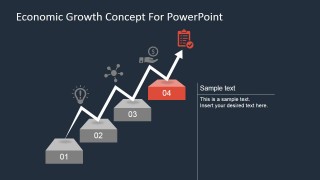
Economic Growth Concept for PowerPoint
5-slide presentation template with economic growth stairs, four-step process diagram, and milestone focus layouts
Economic Growth Concept for PowerPoint is a 5-slide diagram template for explaining economic growth, business cycles, or staged improvement. It uses a four-step stair diagram, zigzag growth arrow, milestone icons, and focused step callouts. The template is built for Microsoft PowerPoint and Google Slides.
- Category
- Diagrams
- Rating

 Loading...
- Aspect ratio
- 16:9, 4:3
- Item ID
- 7087-01
- Colors
 Microsoft PowerPoint
  Microsoft Copilot
  Claude for PowerPoint
 Other formats supported
Subscribe today and get immediate
access to download our PowerPoint templates.