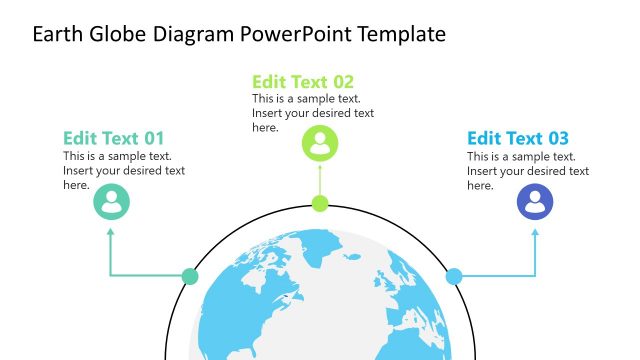
Slide 2 of 2 from Earth Diagram PowerPoint Template
Editable Earth Diagram PPT Template for Presentation
Earth Diagram with Annotations Slide
- Diagram
- Other
- Context Slide
- 16:9
- 100% Editable
What’s on This Slide
The layout features a central globe illustration positioned at the top center, displaying the Earth. Below the globe, three circular nodes are aligned vertically, each connected to a rectangular text placeholder. The placeholders are evenly spaced and centered beneath each node, allowing for text insertion. The background is a light green color, creating a subtle contrast with the globe. Each node has an orange accent, enhancing visual hierarchy. The overall composition emphasizes the globe while providing space for descriptive text.
How to Use It
This layout serves as an annotated diagram, ideal for illustrating environmental topics or scientific concepts. It fits well in a presentation sequence after introducing a problem and before discussing solutions. This structure is useful for presenting climate change impacts, geographical phenomena, or scientific data related to Earth. It allows for clear communication of key points while visually engaging the audience.
Text Placeholders & Capacity
Keep your copy within these limits so it fits without resizing. Node body slots can hold roughly 15-20 words each.
| Placeholder | Count | Max characters (approx.) |
|---|---|---|
| Item heading | 3 | 30 |
| Item body | 3 | 100 |
Slide Keywords
Download unlimited PowerPoint templates, charts and graphics for your presentations with our annual plan.
DOWNLOADReturn to Earth Diagram PowerPoint Template.