Slide 1 of 2 from Earth Diagram PowerPoint Template
Earth Diagram Template for PowerPoint
Earth Diagram PowerPoint Slide
- Diagram
- Other
- Context Slide
- 16:9
- 100% Editable
What’s on This Slide
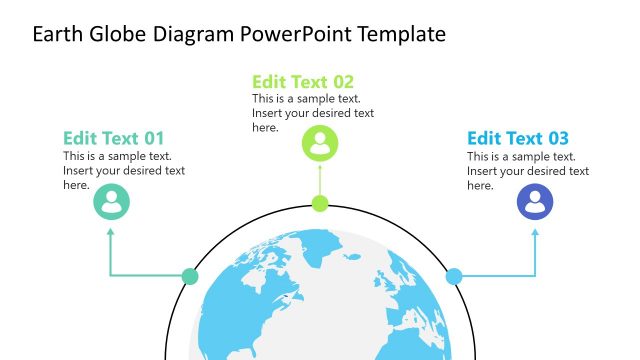
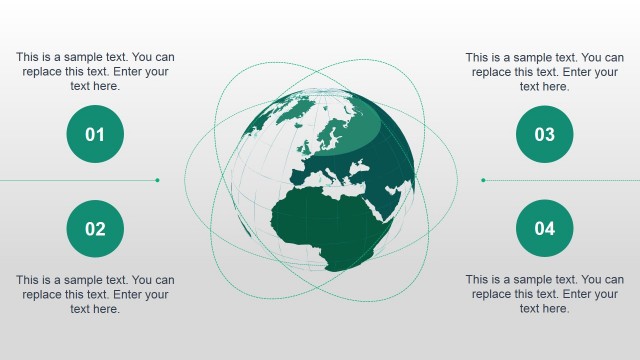
The layout features a central globe illustration, occupying the lower half of the slide. Above the globe, three rectangular text placeholders are arranged horizontally, each aligned with an icon above. The icons represent weather phenomena, including a cloud, snowflake, and sun, each positioned above its corresponding placeholder. Below the placeholders, small circular nodes connect to the globe, indicating a flow or relationship. The background is a soft green, enhancing the earth theme, while the globe is in shades of light green. The overall composition is balanced and structured.
How to Use It
This layout serves as a thematic representation of environmental topics, suitable for discussions on climate change or earth sciences. It fits well in a presentation sequence following an introduction to climate issues, providing a visual summary of key points. This structure is effective for highlighting different weather phenomena or environmental factors, making it useful in educational or corporate settings focused on sustainability and science.
Text Placeholders & Capacity
Keep your copy within these limits so it fits without resizing. Node labels can hold about 30 characters each.
| Placeholder | Count | Max characters (approx.) |
|---|---|---|
| Item heading | 3 | 30 |
| Item body | 3 | 50 |
Slide Keywords
Download unlimited PowerPoint templates, charts and graphics for your presentations with our annual plan.
DOWNLOADReturn to Earth Diagram PowerPoint Template.