Slide 2 of 2 from Downward Trend PowerPoint Template
Useful Infographics PowerPoint Slide
Useful Icons for Presentations
- Shape Object
- Other
- Context Slide
- 16:9
- 100% Editable
The Useful Icons slide from the Downward Trend PowerPoint Template offers a clean, organized grid of editable shapes designed to enhance business presentations. This slide layout provides a practical icon reference with vector icons that support clear communication and data visualization, making it a valuable asset for corporate presentation slide decks and pitch deck templates.
What’s on This Slide
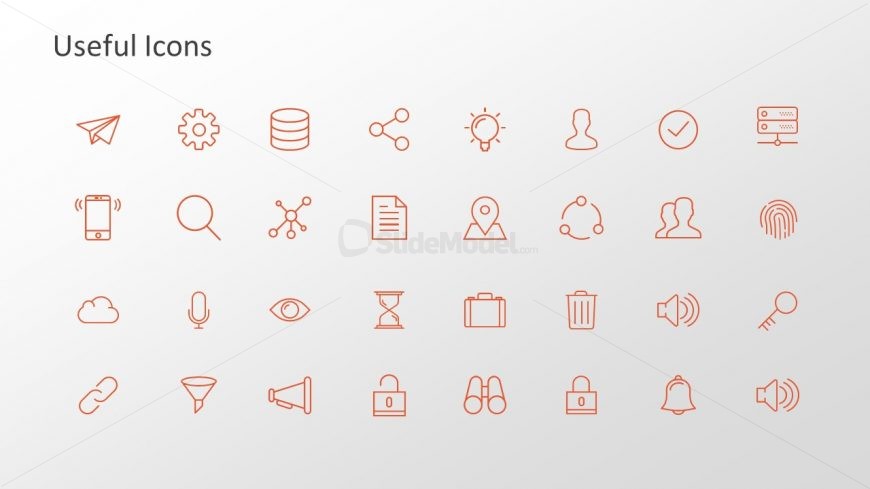
The layout features a grid of icons arranged in a two-column format. Each icon is uniformly sized and visually distinct, with a consistent orange outline on a light gray background. The icons represent various concepts, such as communication, data, and tools. The title 'Useful Icons' is positioned at the top left, using a bold font. There are no text placeholders for body content, but the grid structure allows for easy identification of each icon. The overall composition is clean and organized, facilitating quick reference.
How to Use It
This layout serves as a visual reference for icons that can be used throughout a presentation. It fits well after a problem slide, providing resources for illustrating solutions. Business scenarios include enhancing slides with relevant visuals for reports, proposals, or marketing materials. The grid format allows for easy selection of icons to complement text or data, making it suitable for various contexts where visual aids enhance understanding.
Text Placeholders & Capacity
Keep your copy within these limits so it fits without resizing. The title slot is spacious, allowing for a clear label.
| Placeholder | Count | Max characters (approx.) |
|---|---|---|
| Slide title | 1 | 20 |
Slide Keywords
Download unlimited PowerPoint templates, charts and graphics for your presentations with our annual plan.
DOWNLOADReturn to Downward Trend PowerPoint Template.