Slide 8 of 8 from Digital Marketing Metrics PowerPoint Dashboard
Modern Dashboards Analytics PowerPoint
User Account Settings Dashboard
- Text Layout
- Other
- Process Slide
- 16:9
- 100% Editable
The User Account Settings Layout from the Digital Marketing Metrics PowerPoint Dashboard template offers a structured design ideal for user profile management and onboarding presentations. This slide template features editable shapes and placeholders to clearly present user information fields, making it suitable for software feature showcases within corporate presentations or slide decks.
What’s on This Slide
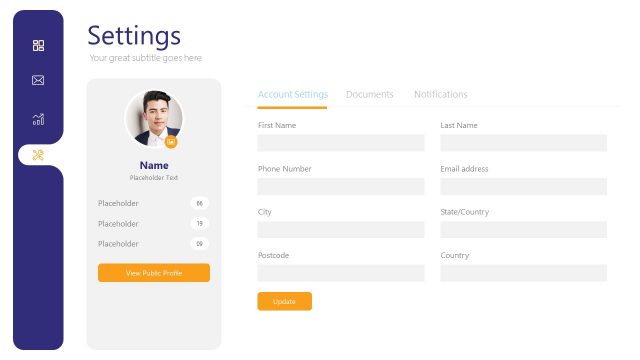
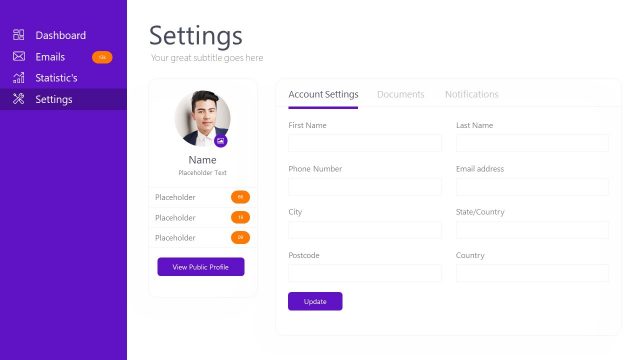
The layout features a two-column design. The left column contains a circular image placeholder for a profile picture, with a name label above it. Below the image, there are three text placeholders aligned vertically. The right column includes a section header labeled 'Account Settings' with a horizontal line beneath it. Below, there are multiple fields for user information, including labels for first name, last name, phone number, email address, city, postcode, and country. Each field has a corresponding placeholder. At the bottom, there is an 'Update' button.
How to Use It
This layout serves as a user account settings interface, suitable for applications requiring user profile management. It fits well in a presentation sequence focused on user engagement or digital marketing strategies. It can be used in scenarios such as onboarding processes, user experience discussions, or software feature demonstrations. The layout allows for clear presentation of user data entry points and actions.
Text Placeholders & Capacity
Keep your copy within these limits so it fits without resizing. Body slots are tight, roughly 5-10 words each.
| Placeholder | Count | Max characters (approx.) |
|---|---|---|
| Slide title | 1 | 30 |
| Subtitle | 1 | 50 |
| Item heading | 1 | 20 |
| Item body | 3 | 20 |
| Item body | 6 | 30 |
| Callout | 1 | 20 |
Slide Keywords
Download unlimited PowerPoint templates, charts and graphics for your presentations with our annual plan.
DOWNLOAD