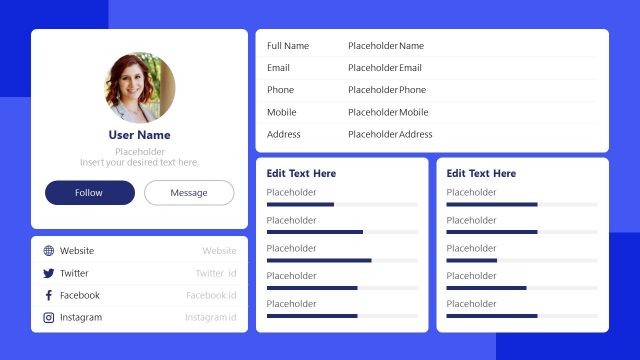
Slide 4 of 4 from Analytics Dashboard PowerPoint Template
Analytics Dashboard Interface Setting Layout
Account Settings Layout for Analytics Dashboard
- Text Layout
- Other
- Process Slide
- 16:9
- 100% Editable
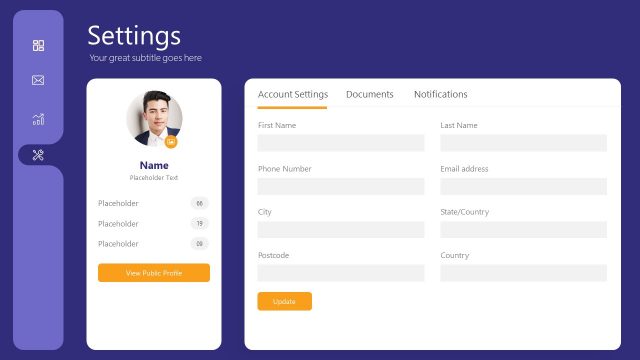
The Account Settings Layout from the Analytics Dashboard PowerPoint Template offers a clear interface for user account management within a business presentation. This slide template includes editable shapes and text placeholders designed to showcase application onboarding and digital platform features effectively. It supports the creation of a comprehensive slide deck that highlights user interaction with account settings, making it suitable for corporate presentations focused on user experience and data management.
What’s on This Slide
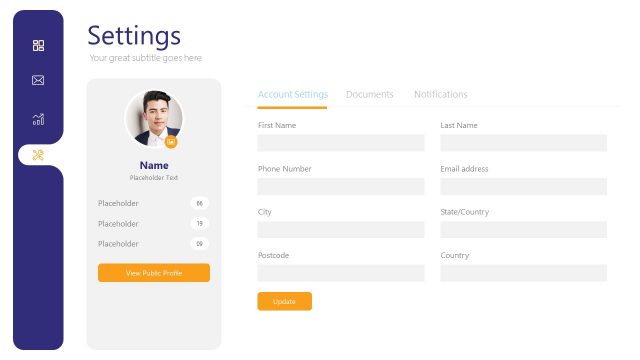
The layout features a left sidebar containing navigation options like Dashboard, Emails, and Statistics. The main section includes a profile image placeholder and a title labeled 'Name.' Below this, there are three text placeholders aligned vertically, each with a numeric indicator. To the right, an 'Account Settings' header introduces a form with labeled fields for user information such as First Name, Last Name, and Email address. A button labeled 'Update' is positioned at the bottom of the form. The overall design uses a purple color scheme with white backgrounds.
How to Use It
This layout serves as a user account settings interface, allowing users to update personal information. It fits well in a presentation sequence that discusses user experience or application functionality. This structure is applicable in scenarios such as onboarding new users, demonstrating app features, or discussing user data management. It effectively communicates how users can interact with their account settings in a digital platform.
Text Placeholders & Capacity
Keep your copy within these limits so it fits without resizing. Body slots can accommodate roughly 20-30 words each.
| Placeholder | Count | Max characters (approx.) |
|---|---|---|
| Slide title | 1 | 30 |
| Body paragraph | 1 | 150 |
| Item heading | 1 | 15 |
| Item body | 3 | 20 |
| Column header | 5 | 15 |
| Cta label | 1 | 20 |
Slide Keywords
Download unlimited PowerPoint templates, charts and graphics for your presentations with our annual plan.
DOWNLOADReturn to Analytics Dashboard PowerPoint Template.