Decor Store PowerPoint Template
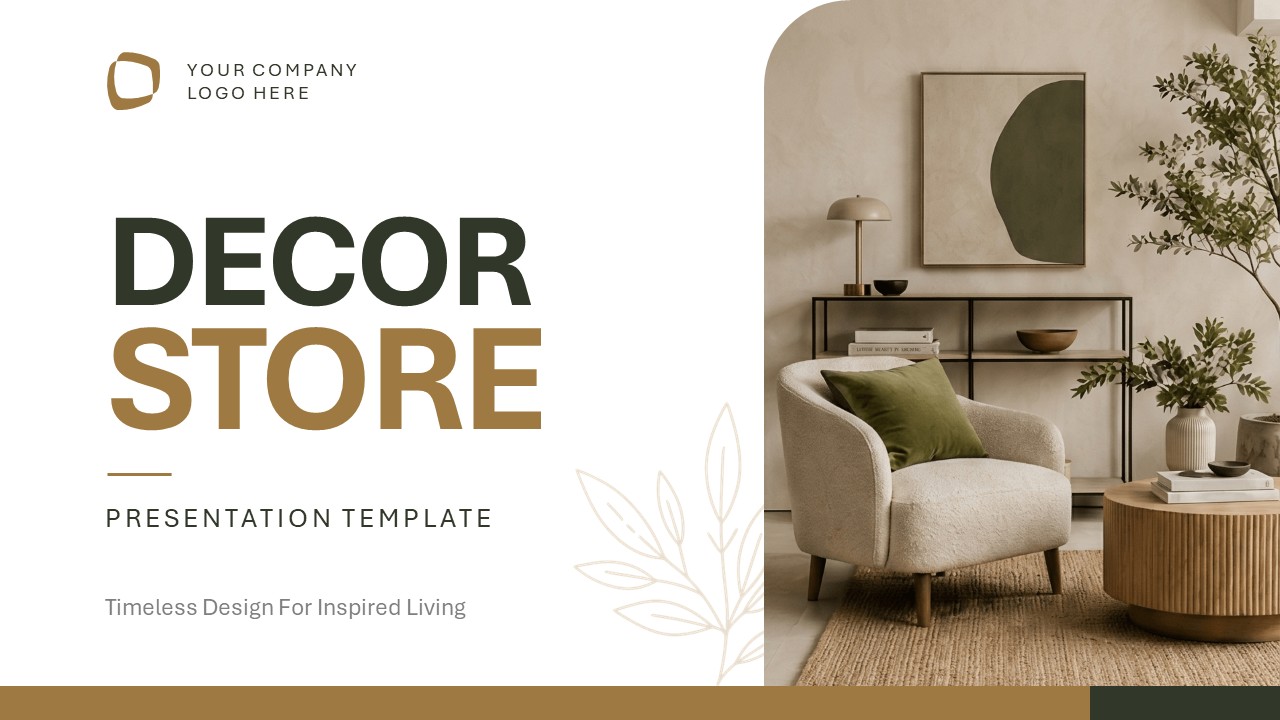
A decor brand walking into a funding round needs its story told in the same visual language as its products: warm and considered, not corporate. The Decor Store PowerPoint Template opens on a full-bleed living room photograph, olive and brass sitting against warm cream, and carries that same tone through thirteen slides covering brand background, collections, store footprint, and customer experience.
This presentation template features thirteen slides:
- Cover slide, a full-bleed styled living room photo with a logo placeholder, the brand name, and the tagline “Timeless Design For Inspired Living”
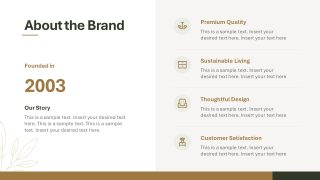
- About the Brand slide, the founding year alongside four short pillars, each paired with its own icon
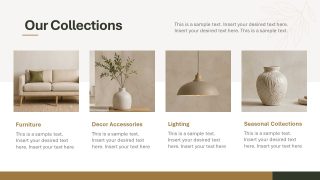
- Our Collections slide, a four-piece product grid highlighting bestsellers across the catalog
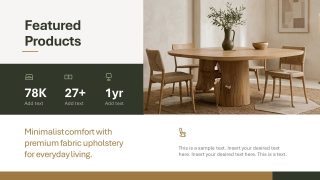
- Featured Products slide, a hero product photo backed by three quick stats on scale and longevity
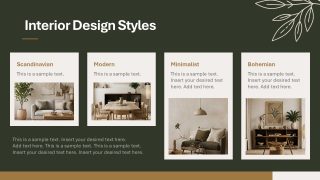
- Interior Design Styles slide, a dark-panel grid introducing distinct interior design styles side by side
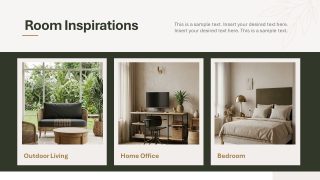
- Room Inspirations slide, three styled room photographs, each labeled by use
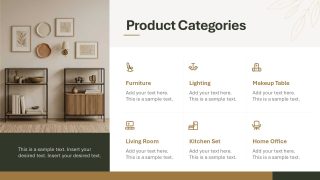
- Product Categories slide, four icon-led tiles: furniture, lighting, seasonal collections, and decor accessories
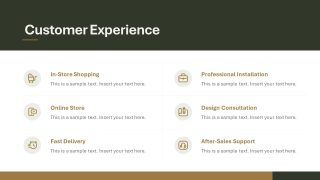
- Customer Experience slide, a two-column list of service touchpoints from in-store shopping to after-sale support
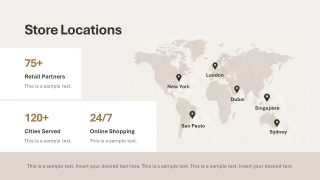
- Store Locations slide, a world map with pins alongside retail-partner and city-coverage stats
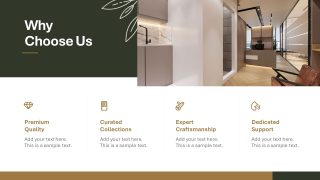
- Why Choose Us slide, a styled interior photo next to three numbered reasons to buy
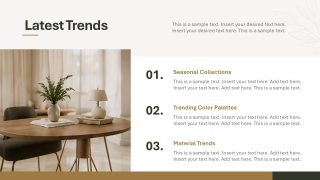
- Latest Trends slide, three numbered trend callouts paired with a room photo
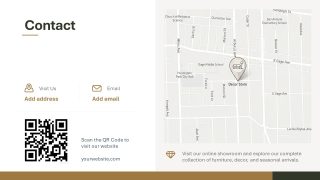
- Contact slide, a QR code, address, and small locator map
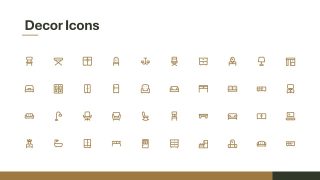
- Decor Icons, a bonus set of line icons for furniture and home categories
Replace the date on the About the Brand slide for your own funding year and start telling your brand’s story. Key information about your main vending lines can be listed in the Featured Products stat row, with numbers backing up your company’s success trajectory. On Store Locations, drop your own pins onto the map and update the retail-partner count next to it without redrawing anything. Briefing a new store manager on service standards, an operations lead can open straight to Customer Experience and walk through each touchpoint, from the in-store greeting to the after-sale follow-up, before handing over the Contact slide’s local map and QR code.
The delicate color palette can be customized to match your brand identity. Swap the hero images with your own product photography to showcase the furniture and decor portfolio available. Take the decor store template into your next investor meeting and let the interiors speak for the brand. Alternatively, you can find more presentation icons for your slides at SlideModel Icons.


You must be logged in to download this file.
DOWNLOAD- Category
- Business PowerPoint Templates
- Rating

 Loading...
- Size
- 16x9
- Item ID
- 94258-01
- Colors
Subscribe today and get immediate
access to download our PowerPoint templates.