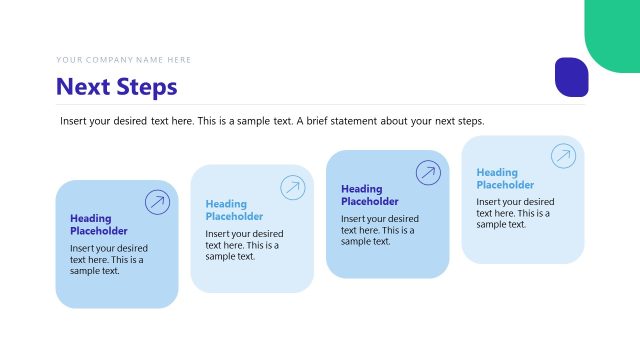
Slide 2 of 14 from Decision Making Under Uncertainty PowerPoint Template
Navigating the Unknown – Decision Making Under Uncertainty Template
Navigating the Unknown Slide Overview
- Text Layout
- List Blocks
- Concept Explanation Slide
- 16:9
- 100% Editable
The Navigating the Unknown slide from the Decision Making Under Uncertainty PowerPoint Template offers a structured layout ideal for outlining decision processes and explaining strategies. This slide features editable shapes and directional icons to visually represent progression, making it suitable for business presentations and pitch decks that require clear explanation of complex concepts.
What’s on This Slide
The layout features three rectangular containers aligned horizontally across the slide. Each container has a rounded corner and contains a heading title placeholder at the top, followed by a text placeholder for detailed content. The leftmost container is light blue, the center is green, and the rightmost is dark blue. Each container includes a directional arrow icon, indicating flow or progression. Below the containers, there is a larger text placeholder for a main heading statement. The background is predominantly white with a blue accent on the left side.
How to Use It
This layout serves as a multi-part overview or explanation, suitable for presenting sequential information or decision-making steps. It fits well after an introductory slide, providing clarity on navigating complex topics. This structure is applicable in business contexts, such as outlining decision processes, strategies for addressing uncertainty, or summarizing key points in a presentation. It can be used to guide discussions or provide a framework for further analysis.
Text Placeholders & Capacity
Keep your copy within these limits so it fits without resizing. Node body slots can accommodate around 15-20 words each.
| Placeholder | Count | Max characters (approx.) |
|---|---|---|
| Slide title | 1 | 50 |
| Item heading | 3 | 50 |
| Item body | 3 | 100 |
| Body paragraph | 1 | 150 |
Slide Keywords
Download unlimited PowerPoint templates, charts and graphics for your presentations with our annual plan.
DOWNLOADReturn to Decision Making Under Uncertainty PowerPoint Template.