Slide 11 of 15 from Cybersecurity Awareness PowerPoint Template
Remote Work Security Tips with Four Text Sections
Remote Work Security Tips Slide
- Text Layout
- Other
- Concept Explanation Slide
- 16:9
- 100% Editable
The Remote Work Security Tips slide from the Cybersecurity Awareness PowerPoint Template offers a clear layout to communicate essential cybersecurity practices for remote employees. This slide layout integrates editable shapes and image placeholders to enhance corporate presentations or training sessions, making it a practical choice for business presentations focused on secure remote work environments.
What’s on This Slide
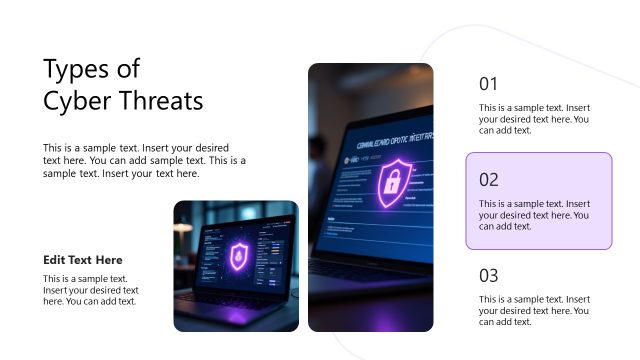
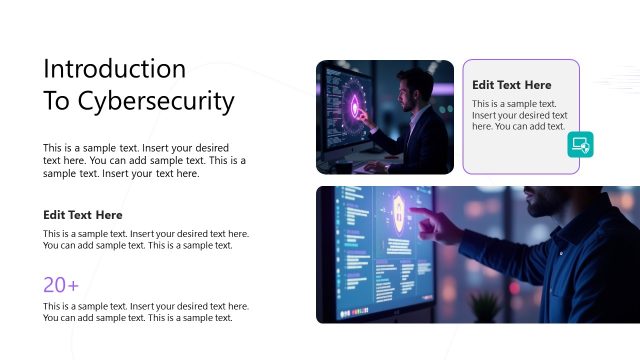
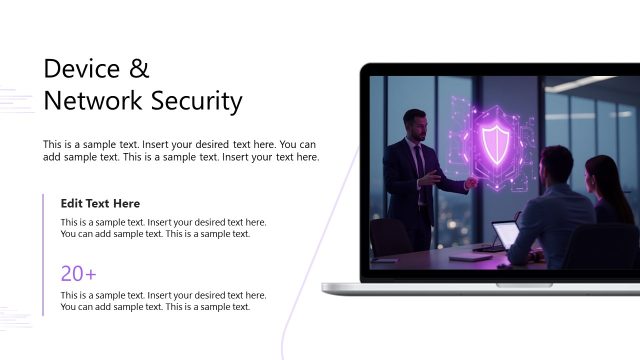
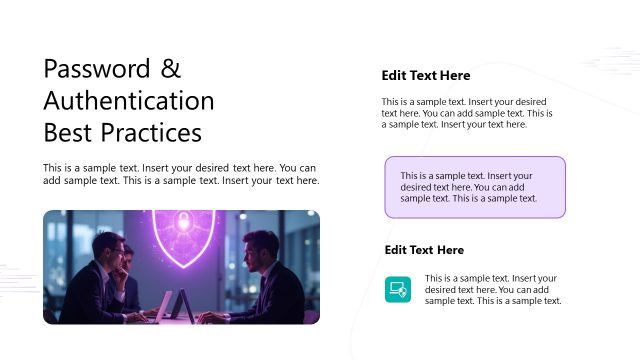
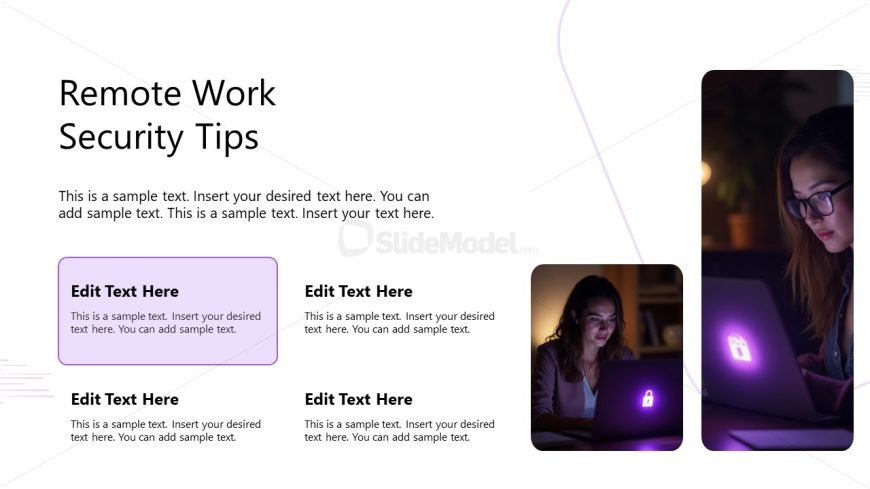
The layout features a large title at the top center, stating 'Remote Work Security Tips.' Below, there is a body text area aligned left, containing sample text placeholders. On the right side, two image placeholders are vertically stacked, with the top one showing a person working on a laptop and the bottom one displaying a close-up of a laptop with a lock icon. A purple rectangular container for text is positioned in the middle left, with additional text placeholders below it. The overall composition uses a light background with subtle purple accents.
How to Use It
This layout serves to present key security tips for remote work, making it suitable for educational sessions or training on cybersecurity practices. It fits well after introductory content, providing actionable advice. This slide can be used in corporate training sessions, webinars, or workshops focused on enhancing remote work security. It is ideal for conveying important information clearly and engagingly, ensuring that the audience retains the key messages.
Text Placeholders & Capacity
Keep your copy within these limits so it fits without resizing. Body slots are tight, roughly 15-20 words each.
| Placeholder | Count | Max characters (approx.) |
|---|---|---|
| Slide title | 1 | 30 |
| Body paragraph | 4 | 100 |
| Item heading | 4 | 20 |
Slide Keywords
Download unlimited PowerPoint templates, charts and graphics for your presentations with our annual plan.
DOWNLOADReturn to Cybersecurity Awareness PowerPoint Template.